

Sometimes a barcode scans instantly. Sometimes you need to try again and again—even though the label looks fine.
One common reason is scanner exposure. Before a scanner can read a barcode, it must take a clear picture. If the image is too dark, too bright, or blurred by movement, the scanner has less information to work with.
In warehouses and mobile workflows, lighting changes, labels reflect light, and items are often moving. This makes exposure harder to control and directly affects scan speed and accuracy.
This article explains what scanner exposure is, how it affects barcode scanning, and why exposure performance matters when using or choosing barcode scanners and mobile computers.
What Is Scanner Exposure in Barcode Scanning?
Scanner exposure refers to how a barcode scanner controls the amount of light reaching the image sensor during image capture, which directly affects barcode contrast and decoding reliability.
When a scanner reads a barcode, it first captures an image. If exposure is properly controlled, barcode edges are clear and easy to decode. If exposure is incorrect, the image may appear too dark, washed out, or blurred—making reliable decoding difficult, even with a capable scan engine
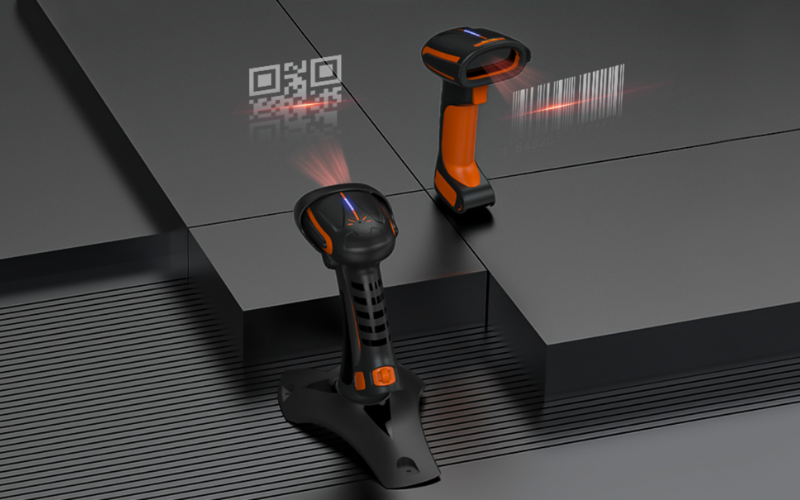
Exposure vs Brightness vs Resolution (Don’t Confuse Them)
These three terms sound similar, but they mean different things:
- Exposure: how much light the sensor collects during the capture. Think of it like “how long and how much light” the scanner allows in when it takes the picture.
- Brightness: how bright the image looks. This is the result you see, not the main control that fixes scanning problems.
- Resolution: how much detail the sensor can record (image “sharpness” level). Higher resolution can help in some cases, but it does not replace correct exposure.
So when people say, “The barcode is too dark,” the real issue is often scanner exposure, not brightness.
The Core Idea: Exposure Time + Illumination + Sensor Response
Exposure is not a single switch. It is a combination of three things working together:
- Exposure time: how long the sensor collects light
- Illumination: the scanner’s built-in light (and the environment’s light)
- Sensor response: how well the sensor and software handle bright and dark areas
This is why two devices can scan the same barcode differently in the same place. A better scanner (or mobile computer) may have stronger lighting, a better sensor, and smarter image processing—so it can capture a clearer image even when conditions are difficult.
Most modern scanners also use auto exposure. That means the device adjusts exposure automatically as lighting changes. Auto exposure works well in many situations, but in extreme cases (like shiny labels or very low light), exposure behavior can still become the reason scans fail. We’ll cover those cases next.
How Scanner Exposure Affects Barcode Capture Accuracy
Scanner exposure does not change the barcode itself—it changes the image the scanner works with. When exposure is not right, the image loses contrast or detail, and decoding becomes slower or unreliable.
Below are the most common ways exposure affects scanning accuracy in real use.
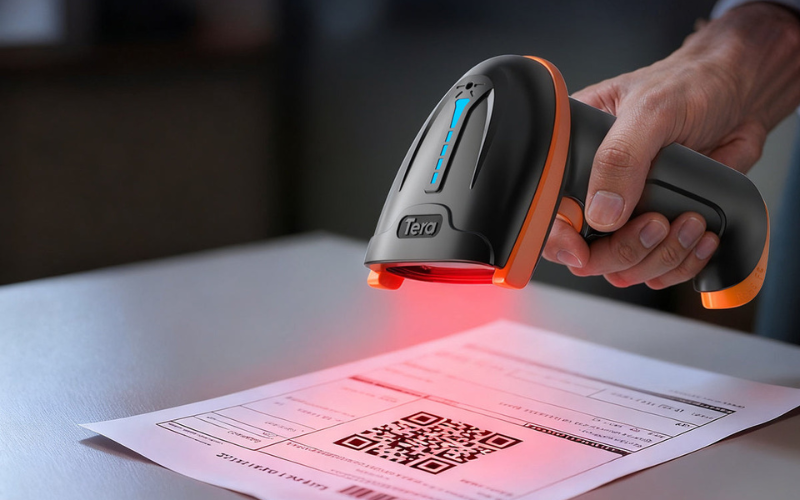
Underexposure: When the Barcode Is Too Dark
Underexposure occurs when the scanner cannot capture enough light to clearly separate dark and light areas.
Common situations:
- Dim warehouse aisles
- Long scanning distances
- Dark or low-contrast labels
What you’ll notice:
- The scanner works only at very close range
- You need multiple attempts
- Small or dense 2D codes often fail first
If scanning improves only when you move closer, underexposure is often the cause.
Overexposure: When Bright Areas Lose Detail
Overexposure happens when strong light washes out barcode details.
Common situations:
- Glossy or reflective labels
- Plastic wrap or laminated surfaces
- Strong overhead lighting or sunlight
What you’ll notice:
- Scans work at one angle but fail at another
- Results are inconsistent from item to item
- 2D codes fail more easily than large 1D labels
If the barcode looks fine but scanning is unpredictable, overexposure is a likely reason.
Motion Blur: When Movement Breaks the Image
Motion blur occurs when the scanner captures the image while the barcode is moving.
Common situations:
- Fast picking and packing
- Conveyor belts
- Scanning while walking
What you’ll notice:
- Scans work only when you stop moving
- Scan speed drops in busy workflows
- Operators slow down to compensate
In many real operations, motion blur is the main reason scanning feels “too slow.”
Impact on 1D vs 2D Barcodes
Exposure problems affect all barcodes, but 2D codes are usually less forgiving.
- 1D barcodes depend on clean, high-contrast lines and can tolerate small exposure errors.
- 2D barcodes contain many small elements and require even exposure across the entire code.
That’s why a scanner may read a large 1D label but struggle with a small 2D code under the same lighting conditions.
Common Exposure-Related Scan Failures (and What They Look Like)
Exposure problems usually show up in very practical ways. You don’t need special tools to notice them. In many cases, you can tell something is exposure-related just by looking at the surface, the lighting, and how the scanner behaves.
Below are common scan failures caused by scanner exposure—and what they typically look like in daily work.
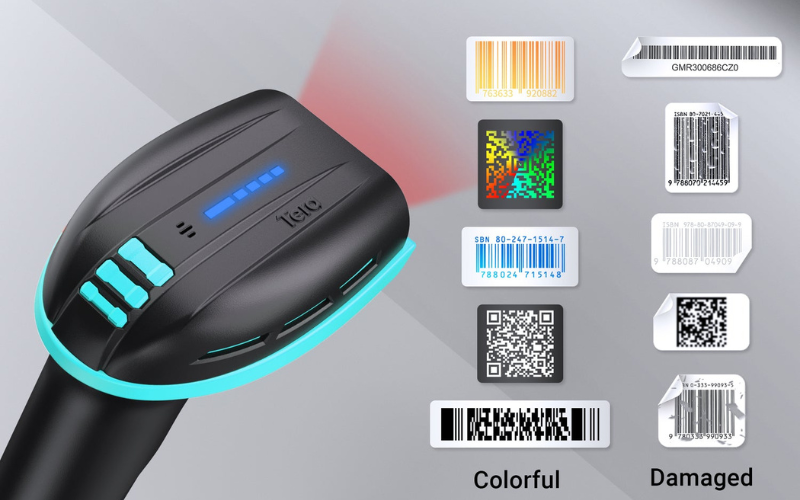
Reflective or Glossy Labels
What you see:
- The label looks shiny under lights.
- The barcode may look “normal” to your eyes, but scanning is hit-or-miss.
What scanning feels like:
- It scans only at a certain angle.
- You need to tilt the device or move closer.
- One box scans, the next similar box fails.
Why exposure is involved: Strong reflections create very bright spots in the captured image. Those bright areas can wash out barcode details, leading to overexposure in parts of the code.
Low-Contrast or Faded Barcodes
What you see:
- The barcode printing looks light, gray, or worn.
- The background and bars do not have strong contrast.
What scanning feels like:
- Scanning takes longer than usual.
- You need to scan multiple times.
- The scanner works in a bright area, but fails in dim areas.
Why exposure is involved: When contrast is already weak, the scanner needs a clean image to separate dark and light areas. If exposure is too low—or the environment is dim—the barcode image becomes even harder to decode.
Curved, Wrinkled, or Uneven Surfaces
What you see:
- Barcodes on bottles, tubes, bags, or soft packaging.
- Labels that are wrinkled, stretched, or not fully flat.
What scanning feels like:
- The scanner reads only from very close.
- You must hunt for the “sweet spot.”
- Scanning works when you press the label flat, but fails otherwise.
Why exposure is involved: Curved or uneven surfaces create uneven lighting and shadows. Parts of the barcode can become too bright while other parts become too dark. That makes exposure control harder, and the captured image becomes inconsistent.
Cold Storage: Low Light + Condensation
What you see:
- Cold rooms often have uneven lighting.
- Moisture or fog can form on labels or scanner windows.
What scanning feels like:
- Scans fail more often in cold areas than in normal temperature areas.
- Scanning improves after wiping the scanner window or label.
- The same label scans outside the cold room but not inside.
Why exposure is involved: Low light pushes the scanner toward higher exposure. Condensation can add glare and blur. Together, they reduce image clarity and make decoding unstable—especially in fast workflows.
Fast Lighting Changes (Moving Between Areas)
What you see:
- Operators move between bright zones and darker aisles.
- Lighting changes quickly during picking or delivery.
What scanning feels like:
- Scanning is slow right after you move to a new area.
- The first scan fails, then the next scan works.
- You need an extra second before the scanner “settles.”
Why exposure is involved: Exposure needs time to adjust when lighting changes. If the device’s auto exposure reacts slowly, the first captured image may be too dark or too bright, causing the first scan to fail.
Small Codes or Dense 2D Codes
What you see:
- Very small QR codes or dense Data Matrix codes.
- Codes printed on small labels or parts.
What scanning feels like:
- You must get very close and hold steady.
- It scans in perfect light, but fails in normal working light.
- Slight glare makes the code unreadable.
Why exposure is involved: Small and dense codes need a clean image with stable contrast across the whole code. Even a small overexposed spot or underexposed area can break decoding.
If you recognize one or more of these situations, there’s a good chance your issue is related to barcode scanner exposure settings rather than “bad barcodes” or “bad devices.” Next, we’ll compare auto exposure vs manual exposure and explain when automatic exposure is enough—and when you may need more control.
Auto Exposure and Manual Exposure: When Each Matters
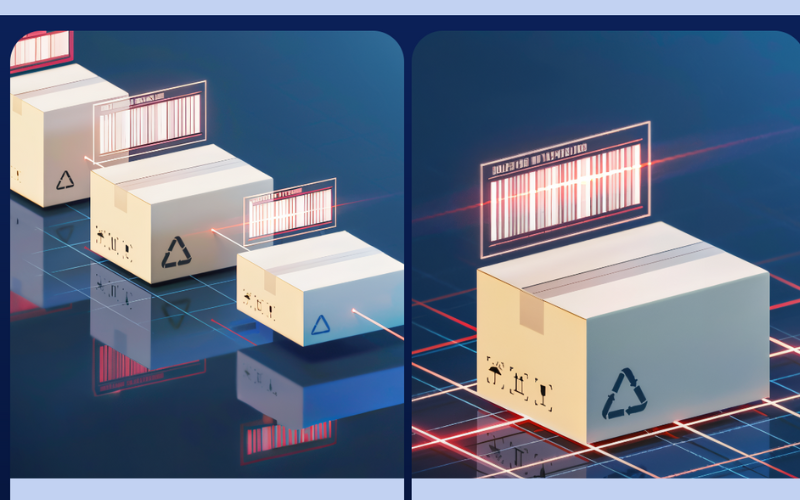
In modern barcode scanners, auto exposure is the default approach, while manual exposure is used only in specific, controlled situations. Most users should rely on automatic exposure during daily scanning. Understanding the difference helps you know when to trust the scanner and when special handling may be required.
Auto Exposure Is the Default in Modern Scanners
Auto exposure means the scanner adjusts exposure on its own every time it captures an image.
Before decoding a barcode, the scanner quickly checks the lighting conditions and makes small adjustments in the background. It may change how long the sensor collects light or how strong the built-in illumination is. This process happens automatically and takes only a fraction of a second.
In handheld mobile computers and industrial mobile computers, auto exposure is especially important. These devices are used in environments where lighting changes often, such as warehouses, factories, and loading docks. Auto exposure allows scanning to remain fast and consistent without requiring user input.
For most everyday applications, auto exposure provides the best balance between speed and image quality.
When Auto Exposure Delivers Reliable Results
Auto exposure works well in many common scanning situations, including:
- Indoor warehouses with standard lighting
- Retail environments with mixed light sources
- Printed labels with good contrast
- General inventory, picking, and packing tasks
In these environments, auto exposure adapts quickly as operators move, change distance, or scan different items. This helps maintain barcode capture accuracy while keeping scanning smooth and efficient.
For the majority of mobile workflows, no manual adjustment is needed.
Where Auto Exposure Can Struggle
While auto exposure is reliable, it can reach its limits in extreme or highly repetitive conditions, such as:
- Very shiny or highly reflective surfaces
- Extremely low-light environments
- Fast-moving items on conveyors
- Fixed scanning stations with the same difficult surface every time
In these cases, the scanner may constantly adjust exposure but never fully settle on an ideal image. This does not mean the scanner is poorly designed. It means the environment is pushing beyond what automatic adjustment can easily handle.
Recognizing these limits helps teams understand that repeated scan failures may be related to exposure conditions, not operator mistakes.
Manual Exposure as a Specialized Tool
Manual exposure is not meant for everyday scanning. It is a specialized tool used in controlled or fixed scenarios.
Manual exposure is typically applied when:
- The scanning environment does not change
- Lighting and surfaces are consistently difficult
- Stability is more important than flexibility
By fixing exposure behavior, manual settings can help create consistent image results in these narrow cases. However, if conditions change, manual exposure can reduce performance instead of improving it.
For this reason, manual exposure is usually configured during system setup, testing, or integration, not adjusted during normal daily operation.
Knowing when to rely on auto exposure—and when manual control is useful—makes scanning more stable and predictable. Next, we’ll look at practical ways to improve exposure performance in different environments.
Best Practices for Optimizing Scanner Exposure in Different Environments
Exposure problems are often triggered by the environment, not by incorrect settings. Understanding how exposure fails in each environment helps reduce scan errors without touching advanced controls.

Warehouse and Logistics Environments
In warehouses, exposure problems often show up as short scan distance or repeated retries, mainly due to uneven lighting and reflective shipping labels.
What commonly causes exposure issues:
- Dim aisles next to bright open areas
- Glossy shipping labels under overhead lights
- Changing scan distance during picking
Good practices:
- Keep lighting as consistent as possible in high-frequency scanning zones
- Avoid placing reflective labels directly under strong light sources
- Use slight scan angles to reduce glare instead of aiming straight at shiny surfaces
In warehouse workflows, stable exposure handling matters more than peak brightness, as it reduces retries and operator fatigue.
Retail and Front-of-Store Scanning
In retail environments, exposure issues often appear as “sometimes it scans, sometimes it doesn’t”, especially on glossy packaging and phone screens.
What commonly causes exposure issues:
- Plastic wrap and reflective packaging
- Phone screens with changing brightness
- Strong counter or ceiling lights
Good practices:
- Expect glare to be a bigger issue than low light
- Adjust scan angle slightly to avoid direct reflections
- Keep scanning areas free from direct light reflections
In retail, reducing glare usually improves scan consistency more than increasing illumination.
Manufacturing and Industrial Settings
In manufacturing environments, exposure problems are usually predictable but harder to tolerate, because the same difficult surface is scanned repeatedly.
What commonly causes exposure issues:
- Metal or textured surfaces
- Direct Part Marking (DPM) codes
- Fixed scanning positions with limited flexibility
Good practices:
- Expect exposure challenges on non-paper surfaces
- Focus on consistent results rather than flexible adjustment
- Test scanning performance on real parts, not just sample labels
In industrial settings, once exposure issues are identified, they are easier to manage with the right hardware and workflow design.

Mobile and Outdoor Use
In mobile and outdoor use, exposure problems often occur right after lighting changes, such as moving from sunlight into shade.
What commonly causes exposure issues:
- Rapid transitions between bright and dark areas
- Reflections from vehicles or packaging
- Constant changes in distance and scanning angle
Good practices:
- Allow a brief moment for auto exposure to adapt after lighting changes
- Avoid scanning directly under harsh sunlight when possible
- Keep scanner windows clean to prevent glare and image distortion
In mobile workflows, exposure performance is about adaptability, not manual control.
Many exposure problems can be avoided by understanding the environment where scanning actually happens. Up next, we’ll look at why exposure performance matters when choosing barcode scanning hardware.
Choosing Hardware: Exposure Performance Isn’t “Just a Setting”
In real-world scanning, exposure problems are rarely solved by changing a setting. Most of the time, they come down to hardware design choices made long before the scanner is deployed. Sensor capability, scan engine behavior, and illumination design all determine how well a device can handle difficult lighting without constant adjustment.
This is why exposure performance should be considered during hardware selection, not after deployment.
Scanner Engine and Sensor Quality Matter
Exposure performance starts with the scan engine and the image sensor behind it.
Scanners built for challenging environments typically use sensors that can handle strong bright/dark contrast and capture clear images quickly. This helps reduce motion blur and keeps fine barcode details from disappearing when lighting is uneven.
For example, Tera’s DPM-focused scanners (such as the 8100DPM Pro and 8300PRO DPM) use high-resolution global-shutter imaging to improve readability on small, damaged, or high-density codes—cases where exposure errors quickly lead to failed reads.
When evaluating hardware, the key question is not how many exposure settings exist, but whether the scanner can consistently produce a clean image under real operating conditions.
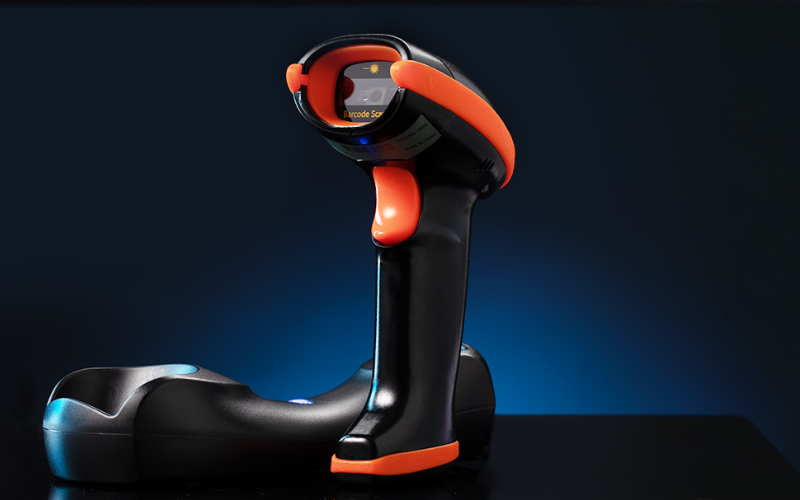
Illumination Design for Difficult Surfaces
Many exposure issues are caused not by low light, but by reflected light.
Glossy labels, metal parts, and curved surfaces can create glare that washes out barcode details. In these cases, simply adding more brightness often makes things worse. What matters more is how evenly the scanner illuminates the surface and how well it controls glare.
This is especially important for DPM use cases, where barcodes may be laser-marked or dot-peened onto parts. Well-designed illumination helps keep exposure stable so the scanner can capture a usable image without constant manual tuning—something industrial DPM scanners are typically engineered to handle.
Why Industrial Mobile Computers Need Strong Exposure Handling
Exposure performance becomes even more critical when scanning is done through industrial mobile computers.
In warehouses and manufacturing, operators scan while walking, reaching, or moving between lighting zones. There is no time to stop and adjust settings, and repeated scan failures quickly slow down operations.
That’s why devices used in these environments rely heavily on the exposure performance of the scanning module itself. A solution that handles exposure automatically and consistently supports faster workflows, fewer retries, and more reliable data capture.
Conclusion
Scanner exposure is not a minor setting—it’s a core capability that defines how reliably barcodes are captured in real working environments. When lighting, surfaces, and motion become unpredictable, exposure performance is often the difference between smooth workflows and constant retries.
In industrial and mobile use, most exposure-related problems are not fixed by adjusting settings after deployment. They are avoided by choosing scanning hardware that handles exposure well by design. When evaluating scanners or mobile devices, exposure performance should be considered alongside scan engine quality and illumination design—not as an afterthought.
Taking exposure seriously during hardware selection helps teams reduce scanning failures, improve efficiency, and avoid unnecessary reconfiguration later on.



