

Barcode scanner speed is often treated as a simple spec. Faster decoding, faster work. But in real operations, “fast” is not a number. It’s how quickly people can scan, get confirmation, and move on—without re-scans, hesitation, or system delays. This guide explains what barcode scanner speed really means, what affects it in the field, and how to evaluate whether a device is truly fast enough for your workflow.
What Is Barcode Scanner Speed, and Why Is It Often Misunderstood?
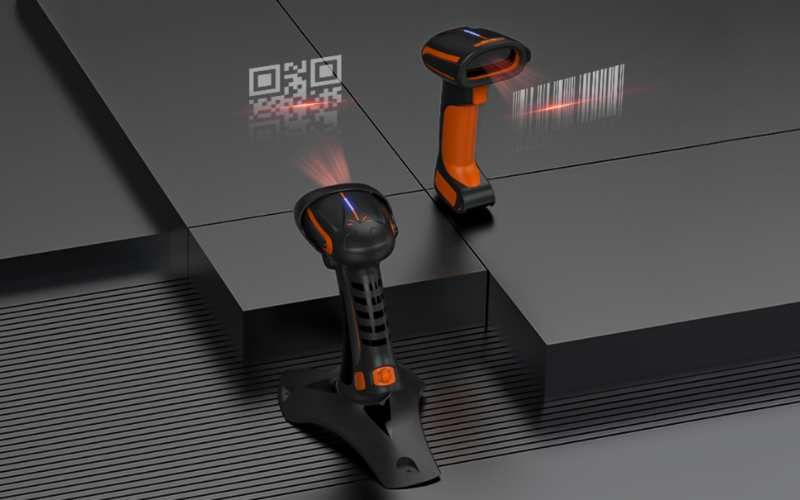
Barcode scanner speed is the time it takes to complete a scan during real work, not just how fast a barcode is decoded. Many speed specifications only describe decoding performance in lab conditions. They do not reflect how scanning works in daily operations.
In real use, scan speed depends on the entire scan cycle, not a single technical step. A typical scan cycle includes:
- Triggering the scan
- Capturing the barcode image
- Decoding the barcode
- Receiving confirmation that the scan was successful
If any step is slow, overall scanning becomes slower. This is true even when decoding itself is very fast.
This misunderstanding is common in warehouse and industrial environments. In these settings, scanning is usually done on handheld devices with integrated barcode scanners, such as rugged handhelds or industrial mobile computers. Users are often moving, handling items, and scanning repeatedly throughout the day.
Because of this, scanners with similar speed specifications can behave very differently in practice. A scanner that decodes quickly but causes frequent re-scans may reduce productivity. Another scanner with slightly slower decoding but more reliable reads can perform better overall.
To understand barcode scanner speed correctly, focus on how quickly users can scan, get confirmation, and move on to the next task. This is what determines real operational efficiency.
How Fast Is a Barcode Scanner in Real-World Use?
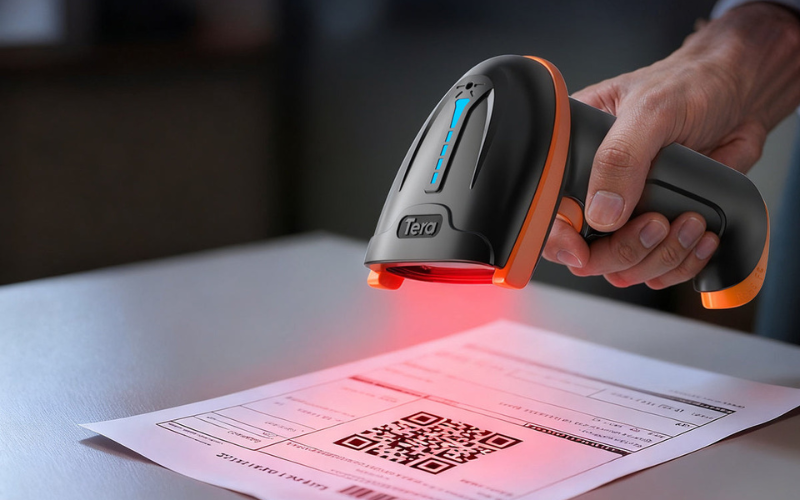
People often look for a single number. They ask, “How fast is a barcode scanner?” In real operations, the better question is: how long does one full scan take from trigger to confirmation?
For most handheld scanning tasks, a good real-world scan feels nearly instant. From a user’s perspective, this usually means:
- Fast: confirmation appears almost immediately after the trigger
- Acceptable: a slight pause, but no disruption to the workflow
- Slow: visible delay that forces the user to wait or re-adjust
In practical terms, many warehouse and industrial workflows operate smoothly when a completed scan happens in well under one second. When confirmation consistently takes longer than that, users begin to notice friction, especially during continuous scanning.
What matters even more than raw speed is consistency. A scanner that completes most scans quickly, but occasionally stalls or misses reads, often feels slower than one with slightly slower but predictable performance.
This is especially true when scanning is done on rugged handhelds or handheld mobile computers. In these environments, overall speed is shaped by the full system. Decoding, user feedback, application response, and connectivity all play a role.
To judge real-world speed, avoid relying only on published specifications. Instead, test how the scanner behaves during repeated scans over several minutes. If it stays responsive, gives immediate feedback, and rarely requires re-scans, it is fast enough for real operations.
What Actually Affects Barcode Scanner Speed in Daily Operations?
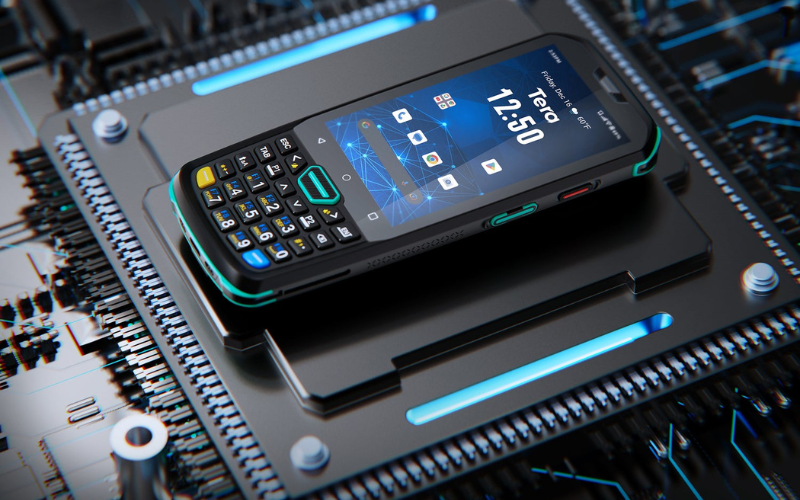
Barcode scanner speed is rarely limited by one single factor. In daily operations, it is shaped by hardware, software, and the environment working together. If any part underperforms, overall speed drops.
Below are the factors that matter most in real use.
Hardware-Related Factors
Hardware sets the upper limit for scanning speed.
The image sensor affects how quickly a barcode can be captured. Poor sensors struggle with motion, low contrast, or distance. This forces users to slow down or re-aim.
Illumination also matters. Weak or uneven lighting makes barcodes harder to read. This increases capture time and causes missed reads.
Processing power plays a role as well. If the device cannot process images smoothly, delays appear between scans.
In warehouse and industrial settings, scanning is often done on rugged handheld devices or handheld mobile computers. Here, ergonomics matter more than many people expect.
In warehouse and industrial settings, scanning is often done on rugged handheld devices or handheld mobile computers. Here, ergonomics matter more than many people expect. A device that is hard to aim or uncomfortable to hold will slow users down, even if the scanner itself is fast. This is why form factors such as pistol grips can make a real difference—devices like Tera’s P166GC support ergonomic pistol grips that help operators maintain a steady aim and consistent scanning rhythm during long shifts.
Software and Decoding Factors
Software determines how efficiently images are turned into usable data.
The decoding engine affects how quickly barcodes are recognized, especially damaged or low-quality labels. A strong decoder reduces the need for repeat scans.
Scan feedback is another key factor. Clear visual or audible confirmation lets users move on immediately. Poor feedback causes hesitation and slows the workflow.
Application performance also matters. If the scanning app lags or freezes, the scanner will feel slow no matter how fast the hardware is.
Environmental and Workflow Factors
The environment often becomes the real bottleneck.
Lighting conditions, barcode quality, and scan distance all affect capture speed. Dirty, wrinkled, or poorly printed labels slow scanning more than most specifications suggest.
User movement matters as well. In real operations, people scan while walking, lifting, or turning. Scanners must handle motion reliably to maintain speed.
Workflow design is another hidden factor. Network delays, backend processing, or system confirmation steps can add noticeable time after each scan. Users experience this as “slow scanning,” even though decoding has already finished.
When evaluating barcode scanner speed, it is important to look beyond a single specification. Real speed is the result of all these factors working together, not just the decoding engine.
In real workflows, a failed scan is always slower than a successful one. That raises a simple question: does barcode scanner speed matter more than accuracy?
Does Barcode Scanner Speed Matter More Than Accuracy?
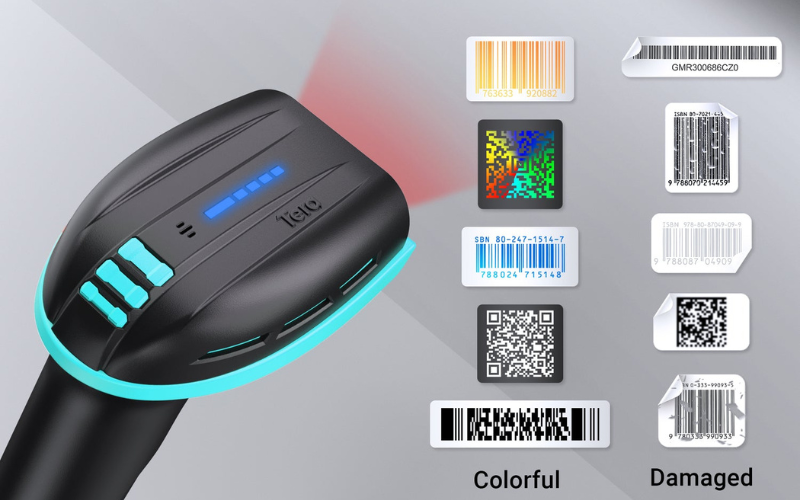
For most real-world operations, accuracy matters more than raw barcode scanner speed. A scan that works on the first try is always faster than one that has to be repeated.
When a scanner misses a read, users have to pause, re-aim, or adjust the label. This adds more time than small differences in decoding speed ever save. Over hundreds or thousands of scans, re-scans quickly become the main source of delay.
Accuracy improves speed in a practical way. High first-read success keeps users moving and workflows smooth. This is why many teams care more about consistency than peak decoding performance.
Speed still matters once accuracy is stable. When two scanners read reliably, faster response and quicker confirmation can reduce fatigue and improve user experience during high-volume work.
This tradeoff is especially clear in warehouse and industrial use. Scanning is often done on rugged handhelds or handheld mobile computers. In these conditions, devices that read reliably under motion and imperfect angles perform better than scanners that are only fast in ideal setups.
When evaluating scanners, a simple order of priorities works well:
- Reliable first reads
- Clear and immediate feedback
- Smooth continuous scanning
Get these right, and real-world scanning will feel fast.
If re-scans are the biggest “hidden slowdown,” the next question is what makes reads more reliable in the first place — and that often comes down to the barcode type. So, is 1D scanning actually faster than 2D in practice?
Is 1D Barcode Scanning Faster Than 2D in Practice?
In most real-world operations, 1D barcodes are usually faster to scan than 2D barcodes — but the gap is much smaller than many people expect.
1D barcodes are simpler. They contain less data and follow a linear pattern. This makes them easier to capture and decode, especially when users are moving quickly or scanning at longer distances. In high-volume workflows, this simplicity often translates into slightly faster and more forgiving scans.
2D barcodes are more complex. They store more information and require image-based decoding. In theory, this adds processing time. In practice, modern scanners handle 2D codes very efficiently. When labels are clear and well printed, the speed difference is often hard for users to notice.
The bigger difference appears when conditions are not ideal. Poor lighting, damaged labels, or motion tend to affect 2D codes more than 1D codes. In these situations, 1D barcodes often maintain higher first-read success. Fewer failed reads usually matter more than small decoding speed differences.
In warehouse and industrial environments, scanning is often done on rugged handhelds or handheld mobile computers. With these devices, overall performance depends less on barcode type and more on how consistently the scanner reads on the first attempt. A well-tuned scanner can scan 2D codes quickly enough for most workflows.
In short, 1D barcodes are often faster, but reliability is the real deciding factor. If a 2D barcode reads consistently in your environment, it will not slow down operations in a meaningful way.
Even if 1D is slightly faster, barcode type isn’t what slows most teams down day to day. What matters more is how scanning performs in your actual environment—especially in warehouses and industrial workflows.
How Does Barcode Scanner Speed Perform in Warehouse and Industrial Environments?
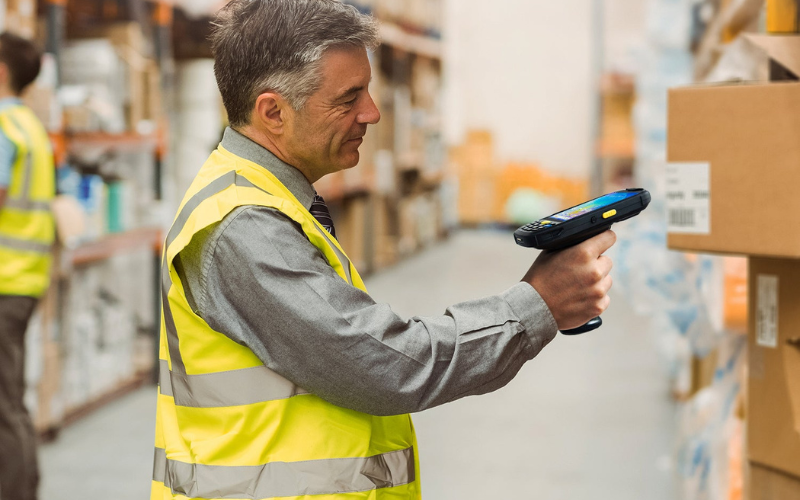
In warehouses and industrial settings, barcode scanner speed is shaped by movement, repetition, and environment. Scanning rarely happens at a desk. Users scan while walking, lifting, turning, or reaching. Under these conditions, consistency matters more than peak speed.
Continuous scanning is the first test. Devices must keep up with rapid, repeated scans without lag. Any pause between scans breaks rhythm and slows throughput. Scanners that stay responsive over minutes of nonstop work feel faster, even if their decoding is not the fastest on paper.
Motion tolerance is the second factor. Real scans happen at imperfect angles and varying distances. In these moments, scanners that read on the first attempt save time. Missed reads force re-aiming and re-scanning, which quickly outweighs small speed differences.
Feedback speed also plays a major role. Clear beeps, vibrations, or on-screen confirmation let users move on immediately. Delayed or unclear feedback causes hesitation and slows the line.
In these environments, scanning is typically done on rugged handhelds or handheld mobile computers with integrated scanners. In these environments, scanning is typically done on rugged handhelds or handheld mobile computers with integrated scanners.
For example, Tera’s rugged handheld mobile computers such as the P166GC and P172 are built for high-volume warehouse scanning. Models that use the Zebra SE4710 scan engine are designed to maintain strong first-read performance on damaged, low-contrast, or screen-displayed codes—exactly the situations that slow teams down in real operations. Here, overall speed depends on the full system: scanner performance, device ergonomics, application response, and connectivity. A balanced setup that minimizes interruptions will outperform a setup optimized only for decoding benchmarks.
The takeaway is simple. In warehouse and industrial work, a scanner is fast when it keeps pace with people, not when it wins a lab test.
The good news is that many of these slowdowns are not fixed—and can be improved in practice.
How Can You Improve Barcode Scanner Speed in Real Operations?
Improving barcode scanner speed rarely requires chasing faster decoding specifications. In most cases, speed improves when friction is removed from the workflow.
Start with first-read success. Clean, well-printed labels and proper barcode placement reduce re-scans more than any hardware upgrade. Fewer failed reads translate directly into faster operations.
Next, focus on scan feedback. Clear beeps, vibrations, or on-screen confirmation allow users to move on instantly. Delayed or unclear feedback slows scanning even when decoding is fast.
Device ergonomics also play a role. Scanners that are easy to aim and comfortable to hold help users maintain a steady scanning rhythm during long shifts. Accessories like pistol grips can make a noticeable difference in high-volume work.
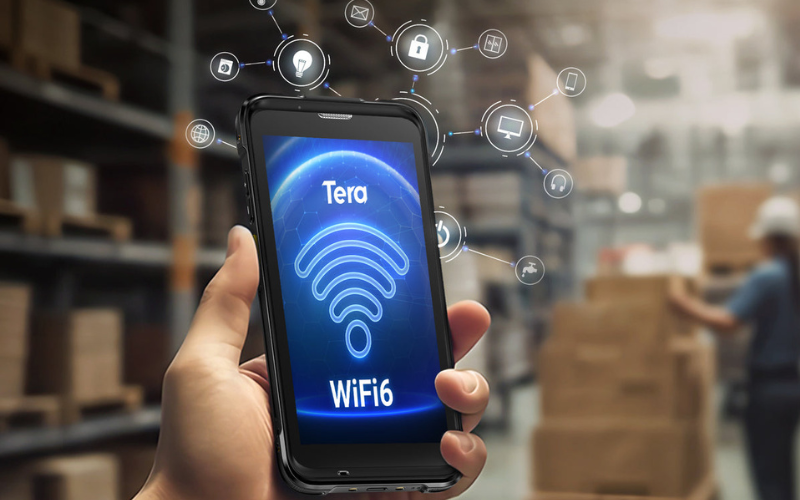
Finally, look beyond the scanner itself. Application performance, network latency, and backend response time often become the real bottlenecks. Optimizing these parts of the system can improve perceived scan speed without changing hardware.
In practice, the fastest way to improve scanning speed is to make scanning predictable and interruption-free.
Once these basics are in place, the next step is deciding whether your scanner is already fast enough for the job.
How Can You Tell If a Barcode Scanner Is “Fast Enough” for Your Workflow?
A barcode scanner is “fast enough” when it never becomes the reason work slows down. You should not have to wait for confirmation, adjust labels repeatedly, or change your pace to accommodate the device.
The most reliable way to judge speed is to test it in your actual workflow, not on a spec sheet. Focus on these practical checks:
- Time to confirmation: After the trigger, does feedback feel immediate? If users ever pause to wait, speed is already a problem.
- First-read success: How often does the scanner read on the first attempt? Frequent re-scans are the biggest hidden slowdown.
- Continuous performance: Does the device stay responsive during repeated scans over several minutes? No stalls, no dropped rhythm.
- Usability under motion: Can users scan while walking, lifting, or turning without slowing down?
- System response: Does the app, network, or backend add delay after the scan completes?
In warehouse and industrial workflows, these tests are usually performed on rugged handhelds or handheld mobile computers with integrated scanners. In this context, “fast enough” means the device keeps up with people, not the other way around.
A simple rule works well: if users never notice the scanner, it is fast enough. When scanning feels natural and uninterrupted, real productivity follows.
If you’re evaluating devices, it helps to compare a few options against the same workflow. For long shifts and battery-heavy use, teams often test handhelds like Tera’s P172. For modern OS support and smart warehouse connectivity, the Android 13-based P166GC is a common shortlist item. And for conveyor or fast-moving line scenarios, devices such as Tera’s P400 with the HS7 scan engine are often considered for high-speed capture.
Final Thoughts
Barcode scanner speed is not defined by decoding benchmarks or technical specifications. In real operations, speed is determined by how reliably scanning fits into the workflow.
First-read success, clear feedback, and consistent performance matter more than raw decoding speed. Missed reads, hesitation, and system delays slow teams down far more than small differences in scan time.
The fastest scanner is the one that works predictably, keeps pace with users, and never interrupts the job.



