

Most problems with mobile computer scanners don’t come from the scanner. They come from the screen.
Teams often focus on scan engines and CPU specs, then discover too late that the touchscreen slows everything down—especially with gloves, moisture, or cold environments. That’s why the choice between capacitive and resistive touchscreens matters more than it first appears.
This article looks at capacitive vs resistive touchscreens specifically for mobile computer scanners, and how each one performs in real working conditions.
Quick Comparison – Capacitive vs Resistive Touchscreen for Mobile Computer Scanners
Choosing between a capacitive and resistive touchscreen is one of the most important decisions when evaluating a mobile computer scanner. The right screen impacts ease of use, glove performance, scanning efficiency, durability, and long-term worker productivity. The table below provides a clear, at-a-glance comparison to help you quickly understand which touchscreen type fits your environment and workflow.
Factor |
Capacitive Touchscreen (PCAP) |
Resistive Touchscreen |
Better Choice for Mobile Computer Scanners |
Touch Input Method |
Detects electrical conductivity from fingers or conductive gloves |
Registers pressure from any object: finger, stylus, tool, thick gloves |
Depends on glove requirements |
Responsiveness |
Very fast, light touch, smartphone-like |
Slower, requires firm press |
Capacitive |
Accuracy for Small UI Elements |
High precision; ideal for detailed apps |
Precise with stylus; less precise with finger |
Tie (stylus) / Capacitive (finger) |
Multi-Touch Support |
Full multi-touch (tap, swipe, zoom) |
Mostly single-touch |
Capacitive |
Screen Clarity & Brightness |
Excellent clarity; glass surface improves visibility |
Lower brightness; plastic top layer diffuses light |
Capacitive |
Glove Compatibility |
Works with thin or conductive gloves; may require glove mode |
Works with any gloves, including very thick ones |
Resistive |
Wet / Rain Performance |
Can mis-trigger without wet-touch optimization |
Water doesn't affect pressure-based touch |
Resistive |
Dust, Oil, Contamination |
Can interfere with touch sensitivity |
Performs reliably even when dirty or oily |
Resistive |
Scratch Resistance |
Strong glass, highly scratch-resistant |
Softer surface; prone to wear over time |
Capacitive |
Impact Resistance |
Glass may crack under extreme force |
Flexible top layer absorbs impact |
Resistive |
Long-Shift Comfort |
Very low finger fatigue |
More fatigue from repeated pressing |
Capacitive |
Cost |
Higher |
Lower |
Resistive (budget) |
Best Use Cases |
Retail, parcel delivery, general warehousing, field mobility |
Cold storage, heavy manufacturing, oil & gas, dirty/wet sites |
Scenario-dependent |
If your workflows involve mixed glove use, fast tapping, scrolling through apps, or outdoor visibility needs, choose a rugged projected capacitive (PCAP) touchscreen. It delivers better clarity, higher responsiveness, and a modern smartphone-like experience that reduces worker fatigue.
If your environment is extremely cold, wet, oily, dusty, or requires very thick protective gloves, a resistive touchscreen still provides the most reliable and consistent input—especially for industrial or heavy-duty mobile computer scanner deployments.
Understanding why these differences exist requires a closer look at how each touchscreen technology works. Let’s start with capacitive touchscreens.
How Capacitive Touchscreens Work on Mobile Computer Scanners
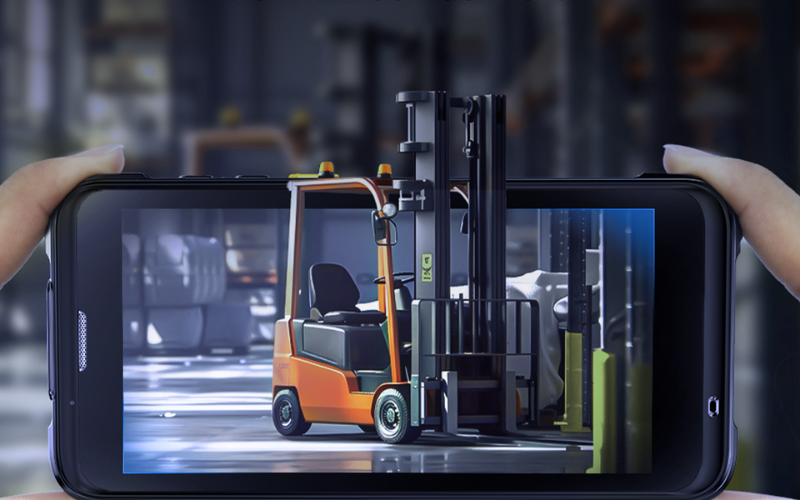
A capacitive touchscreen detects changes in an electrostatic field when a finger, conductive glove, or capacitive stylus touches the glass surface. Beneath the glass is a grid of transparent conductive traces. When you touch the screen, a tiny change in capacitance occurs at that location, and the controller converts this into a precise touch point.
On modern rugged mobile computer scanners, this is almost always projected capacitive (PCAP) technology, tuned to work with thicker cover glass, higher brightness, and sometimes special modes for glove or wet operation. This gives workers a familiar, smartphone-like experience while still meeting industrial durability requirements.
Key Advantages and Limitations of Capacitive Touchscreens
Advantages
- Fast, light-touch response — ideal for high-frequency tapping, swiping, and confirming scans in WMS, inventory, and route management apps.
- High precision for small UI elements — makes it easier to hit small buttons, checkboxes, and list items without repeated corrections.
- Multi-touch support — enables gestures like pinch-to-zoom and smooth scrolling, which are useful for maps, long item lists, and signature capture.
- Superior clarity and brightness — the glass surface and optical design deliver a bright, sharp display that remains readable in warehouses, on forklifts, or outdoors.
- Scratch-resistant glass — resists wear from boxes, shelves, carts, and daily handling, keeping the screen clear over years of use.
- Familiar smartphone-like UX — most workers already know how to use it, which reduces training time and onboarding cost.
- Rugged PCAP tuning — many industrial devices support glove mode and limited wet-touch operation, narrowing the gap with resistive in harsher environments.
Limitations
- Not compatible with all gloves — very thick or heavily insulated gloves may not register reliably unless the device offers an effective glove mode.
- Water and condensation can cause false touches — heavy rain, large droplets, or freezer fog can confuse the touch panel if wet-touch tuning is poor.
- Glass can still crack under strong point impacts — even though it is scratch-resistant, sharp drops or impacts can damage the panel.
- More sensitive to electrical and environmental noise — low-quality or poorly shielded designs may show jitter in heavy industrial environments.
- Higher cost than resistive — PCAP modules and controllers are usually more expensive, which can affect total device cost in large deployments.
To fairly compare both technologies, the next section looks at how resistive touchscreens work on mobile computer scanners and when they can outperform capacitive panels in demanding environments.
How Resistive Touchscreens Work on Mobile Computer Scanners
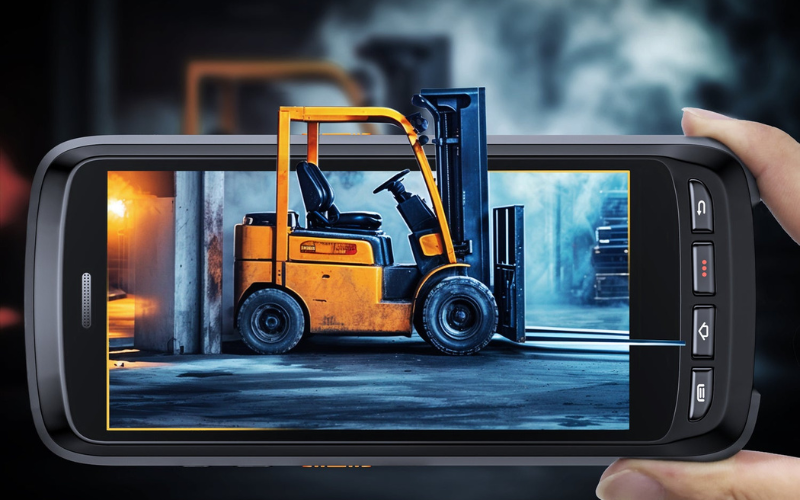
A resistive touchscreen registers input through pressure, not electrical conductivity. It is made of two thin, flexible conductive layers separated by a small gap. When a finger, gloved hand, stylus, or any object presses down, the layers touch and create a contact point that the controller interprets as a touch.
Because resistive screens only require pressure to activate, they remain reliable in cold, wet, dirty, or heavy-glove environments, where capacitive touch may struggle. This makes resistive technology a long-standing choice in industrial mobile computer scanners, especially where environmental conditions are unpredictable or harsh.
Key Advantages and Limitations of Resistive Touchscreens
Advantages
- Works with any gloves or tools — thick insulated gloves, styluses, pens, and even non-conductive objects register accurately.
- Reliable in wet or contaminated environments — water, condensation, dust, grease, or oil generally do not affect touch input.
- Consistent performance in extreme cold — resistive screens remain functional in freezer and sub-zero logistics environments where capacitive touch may fail.
- Reduced accidental touches — since intentional pressure is needed, random contact from sleeves or raindrops rarely triggers input.
- Lower cost — the technology is simpler and generally more affordable for large-scale deployments.
- High precision with a stylus — useful in workflows requiring signatures, detailed form inputs, or small on-screen elements.
Limitations
- Slower, pressure-based interaction — requires firmer taps, which can cause fatigue during long shifts with intensive scanning workflows.
- Limited gesture support — usually supports only single-touch input, reducing usability for modern Android interfaces that rely on swipes and multi-touch actions.
- Lower display clarity — the flexible top layer scatters light and reduces brightness and sharpness compared with glass capacitive screens.
- More prone to scratches and wear — the plastic or flexible film surface can degrade over time, affecting visibility and touch consistency.
- Less “smartphone-like” experience — requires more force and lacks the responsiveness that users expect from modern touch devices, increasing training time.
Resistive screens remain extremely reliable in environments with heavy gloves, extreme cold, oil, grease, or high moisture. They are a practical choice for industrial mobile computer scanners where durability and consistent input matter more than modern touch gestures.
Now that we’ve looked at how capacitive and resistive touchscreens work, the next step is to decide which one actually fits your mobile computer scanners and real-world environment.
How to Choose: Capacitive vs Resistive Touchscreen for Your Mobile Computer Scanner
Choosing between capacitive and resistive touchscreens becomes straightforward when you focus on real usage rather than technical details. The steps below form a practical decision framework for selecting the right touchscreen for your mobile computer scanners.
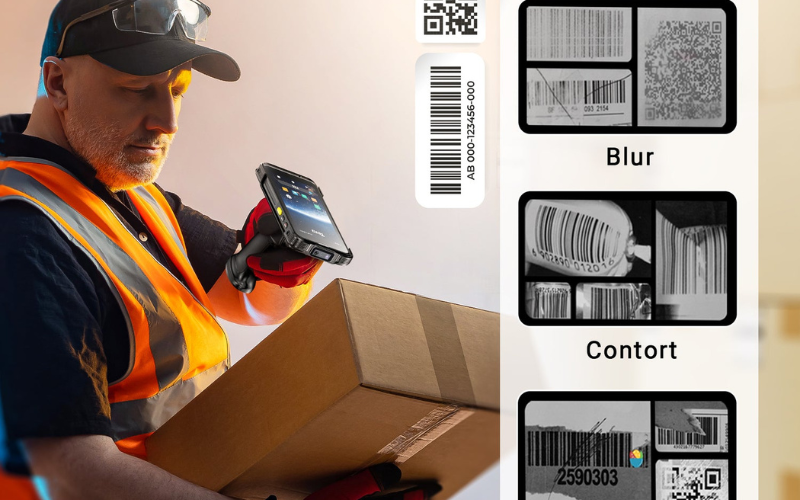
Step 1 – Look at Your Gloves, Hands, and Tools
If your workflow relies mainly on bare hands or thin work gloves, capacitive touchscreens are the better choice. They support faster interaction and fit modern Android-based mobile computer scanners used throughout the day.
When thick protective, welding, or safety gloves are required and cannot be changed, resistive touchscreens are more reliable. Their pressure-based input remains consistent regardless of glove material. Workflows that depend heavily on stylus or tool-based input also tend to favor resistive screens.
Step 2 – Check Your Environment: Clean, Dirty, Wet, or Frozen
In clean, indoor environments such as retail backrooms and standard warehouses, capacitive touchscreens perform best, offering better clarity and lower interaction effort.
Cold storage, freezer logistics, heavy moisture, and persistent contamination often shift the decision toward resistive touchscreens. In these conditions, pressure-based input delivers more predictable results than conductivity-based touch.
Step 3 – Consider Screen Readability and UI Complexity
Mobile computer scanners running modern Android applications with dense interfaces, small buttons, and frequent navigation benefit from capacitive touchscreens. Higher clarity and precise touch make everyday tasks faster and more accurate.
If your workflows use simple screens with large buttons and fixed steps, either touchscreen type can work. In these cases, environment and glove requirements should drive the final decision.
Step 4 – Think About Worker Experience and Training
Capacitive touchscreens feel familiar to most users and typically reduce training time, especially in high-turnover or seasonal operations.
Resistive touchscreens may feel less intuitive but remain effective for teams accustomed to industrial handhelds where reliability matters more than gesture-based interaction.
Step 5 – Evaluate Total Cost of Ownership (TCO)
Resistive touchscreens often have a lower upfront cost, which can be attractive for large deployments. However, capacitive touchscreens can reduce fatigue, speed up routine tasks, and shorten onboarding time in environments where they perform reliably.
Over the full lifecycle of a mobile computer scanner, the better choice is the one that minimizes downtime, errors, and productivity loss—not simply the one with the lower purchase price.
With this decision framework in place, the differences become clearer in real-world use. Next, we’ll look at which touchscreen types work best across common mobile computer scanner scenarios.
Best Touchscreen Type for Mobile Computer Scanners in Different Real-World Scenarios
Different environments place very different demands on touchscreens. The scenarios below show which touchscreen type works best for common mobile computer scanner use cases.
Warehousing & Distribution
Best choice: Rugged PCAP capacitive touchscreen.
Most warehouses involve mixed use—sometimes bare hands, sometimes light gloves, with moderate dust. In this environment, PCAP capacitive screens offer the best balance of speed, clarity, and comfort during long shifts.
When gloves become thicker or hands get sweaty, having a backup input method helps. Devices like the Tera P161, which combine a touchscreen with a physical keypad, allow workers to keep working efficiently even when touch input is less reliable.
If the environment shifts toward heavy gloves, low temperatures, and constant contamination, a resistive model can still make sense—but for most standard warehouses, rugged PCAP is the safer default.
Cold Storage and Frozen Logistics
Best choice: Resistive touchscreen mobile computer scanner.
Cold storage introduces thick insulated gloves, condensation, and freezing temperatures. These conditions often reduce the reliability of capacitive touchscreens.
Resistive screens respond to pressure, not conductivity, so they continue to work even when gloves are bulky and the screen surface is affected by moisture. For this reason, resistive remains the most dependable option in freezer environments.
If a team prefers a modern Android interface, rugged PCAP devices designed for cold environments can also work—but only after testing them in real freezer conditions. Devices with large batteries, such as the Tera P172, are often easier to deploy in cold-chain operations that require long shifts and minimal downtime.
Manufacturing, Field Maintenance, and Heavy Industry
Best choice: Resistive touchscreen.
Manufacturing floors and field maintenance sites often involve oil, grease, metal dust, and heavy gloves. These contaminants can interfere with capacitive touch sensitivity.
Resistive touchscreens handle these conditions more consistently because they rely on pressure. This reduces missed taps and work interruptions during critical tasks.
Some industrial teams still choose capacitive for its clearer display. In those cases, only industrial-grade PCAP devices with reinforced glass—such as Gorilla Glass-equipped models like the Tera P166GC or P172—should be considered, and always tested on-site before rollout.
Retail, Light Logistics, Parcel & Courier
Best choice: Capacitive PCAP touchscreen.
Retail and parcel operations are usually clean and fast-paced. Workers scan, confirm, and move on quickly, often without thick gloves.
In these scenarios, capacitive screens provide faster response, clearer visuals, and a more intuitive experience—especially for tasks like signatures, confirmations, and customer interaction. This is where Android mobile computer scanners with PCAP displays, such as the Tera P166GC and P172, perform best.
Buying Checklist – Evaluating Touchscreens on Rugged Mobile Computer Scanners
Before deploying rugged mobile computer scanners at scale, it’s important to test touchscreen performance in real working conditions. Many touch issues only appear after devices are used on the job. This checklist focuses on the factors that most often affect daily usability and long-term reliability.
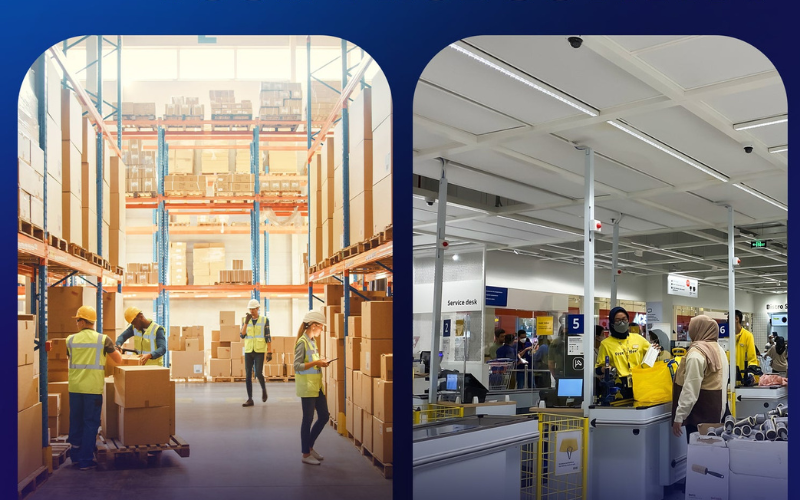
Test with Your Own Gloves and Conditions
Always test the touchscreen with the exact gloves your workers use. Thin gloves, thick safety gloves, and insulated freezer gloves can behave very differently on the same screen. If water, cold, oil, or dust is part of daily work, try to simulate those conditions during testing instead of relying on a clean demo environment.
Check Brightness, Contrast, and Outdoor Readability
Evaluate the screen where it will actually be used. Look at it under warehouse lighting, on vehicle mounts, and in direct sunlight if outdoor work is involved. Good brightness and contrast reduce errors and help workers move faster through scanning tasks.
Ask About Touch Controller Tuning (Glove / Wet Modes)
For capacitive (PCAP) touchscreens, controller tuning is critical. Ask whether glove mode and wet-touch optimization are supported and how stable they are in real use. Poor tuning often leads to missed taps or false touches, especially in humid or glove-heavy environments.
Verify Rugged Specs Beyond the Touchscreen
Touchscreen performance depends on the entire device design. Check sealing levels such as IP65 or IP67, drop specifications, and resistance to cleaning chemicals. This is especially important in healthcare, food processing, and industrial environments where devices are cleaned frequently.
Working with an experienced supplier like Tera, which supports hands-on testing of rugged mobile computer scanners, can help teams validate these factors before committing to large deployments.
FAQ – Capacitive vs Resistive Touchscreen for Mobile Computer Scanners
Which is better for a warehouse mobile computer scanner, capacitive or resistive touchscreen?
For most standard warehouses, a rugged PCAP capacitive touchscreen is the best choice because it’s faster, clearer, and easier for workers to use all day. If your warehouse requires thick gloves, has heavy moisture, or deals with oil and constant contamination, a resistive touchscreen can be more reliable.
Do capacitive touchscreens on rugged mobile computers work with thick gloves?
Sometimes—but not always. Many rugged PCAP devices support glove mode, yet performance still depends on glove thickness and material. If thick insulated or safety gloves are mandatory, you should test with your exact gloves before committing.
Is a resistive touchscreen more reliable than capacitive in harsh environments?
In many harsh environments, yes. Resistive screens use pressure-based input, so they tend to work more consistently with heavy gloves, moisture, dust, and grime. Capacitive screens can also perform well in tough conditions, but they depend more on tuning (glove and wet-touch modes) and real-world validation.
Does the touchscreen type really affect barcode scanning speed and accuracy?
Yes, indirectly. Touchscreen responsiveness and accuracy affect how quickly workers can confirm scans, correct errors, and navigate the app—especially in high-volume workflows. The scan engine matters most for decoding, but touch friction can still slow down the overall process.
Can I use a stylus on a capacitive mobile computer scanner?
Yes, but you need a capacitive stylus designed for PCAP screens. Standard plastic or non-conductive styluses usually won’t work. If your workflow depends on stylus input in dirty or glove-heavy conditions, resistive touch may be the simpler and more reliable option.
What is projected capacitive (PCAP) and why is it used on rugged mobile computers?
PCAP is a type of capacitive touchscreen that uses a projected sensor grid for accurate, responsive touch input through a glass surface. Rugged mobile computers use PCAP because it provides a smartphone-like experience, strong screen clarity, and good durability—often with glove and wet-touch support when properly tuned.
Final Recommendation: Choosing the Right Touchscreen for Your Mobile Computer Scanners
There is no single best touchscreen for every mobile computer scanner. In most modern workflows, rugged PCAP capacitive touchscreens deliver better speed, clarity, and user adoption. In environments that require thick gloves, extreme cold, moisture, or heavy contamination, resistive touchscreens remain the more reliable option.
Before making a final decision, the most effective step is to test devices in real conditions—with your actual gloves, applications, and daily tasks. Choosing a touchscreen that matches how your team truly works will reduce friction, improve efficiency, and deliver better long-term value across your mobile computer scanner deployment.



