

Slow checkout lines and stock errors frustrate both shoppers and staff. Many retailers still type SKUs by hand, wasting time and money. A recent Retail Dive article reports that 3 in 5 Gen Z shoppers may abandon a purchase if the checkout line is long, underscoring how speed at checkout affects sales.
In this guide, you’ll learn what a retail barcode scanner is and why it matters, which types fit different stores, how scanners work with POS and pricing, what they cost, and the future of AI-powered retail barcode scanners. Whether you run a small shop or a chain, you’ll see how solutions from brands like Zebra, Honeywell, and Tera retail barcode scanner models can streamline checkout and keep inventory right.
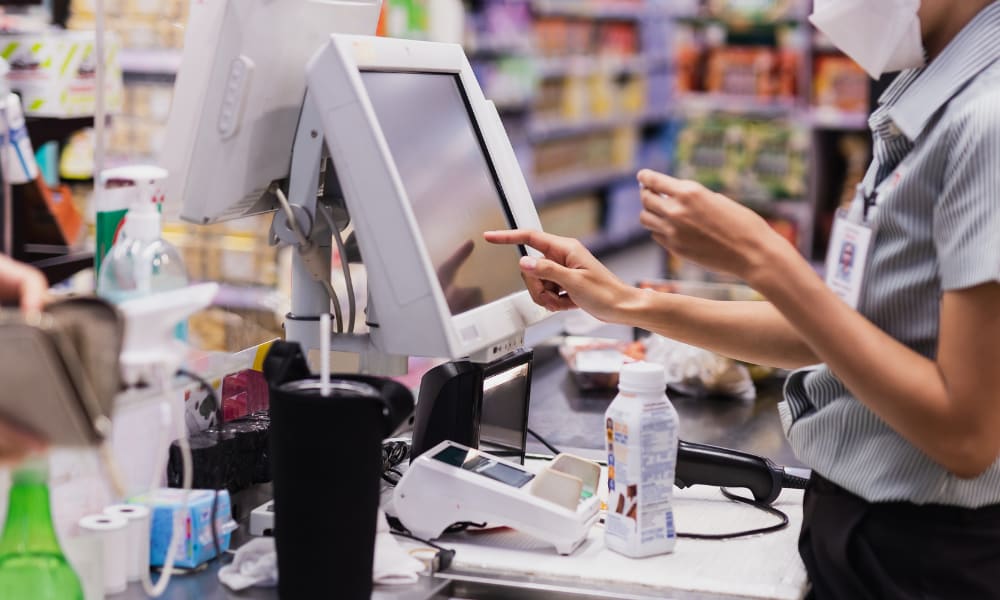
What Is a Retail Barcode Scanner and Why Do Stores Need It?
A retail barcode scanner is a device that reads product barcodes like UPC or EAN and sends the data to your POS and inventory system. It captures the code in a split second and turns it into numbers. Your system then uses those numbers to find the right item, price, and stock record.
Stores need barcode scanners for four main reasons:
- Speed: At checkout, scanning is faster than typing SKUs by hand. Lines move quicker, and your team can help more shoppers.
- Accuracy: Manual entry causes typos and wrong prices. A scan gives the exact item every time, so there are fewer errors and returns.
- Inventory control: When you receive goods or count stock, scanning keeps records clean. Your inventory updates in real time, so reorders are smarter.
- Customer experience: Shorter waits and correct totals build trust. Staff spend less time fixing mistakes and more time helping customers.
Most stores use scanners with a POS system. Some are handheld and wired, some are wireless, and some run on Android with retail apps. The goal is always the same: faster checkout, accurate data, and clear inventory.
Instead of seeing a scanner as just another checkout tool, think of it as the link that keeps sales, stock, and staff in sync.
What Type of Barcode Do Retail Stores Use?
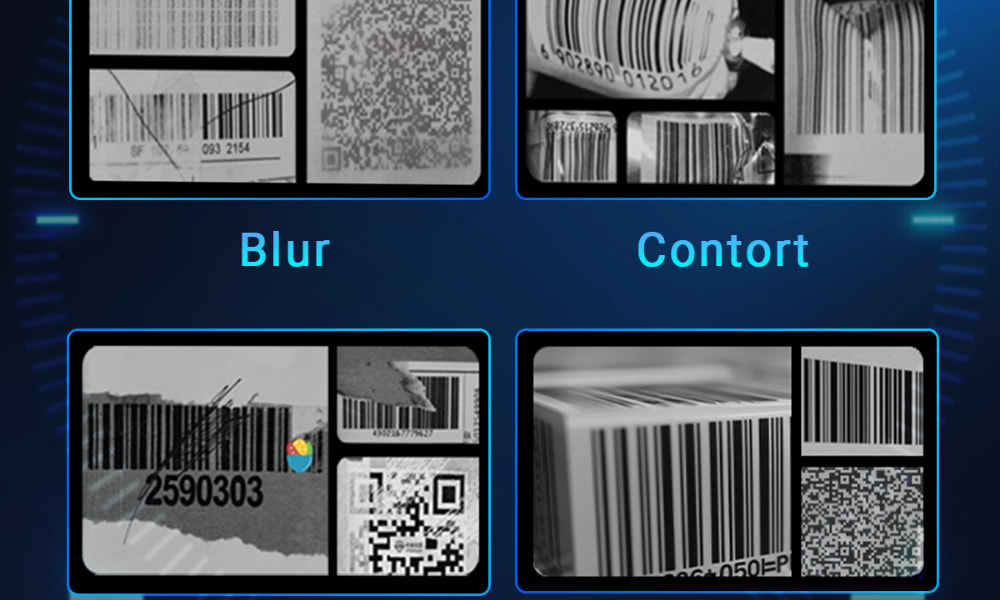
Most retail stores use UPC and EAN barcodes for checkout. These are global retail standards, and POS systems read them fast and reliably.
UPC-A is common in the United States. It has 12 digits. If you sell mainly in the US and scan items at the lane, UPC is the format most shoppers meet every day.
EAN is common outside the US. It has 13 digits. If your products ship to many countries, EAN helps your items scan the same way across borders.
QR codes hold much more data. They can point to a web page or show batch info. Many lanes still use 1D scanners for price lookup, so QR is often used for marketing, returns help, or service info rather than the main checkout code.
Type |
Data format |
Where it’s used most |
Best retail use |
POS scan support |
UPC |
12 digits |
United States |
Lane checkout and shelf labels |
Works with 1D and 2D scanners |
EAN |
13 digits |
Global markets |
Lane checkout for exports |
Works with 1D and 2D scanners |
QR |
2D matrix |
Mixed, store apps and signs |
Promo, service, extra info |
Needs a 2D imager |
If you mainly sell in the US, choose UPC. If you sell worldwide, choose EAN. If you want to share rich info with customers, add a QR code as a helper, not a replacement for your checkout code.
Scanners speed up checkout and cut down errors, but how do they actually work with your POS system to keep sales and inventory aligned?
How Does a Retail Barcode Scanner Work With a POS System?
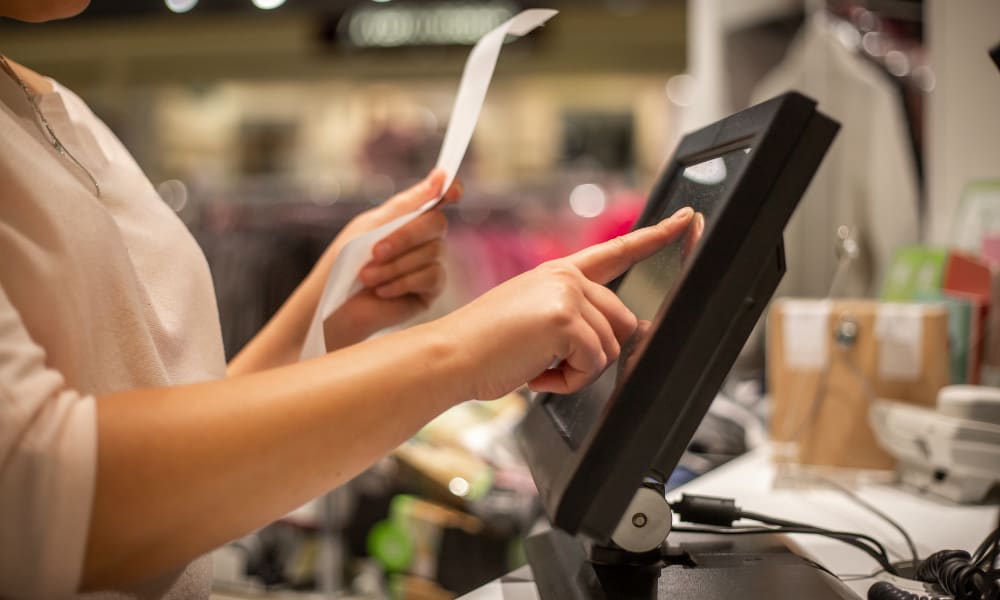
A retail barcode scanner works with a POS by reading the code, sending the data to the system, and updating the price and inventory instantly.
How it works (simple steps):
- Scan: The imager reads a UPC, EAN, or QR.
- Decode: The scanner turns the pattern into numbers or text.
- Send: Data goes to the POS by USB HID, Bluetooth, or a 2.4G dongle (keyboard wedge), or by a vendor SDK/API.
- Match: The POS maps the code to the SKU, price, tax, and discounts.
- Update: Inventory decreases and reports refresh.
Most stores use plug-and-play USB HID. The POS sees scans like keyboard input, so setup is fast. If you need freedom to move, Bluetooth or 2.4G is common at the counter. Some scanners let you add prefixes/suffixes (for example, a TAB) so fields land in the right boxes. Quiet counters can switch to vibration feedback instead of beeps.
If your POS needs richer control, choose a model that supports an SDK or OPOS/JPOS driver. That lets you confirm reads, set symbologies, or filter data before the POS gets it. Devices with storage mode buffer scans when the POS is offline, then instant upload when back online.
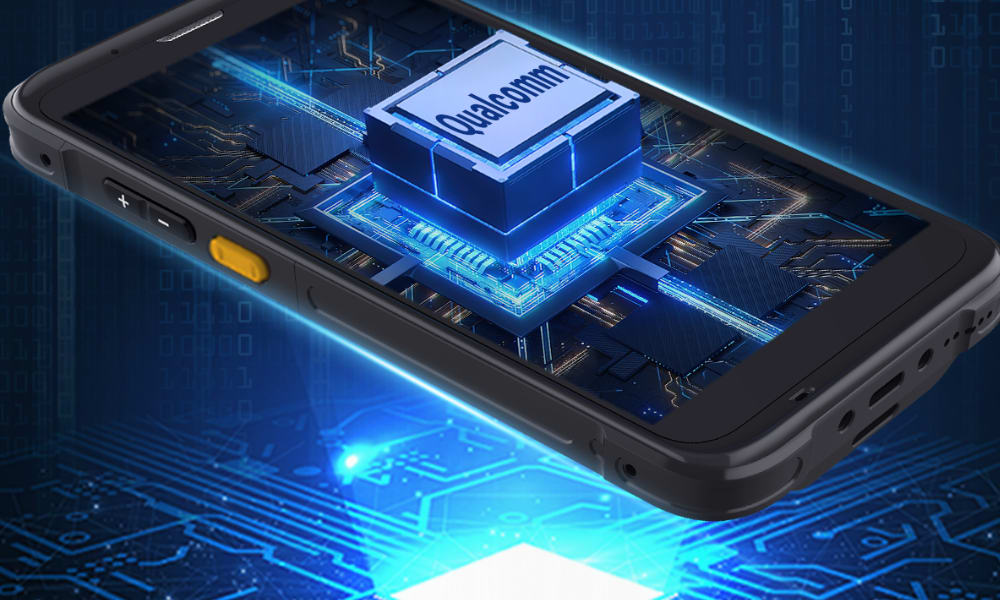
For mobile work, many retailers use Android barcode scanner PDAs that run the POS app over Wi-Fi 6. With a high-performance 2D engine (for example, a SE4710-class module), they scan damaged or tiny codes and push the results to the POS through the app, keeping stock and prices in sync on the sales floor.
In short, barcode scanner POS integration is a simple, repeatable flow: scan, decode, send, match, update. Next, let’s see which scanner type fits your shop best.
Which Retail Barcode Scanner Is Best for a Shop?
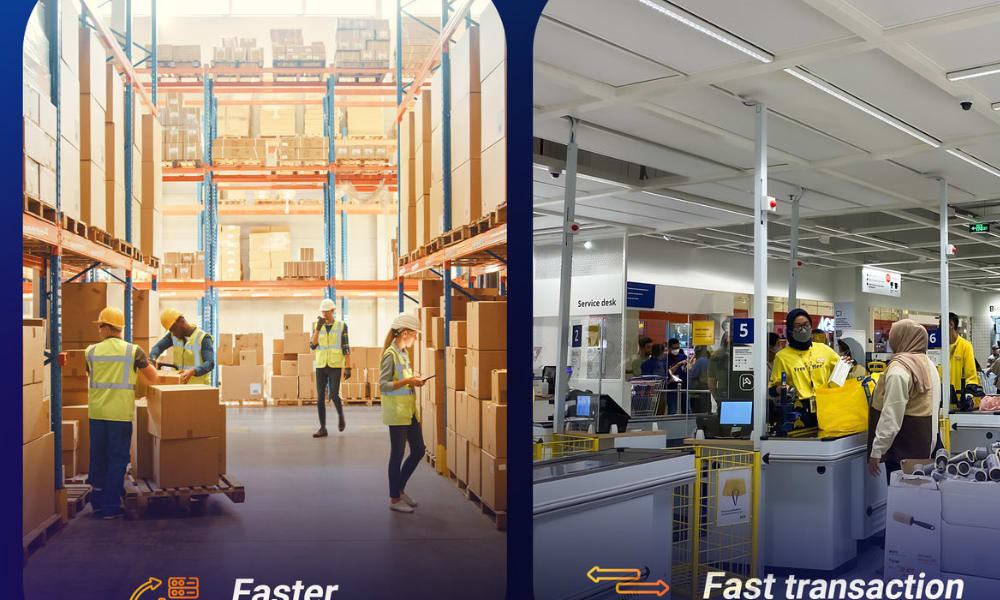
There is no single best retail barcode scanner. The right choice depends on your shop’s size, budget, and how you plan to use it. Some stores do well with a simple wired model. Others need the freedom of wireless. Larger shops may look at Android mobile computers that act as scanners and smart devices in one.
Handheld wired scanners are the most common and affordable. They plug into your POS by USB and work right away. If you only need fast, reliable checkout, a wired scanner is often enough. Popular examples include the Zebra LS2208 and the Tera D6100 Pro, both easy to set up and widely used in small stores.
Wireless scanners connect by Bluetooth or 2.4G. They let staff move around, scan items off the counter, or manage shelf stock. A model like the Datalogic QuickScan QBT2400 gives solid performance with wireless range. The Tera HW0009, with a built-in display and strong battery, is another option that helps in busy shops.
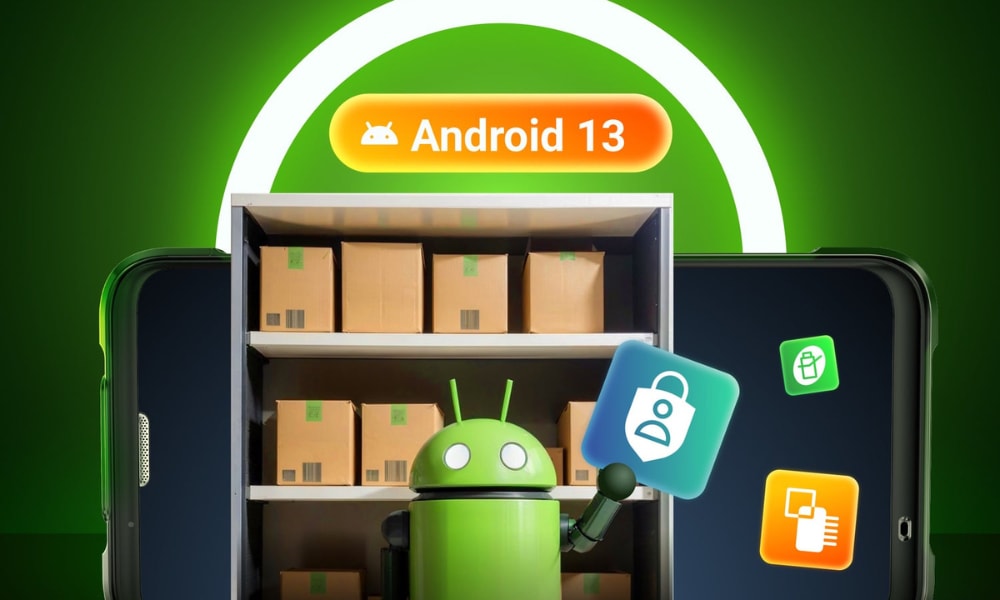
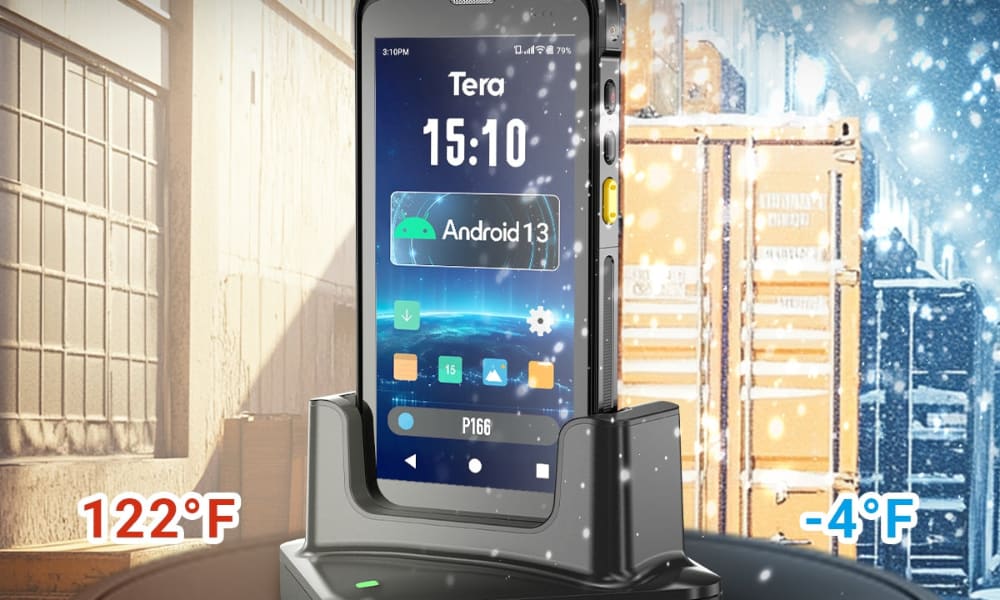
Android mobile computer scanners are more advanced. They run retail apps, connect over Wi-Fi, and handle scanning, inventory, and customer service in one device. They cost more but are useful for bigger stores or chains. Common models are the Zebra TC52x and Honeywell CT60 XP. A newer choice is the Tera P166GC Android 13 PDA, which pairs a long-life battery, Wi-Fi 6, and a Zebra SE4710 scan engine for accurate reads.
Here’s a simple way to compare them:
Type |
Examples |
Main Pros |
Limits |
Best Use |
Handheld Wired |
Zebra LS2208, Tera D6100 Pro |
Low cost, plug-and-play, reliable |
No mobility, tied to counter |
Small shops, simple checkout |
Wireless |
Datalogic QuickScan QBT2400, Tera HW0009 |
More flexible, covers counter + shelf, strong battery |
Higher cost than wired |
Medium shops, frequent stock scans |
Android Mobile Computer |
Zebra TC52x, Honeywell CT60 XP, Tera P166GC |
All-in-one (POS + apps), mobile, rugged |
Highest price, more training |
Large stores, chains, staff on the floor |
The best retail barcode scanner is the one that fits your workflow. If you only scan at checkout, a wired scanner may be all you need. If you want more movement, go wireless. If you need mobile, all-in-one functions, Android scanners bring the most value.
How Much Does a Retail Barcode Scanner Cost?
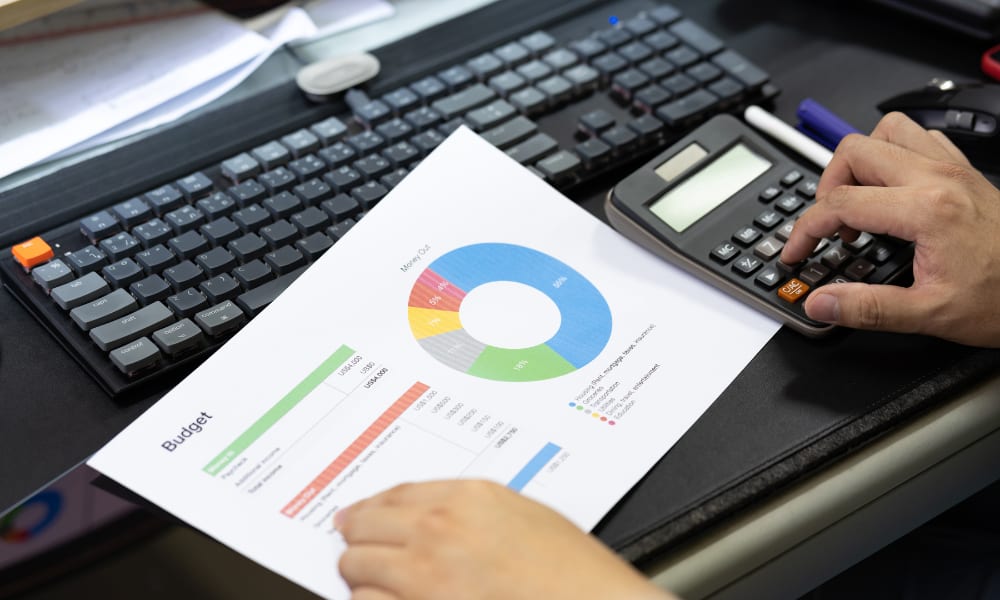
Most retail barcode scanners cost anywhere from under $100 to over $600, depending on features and build. Entry-level models fit small budgets, while advanced Android mobile computers sit at the top end.
Low-end (around $70–100):
Wired or simple wireless scanners are the cheapest. They handle basic checkout tasks and are perfect for a single counter shop. Examples include compact 2D scanners with stands, such as the Tera HW0009 or D6100 series. These are budget-friendly, easy to set up, and reliable for daily point-of-sale use.
Mid-range ($130–300):
Scanners in this range add more flexibility. They often support wireless connections, high-density 2D codes, or stronger batteries. A model like the Tera 8100DPM Pro fits this bracket, offering long life and industrial durability. A few entry Android PDAs land at the very top of this band, such as the P400 (~$299.89); most other Android mobile computers are above $300, making them suitable for medium-sized retailers that want both checkout and stock management in one.
High-end ($400+):
At the top level, Android mobile computer scanners act as both scanners and smart devices. They connect by Wi-Fi, run retail apps, and support enterprise-level scanning engines. Examples include the Zebra TC52x and Honeywell CT60 XP, alongside Tera’s P166GC and P172 Android PDAs. These are ideal for large stores or chains that need mobile, all-in-one tools.
Budget vs ROI:
Cheaper scanners save on upfront cost but may need replacing sooner or lack advanced functions. Higher-end devices require more budget, but they often reduce errors, speed up stock control, and pay back over time through smoother operations.
In short, the cost of a retail barcode scanner depends on your needs: under $100 for basic checkout, $150–300 for flexible wireless, and $400+ for mobile, all-in-one solutions.
Can a Retail Barcode Scanner Help With Inventory and Pricing?
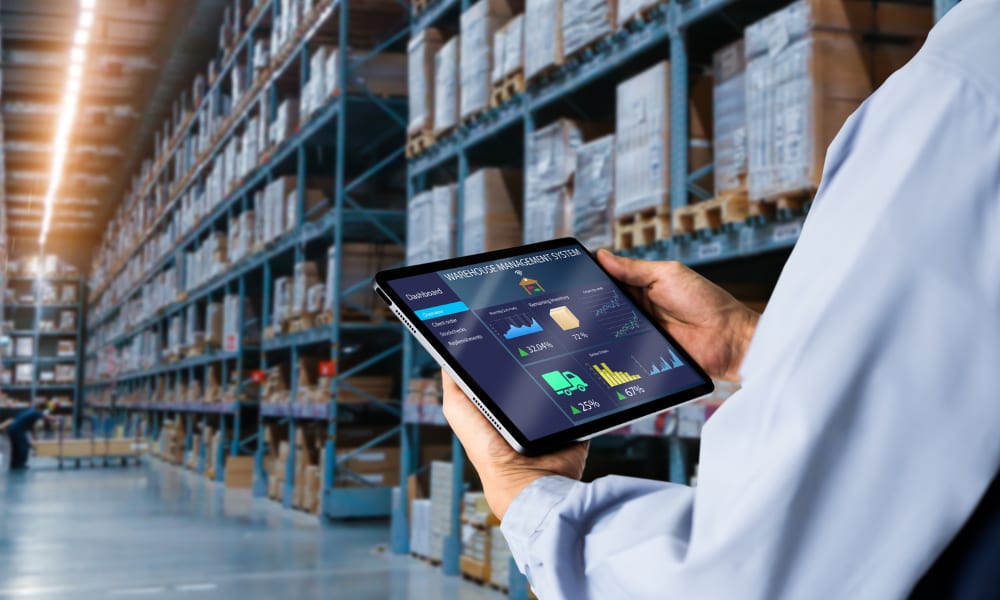
Yes. A retail barcode scanner can show prices and track inventory, but only when it connects to your POS or inventory system. On its own, the scanner just reads the code. The system behind it decides what to display and how to update records.
Price lookup:
So, can you scan a barcode and get a price? Yes — if your POS is set up for it. When you scan an item, the POS looks into its product file and shows the price on the screen. At checkout, this keeps totals accurate and quick. Some stores also place scanners at service desks or self-check kiosks. There, staff or customers can scan items and confirm prices right away.
Inventory tracking:
And can barcode scanners track inventory? Yes — when each scan updates stock levels in the system. In the stockroom, scanners help with receiving goods, shelf counts, and returns. For example, scanning a case of drinks during delivery adds to your inventory, while scanning items at checkout lowers it. This real-time update helps avoid empty shelves and supports smarter reordering.
Mobile use:
Wireless and Android scanners make this even more flexible. Staff can walk the floor, scan an item, and check price or stock without going back to the counter. Some devices also offer storage mode. They save scans offline and upload them later when Wi-Fi is back, so no data is lost.
In short, retail barcode scanners support both pricing and inventory tasks by acting as the bridge between products and systems. This bridge ensures every sale is priced right and every shelf count stays accurate.
Are There Free Barcode Scanner Apps for Retail?
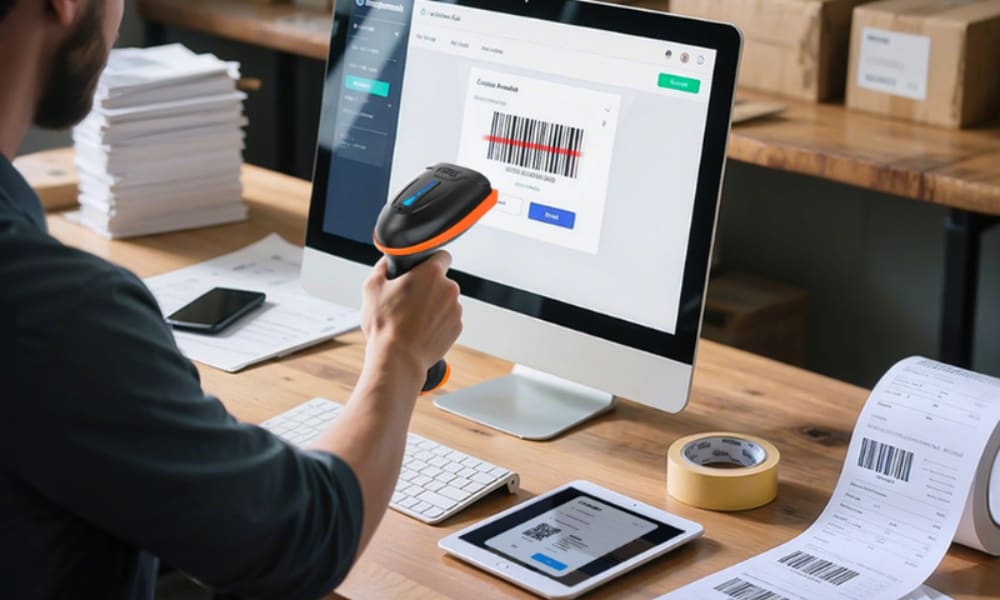
Yes, there are free barcode scanner apps for retail. Most of them work on Android or iOS devices and turn the phone’s camera into a scanner for UPC, EAN, or QR codes.
Pros: A free retail barcode scanner app is simple to install and costs nothing. It can handle basic price checks, scan products for quick lookup, and even support light inventory counts. For a small shop or a new business, this is an easy way to start without buying hardware.
Limits: Free apps are slower than dedicated scanners because phone cameras are not built for nonstop scanning. They also drain battery quickly and may not connect smoothly with your POS or inventory system. In busy stores, this can lead to delays and missed scans. In short, they work, but not as fast or as reliably as retail-grade devices.
Use cases: If you run a small store, a free barcode scanner app can cover basic needs like checking prices or scanning stock during restock. But as sales grow, most retailers move to handheld or Android barcode scanners built for speed, durability, and full POS integration.
Free apps are a good start, but they cannot fully replace retail barcode scanners when scale, speed, and accuracy matter.
How Do You Choose the Right Retail Barcode Scanner for Your Store?
The right retail barcode scanner depends on three things: your store size, your budget, and how your POS system works. There is no single “best” device for everyone. The best choice is the one that matches your daily workflow and long-term goals.
Step 1: Store size
If you run a small shop with one or two checkout lanes, a simple scanner may be all you need. For larger stores or chains, mobility becomes more important. Staff may need to scan items on the floor, update stock across departments, or connect with a cloud-based POS.
Step 2: Budget
Budget sets the range. Entry-level devices are low-cost and cover checkout basics. Mid-range scanners add wireless flexibility and stronger features. High-end Android mobile computers cost more but deliver all-in-one functions that save time in the long run.
Step 3: POS compatibility
Not every POS connects the same way. Some accept USB plug-and-play. Others need Bluetooth or Wi-Fi. Advanced systems may use SDKs or APIs to link scanners directly. Before you choose, check which connection options your POS supports.
Step 4: Device choice
With these factors clear, choosing becomes easier. Wired handhelds are best for simple counters. Wireless scanners fit medium stores that need flexibility. Android PDAs suit larger retailers that want scanning, apps, and mobile access in one tool.
Decision guide at a glance:
Factor |
Small shop |
Large/chain store |
Store size |
1–2 lanes |
Many lanes, floor staff |
Budget |
Entry or mid-range |
Mid to high-end |
POS compatibility |
USB plug-and-play |
Bluetooth, Wi-Fi, API |
Device choice |
Wired handheld |
Wireless or Android PDA |
In short, to choose a retail barcode scanner, start with your store size, set your budget, confirm POS compatibility, and then pick the device type that fits. The best barcode scanner for a small business retail shop is not the most advanced one, but the one that makes daily sales smooth and keeps your records accurate.
What Are the Future Trends for Retail Barcode Scanners?
The future of retail barcode scanners is moving toward 2D codes, smarter software, and deeper integration with supply chains. A barcode reader today is no longer just a “beep and record” tool. It is becoming a data entry point for retail systems that manage pricing, stock, and customer engagement.
2D codes and GS1 standards. By 2027, checkout systems worldwide are expected to accept both traditional UPC/EAN and new 2D codes. These codes can hold more than just product IDs—they can embed web links, batch information, or care instructions. This move is driven by GS1, the global nonprofit that sets barcode standards.
AI and smarter recognition. Future scanners will use AI to read damaged, blurry, or poorly printed codes, and even recognize packaging features to confirm the right product. This reduces errors and speeds up checkout in busy retail settings.
Mobile-first workflows. With imaging and camera-based scanning improving, staff can use phones or Android PDAs on the floor to check stock, update prices, or assist shoppers without returning to the counter.
Integration with retail ecosystems. Scanners will connect directly to cloud systems, feeding real-time data into inventory and analytics platforms. This creates a tighter loop between sales, supply, and customer service.
In short, the future of retail barcode scanners means richer 2D data, AI-powered recognition, and mobile integration—all tied to global standards that keep retail operations in sync.
Conclusion: Final Thoughts on Retail Barcode Scanners
Retail barcode scanner solutions are essential tools for every store. They speed up checkout, keep prices accurate, and give you real-time inventory visibility. With new trends such as 2D codes, AI recognition, and mobile-first devices, scanners are evolving into data hubs that connect sales, stock, and service.
The best choice depends on your store size and workflow. Small shops may do well with simple handhelds, while larger retailers often need wireless or Android-based scanners for deeper POS integration.
If you are exploring upgrades, consider Tera retail barcode scanner solutions as part of your options. Tera designs scanners that balance performance and value, from entry-level models for counters to Android mobile computers for advanced retail operations.
In short: choose the scanner that fits today’s needs and supports tomorrow’s growth.



