

Every barcode scanner depends on a battery, but not every scanner uses the same kind. Some scanners let you remove the battery in seconds. Others seal the battery inside the device. This one design choice—removable vs built-in batteries—changes how long a scanner can run, how fast it returns to work, and how simple it is to keep powered during the day.
If a scanner must stay active through long shifts, shared use, or busy warehouse hours, the battery design matters as much as the scanning engine or network speed. And when daily work is lighter or more predictable, a different battery system may be enough.
This guide breaks down how each battery type works, where they are used, and how to compare them. By understanding the difference, you can match the battery to the workflow—not the other way around.
Removable vs Built-in Batteries in Barcode Scanners – Quick Comparison
Battery design directly affects scanner uptime, workflow continuity, and long-term maintenance. Here’s a fast comparison to help you identify which type fits your operations.
Feature |
Removable Battery Scanner |
Built-in Battery Scanner |
Downtime |
Near zero; instant swap |
Must stop to charge |
Battery Replacement |
User-replaceable; seconds |
Requires repair/disassembly |
Device Lifespan |
Longer; battery independent |
Shorter; tied to battery health |
Maintenance Cost (TCO) |
Lower; cheap to replace batteries |
Higher; battery service is costly |
Operational Flexibility |
Multi-shift, 24/7 ready |
Best for single-shift, scheduled use |
Best For |
Warehouse, logistics, manufacturing, field service |
Retail counters, light-duty work |
Fleet Scalability |
Easy battery pool management |
Harder; each device must be charged individually |
Removable batteries use a modular, user-swappable design, while built-in batteries are sealed inside the device as part of an integrated power system. Both approaches exist because barcode scanner workflows differ: high-duty environments require continuous operation and quick battery swaps, while lighter, predictable workflows benefit from simpler, slimmer devices.
Understanding this distinction helps explain how each battery type is engineered — and why their internal designs differ significantly in real-world use. To understand these differences more clearly, let’s look at how removable batteries work inside industrial barcode scanners.
How Removable Batteries Work in Industrial Barcode Scanners

Removable batteries in industrial barcode scanners work as a separate power module that the user can take out and replace. The scanner has a battery bay with metal contacts that touch matching contacts on the battery pack. When the battery slides into the bay and the latch locks it in place, power flows from the battery to the scanner’s internal board. This connection lets the device turn on and stay powered during use.
When the battery runs low, the user can unlock the latch, remove the battery pack, and insert a charged one. The scanner reconnects to the new battery as soon as the contacts touch, and power is restored. In some scanners, a small backup capacitor keeps the device on for a short time. This “hot-swap” design lets the user replace the battery without losing open apps, wireless connections, or work progress.
Inside the scanner, a power management system monitors the battery. It checks the level, temperature, and status, and updates the display in real time. When a new battery is inserted, the system detects it automatically and continues normal operation. Because the battery is handled outside the main housing, the internal parts of the scanner remain sealed and protected. This explains how a removable battery module works. Next, we will see how a built-in battery system works in a barcode scanner.
How Built-in Batteries Work in Barcode Scanners
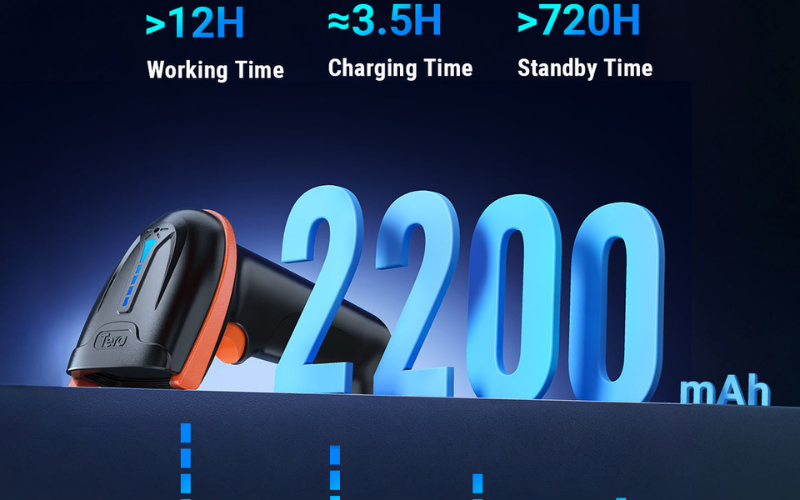
In a barcode scanner with a built-in battery, the battery is placed inside the main body of the device. It is fixed in position with screws, glue, or a plastic frame. Because the battery does not move, it stays connected to the scanner’s internal power system at all times.
Internal battery connection: The built-in battery connects to the main board through a small cable or a battery connector. These contacts carry power from the battery to the scanner’s parts, such as the scanning engine, processor, screen, and wireless radios.
Charging inside the device: When the scanner is placed on a dock or plugged into a USB cable, power flows through the charging port into a charging circuit on the main board. This circuit controls how fast the battery charges and keeps the battery within safe limits. The user charges the whole device instead of removing the battery.
Power management and battery monitoring: A power management system inside the scanner measures battery level, temperature, and health. It sends this information to the operating system so the screen can show battery percentage and alerts. When the scanner is in use, the battery delivers a steady flow of power through the connector to keep the device running.
In addition to how these batteries work, it is also important to see what each design does well and where it has limits in real use.
Pros and Cons – Removable vs Built-in Batteries in Barcode Scanners
Different battery designs can affect how a barcode scanner is used in daily work. The table below shows the main pros and cons of removable batteries and built-in batteries in a simple, side-by-side way.
Comparison Table: Pros and Cons of Removable vs Built-in Batteries
Category |
Removable Battery |
Built-in Battery |
Pros |
Can be taken out and replaced by the user. |
Stays fixed inside the device. |
Allows quick swap when power is low. |
Does not require the user to handle the battery. |
|
Supports long shifts when spare batteries are available. |
Charges through a simple port or dock. |
|
Does not require opening the device for battery changes. |
Internal connection stays stable during daily use. |
|
Cons |
Needs a latch or door on the device. |
Cannot be removed by the user during a shift. |
Requires managing extra batteries. |
Must charge the whole device when the battery is low. |
|
Adds a separate part that must lock securely. |
Battery replacement normally requires opening the device. |
|
Can move slightly if the latch is not closed tight. |
Device must pause or stop when the battery runs out. |
These pros and cons come from the way each battery type is built. A removable battery works as its own module, so it can be taken out and replaced. A built-in battery works inside the device, so it stays connected at all times. Because the designs are different, their daily use and handling also differ. These points help show how the two batteries differ. Next, we explain which battery type works better for different kinds of work.
Removable vs Built-in Batteries for Barcode Scanners: Which Type Fits Your Workflow?

Warehousing and logistics teams often use barcode scanners with removable batteries because scanning happens for many hours across picking, inbound, outbound, and inventory tasks. Shifts can last 8–10 hours, and some sites run scanners almost all day. When a battery gets low, workers can insert a charged battery and continue scanning without stopping. Many warehouses use shared scanners, so spare batteries in charging cradles help keep work moving with little delay. Some teams use mobile computers like the Tera P166GC, which has a 4300 mAh removable battery that can be replaced during long shifts to keep scanning uninterrupted.
Transportation and delivery teams often use removable-battery scanners because charging points are limited on the road. Drivers scan packages during loading, unloading, and each stop, sometimes in trucks or outdoors. Routes can be long, and a built-in battery may run low before the shift ends. With a removable battery, drivers can carry a spare pack and replace it when needed to keep scanning through the full route. Devices with larger removable batteries, such as Tera’s P161 with a 6700 mAh pack, help support long delivery routes where charging points are limited.
Manufacturing and field service workflows commonly use removable-battery scanners because work often takes place far from charging stations. Workers scan parts, record steps, or log inspections on the shop floor or at customer sites. Some tasks last many hours and cannot pause for charging. A removable battery makes it easier to insert a charged battery on site so the scanner stays active through the job. Some manufacturing teams use models like the Tera P400, which includes a 5100 mAh removable battery and fast charging to support long hours on production lines.
Healthcare teams may use either removable-battery or built-in-battery scanners because hospital workflows vary by department. Nurses scan patient wristbands, medicines, and lab samples during long shifts. Some hospitals use removable batteries so devices can stay in use through day and night shifts. Others use built-in batteries because scanners can follow a planned charging routine between shifts on nursing-station docks. The choice depends on shift length and how the devices are shared.
Retail and hospitality teams often use scanners with built-in batteries because the workday follows a predictable schedule. Scanners are used during business hours at checkout counters, service desks, or stock rooms. When the day ends, the device can be charged on a dock or cable. Scan volume is usually lighter than in warehouses, and one full charge often supports the entire shift.

Small teams that scan only from time to time often use built-in-battery scanners because scanning sessions are short. Libraries, schools, small shops, and offices may scan items only during stock checks or lending. One charge can usually support all scanning for the day. Teams often prefer simple “use and charge” routines without managing spare batteries. If scanning later becomes more frequent, removable-battery scanners can support heavier use. Entry-level mobile computers with removable batteries, such as Tera’s handheld models, can support teams that may expand their scanning volume over time.
Once the right battery type is matched to each workflow, the next step is to plan a simple battery strategy for Android barcode scanners and mobile computers as a whole.
How to Build a Simple Battery Strategy for Mobile Computers
A simple battery strategy explains how your team will power, charge, and use moible computers each day. The steps below show how to create a plan that matches your work hours, charging habits, and team size.
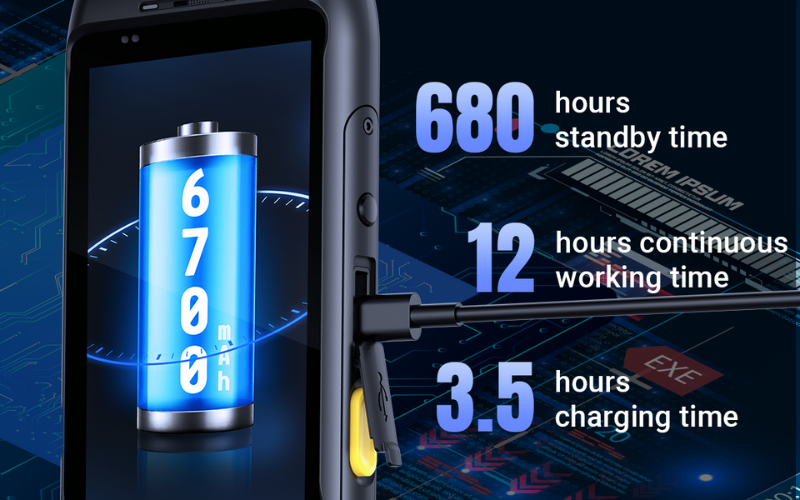
Step 1: Match battery use to your shift length
Start by looking at how long scanners are used in one shift. Long or multi-shift work may need extra power, such as spare removable batteries. Short, single-shift work can often use built-in batteries that are charged before or after the day.
Step 2: Set a clear charging routine
Choose when and where charging will happen. Fixed charging spots work well for built-in batteries. Teams that charge in different locations may use removable batteries and multi-slot chargers to keep power available without waiting.
Step 3: Plan how your team will manage devices and batteries
Small teams may only need a few chargers and simple rules. Larger teams often use shared charging racks, battery pools, or a swap-and-return method to keep scanners organized and ready.
A simple battery strategy built on shift length, charging routines, and team size helps keep Android barcode scanners and mobile computers powered throughout the day.
Now that you know how to build a battery plan, the next question is how to tell if a scanner’s battery is right for your needs. The checklist below shows what to look for.
How to Evaluate Battery Specs When Buying a Barcode Scanner
When you choose a barcode scanner, looking only at the battery type (removable or built-in) is not enough. The battery specs help you understand if the scanner can support your daily work. The checklist below shows the key things to review.
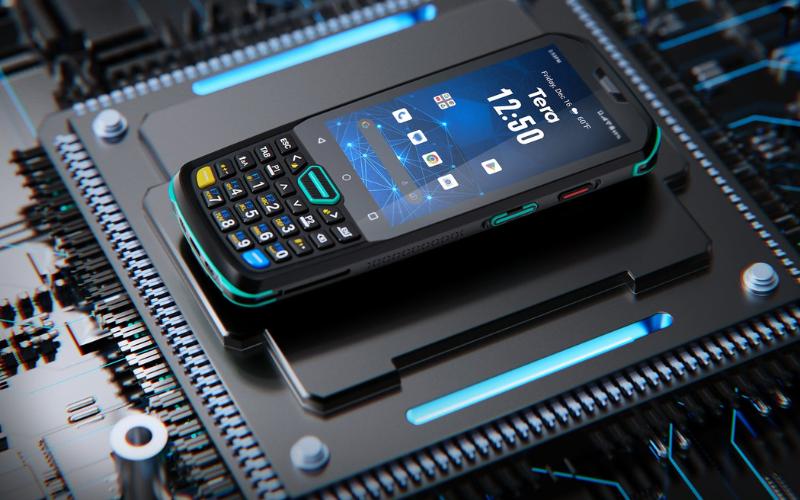
1. Battery capacity (mAh): Check the battery capacity in milliamp-hours (mAh). A higher mAh number usually means the scanner can run longer on one charge. For example, mobile computers on the market offer capacities such as 4300 mAh, 5100 mAh, or 6700 mAh, similar to the battery sizes used in Tera’s industrial models.
2. Expected run time per charge: Look for the stated run time for a full charge, such as “up to one shift” or “up to 10 hours.” This is more useful than mAh alone, because it reflects the device’s real power use.
3. Charge time: See how long it takes to reach a full charge. Shorter charge time can help if the scanner needs to be turned around quickly between shifts.
4. Hot-swap support: For removable-battery scanners, check if the device supports hot swap. Hot swap lets you change the battery without shutting the scanner down, which helps keep apps and network sessions active.
5. Battery cycle life: Look for information on how many charge cycles the battery is designed to handle before its capacity starts to drop. This is important for scanners used every day over many months or years.
6. Charging options: Confirm how the scanner is charged: by USB cable, single dock, multi-bay cradle, or a mix of these. Match the charging options to your workspace and where devices will sit when not in use.
7. Spare battery and charger availability: For removable-battery models, check if spare batteries and chargers are easy to buy and stock. This matters for teams that plan to keep a battery pool on hand.
8. Operating temperature range: Review the battery’s supported temperature range, especially if scanners will be used in cold rooms, outdoors, or hot warehouse areas. The battery should match the real environment.
Checking these battery specs helps you choose a barcode scanner that stays powered through your normal workday, whether you use removable batteries, built-in batteries, or a mix of both.
Conclusion: Removable vs Built-in Batteries in Barcode Scanners
Removable and built-in batteries each fit different barcode scanner workflows. Removable batteries support long shifts and quick power changes, while built-in batteries work well in short, planned sessions with simple charging. The right choice depends on how long the scanner must run, how often it is shared, and where charging can occur. Understanding these differences helps teams select a battery system that stays powered through their daily tasks.
FAQ: Removable vs Built-in Batteries in Barcode Scanners
Are removable batteries better for barcode scanners?
Not always. Removable batteries fit long shifts and shared devices. Built-in batteries fit short, planned work. The better choice depends on how long the scanner must run.
Do built-in batteries last longer than removable ones?
Not by design. Battery life depends on battery size, charge cycles, and daily use. Both types age the same way over time.
Can I replace a built-in battery in a barcode scanner?
Usually not by yourself. Most built-in batteries require opening the device, so many users send the scanner to a service center.
How long does a barcode scanner battery last?
Most scanners run for a work shift on one charge. Over months and years, battery capacity slowly drops with use.
What’s the difference between an Android barcode scanner and a phone with a scanner app?
A barcode scanner has a dedicated scan engine, long-shift battery, and a rugged design. A phone uses its camera and battery, so it works for light scanning but not heavy, all-day tasks.



