

Ever lost time double-checking packages or chasing missing updates? It happens daily in delivery and logistics work — small scanning delays that grow into lost hours, higher costs, and unhappy customers.
This guide shows what a delivery scanner is, how it works from warehouse to doorstep, and why Android-based devices now lead in speed, accuracy, and reliability. You’ll also learn how to choose the right model for your 2025 operations, with real-world insights drawn from Tera’s rugged handheld and mobile scanners built for fast, connected logistics.
What Is a Delivery Scanner and Why Does It Matter?
A delivery scanner is a small handheld or mobile device used to read barcodes and update package information in real time. Each scan records the parcel’s ID, location, and time, sending the data instantly to a delivery system. You can find these scanners everywhere—from warehouse docks to delivery vans to front doors—wherever packages move from one point to another.
Unlike a regular barcode scanner at a store checkout, a delivery scanner works in motion. It’s built for couriers, warehouse teams, and drivers who scan hundreds of labels a day, often under bright sun, rain, or low light. Many modern models run on Android, combining scanning, GPS, and wireless data transfer in one compact tool. This design helps workers stay connected without juggling multiple devices.
Delivery work is fast and demanding. Packages must be tracked, confirmed, and signed for with little margin for error. A reliable scanner makes this process smoother by capturing each barcode instantly, reducing manual data entry, and creating a digital proof of delivery that both sender and customer can trust. For managers, it brings clear visibility into routes and progress in real time.
In delivery operations, every second counts — that’s why choosing the right scanner matters.
Delivery scanners make every delivery faster and more reliable, but how do they actually work behind the scenes? Let’s take a closer look at what happens from the first scan to the final delivery confirmation.
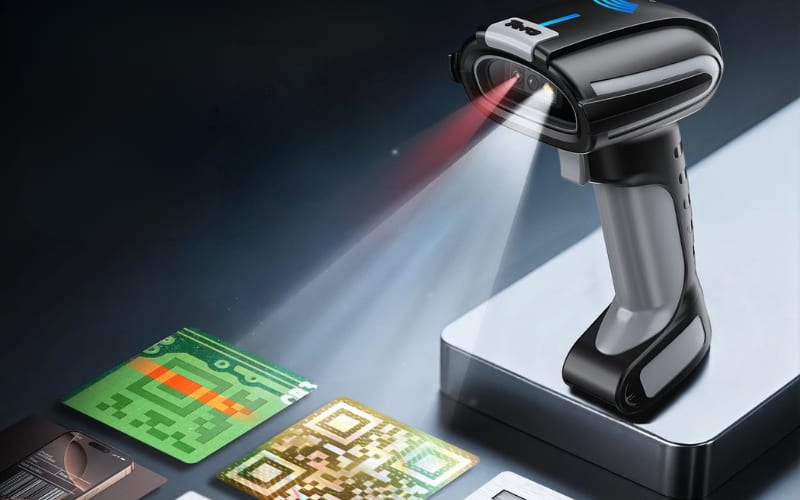
How Does a Delivery Scanner Work — and What Happens at Each Step of Delivery?
A delivery scanner works like a live bridge between each package and the tracking system, showing exactly what happens from warehouse to doorstep. Every time a courier scans a barcode, the device reads the data, checks it against the delivery list, and uploads the result wirelessly. Most modern scanners run on Android, which allows them to send updates instantly to warehouse software, dispatch centers, and customer tracking pages. This real-time link keeps every parcel visible from start to finish.
The first step happens inside the warehouse. Staff use the scanner to confirm that each package is packed, labeled, and ready for loading. When a barcode is scanned, the device verifies the item’s order number and destination. With a high-speed engine such as the Zebra SE4710, even small or worn labels can be read accurately, helping avoid mix-ups before the van leaves the dock.
Once the vehicle is on the road, scanning continues at transfer points or checkpoints. Drivers use the same device to confirm each stop. Depending on the device configuration, scanners may connect through Wi-Fi 6 or mobile data, allowing the system to update automatically. Managers can monitor parcel locations, scan times, and handling personnel, ensuring transparent and timely delivery tracking.
The final scan happens at the customer’s door. The courier reads the barcode again, collects a signature or photo, and the scanner creates a digital proof of delivery. This confirmation is sent to the central system within seconds, closing the delivery loop. This chain of scans keeps every shipment accurate, traceable, and accountable from warehouse to doorstep.
Delivery scanners make every delivery faster and more reliable, but how do they actually work behind the scenes? Let’s take a closer look at what happens from the first scan to the final delivery confirmation.
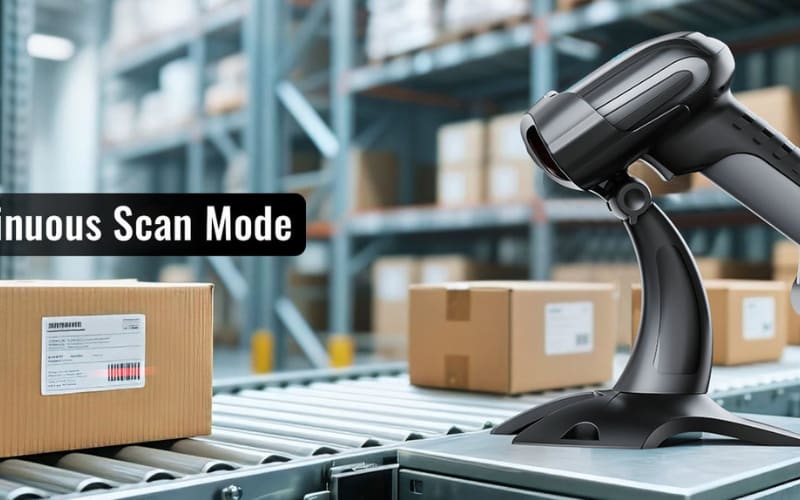
Why Do Delivery and Logistics Teams Depend on Delivery Scanners Today?
Delivery and logistics teams depend on scanners because they solve the biggest daily problems — lost items, delays, and missing updates. Without real-time scanning, packages can get misplaced, updates arrive late, or drivers rely on handwritten notes. These small mistakes build up — leading to lost items, delays, and customer complaints. When every minute and every record matters, old manual methods just can’t keep up.
A delivery scanner fills these gaps by turning each barcode into live, traceable data. Every scan records the package ID, time, and location, then sends that information to the central system within seconds. The result is fewer manual entries and far fewer errors. Some logistics teams report that scanners cut data mistakes by around 25% and reduce paperwork by nearly 30%, improving both speed and accuracy across the route.
For drivers, scanners replace pen-and-paper logs with instant proof of delivery. For managers, they offer real-time visibility into inventory and route progress. And for customers, they build confidence — showing exactly where a parcel is and when it will arrive.
That’s why delivery scanners have become the quiet backbone of modern logistics — not flashy gadgets, but reliable tools that keep every step connected and accountable.
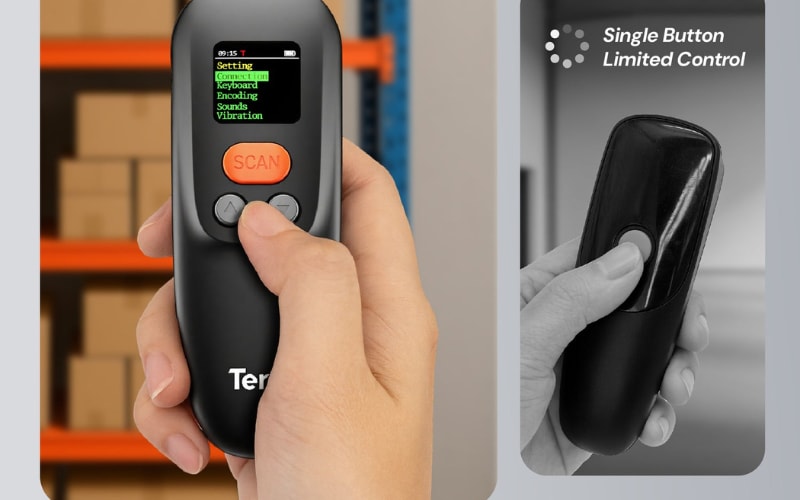
What Types of Delivery Scanners Exist, and Which One Fits Your Role Best?
There are three main types of delivery scanners — handheld, mobile computer, and pocket wireless — each built for a different workflow. Warehouse teams, drivers, and dispatch managers work in very different environments, so the tools they use should match their daily routine. Here are the three main types of scanners most logistics teams rely on today.
Handheld Barcode Scanners
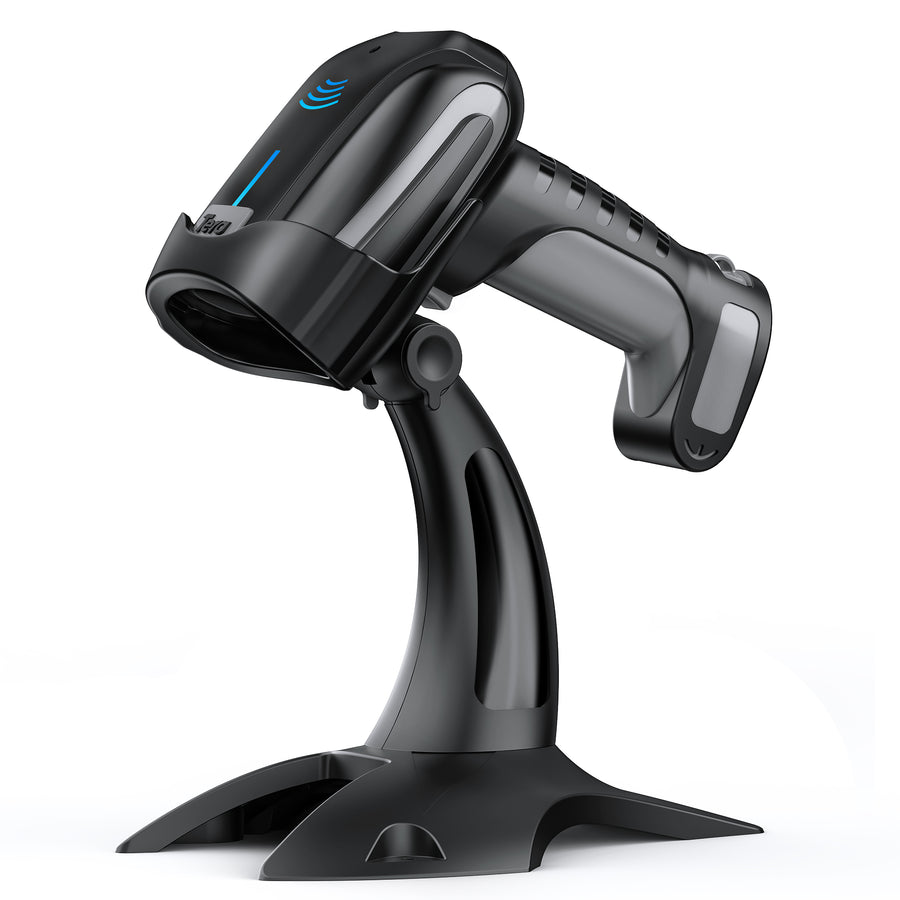
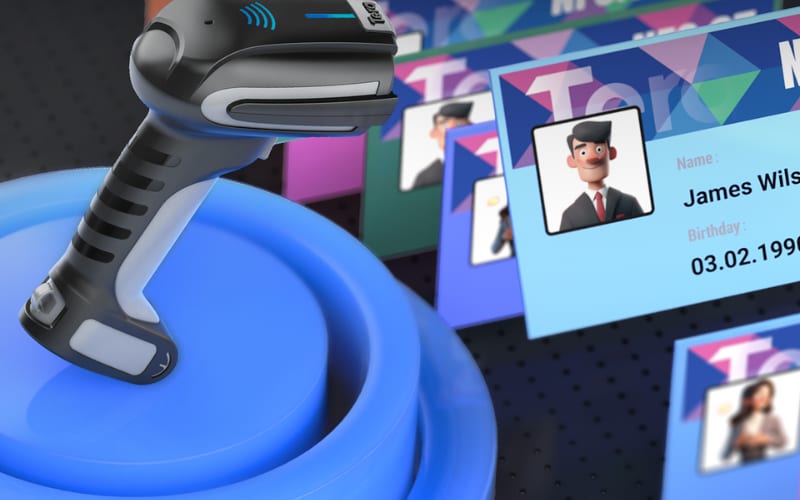
These are the traditional workhorses of the warehouse. Handheld scanners are simple, durable, and precise, built to handle long shifts and heavy use. Many support features such as NFC profile switching, allowing workers to change settings with a quick tap. For example, models like the Tera 8300Pro use NFC cards to store multiple user profiles, making it easy for teams to switch preferences instantly.Their rugged housings protect against dust, water, and drops, making them ideal for warehouses, factories, and inspection lines where accuracy and endurance matter most.
Android Mobile Computers
These scanners take things a step further. Android-based mobile computers combine scanning, software, and connectivity in one device. They work like smartphones with built-in industrial scanning engines such as the Zebra SE4710, which can read small or damaged barcodes in an instant. Many models include Wi-Fi 6, Gorilla Glass screens, and long-life batteries, helping drivers and field staff stay connected and productive during long delivery routes.
Pocket Wireless Scanners
Compact and easy to carry, pocket scanners connect via Bluetooth or 2.4 GHz wireless adapters to phones or tablets. They turn mobile devices into powerful scanning tools for quick, flexible work. Some models use antimicrobial shells to meet hygiene standards in retail or healthcare. Lightweight and portable, they’re great for front desks, small stores, or delivery points where space is tight.
Each role has its own needs. Drivers value mobility, warehouse workers depend on durability, and dispatch managers rely on data visibility. The best delivery scanner isn’t about size or price — it’s about how well it fits the way you work.
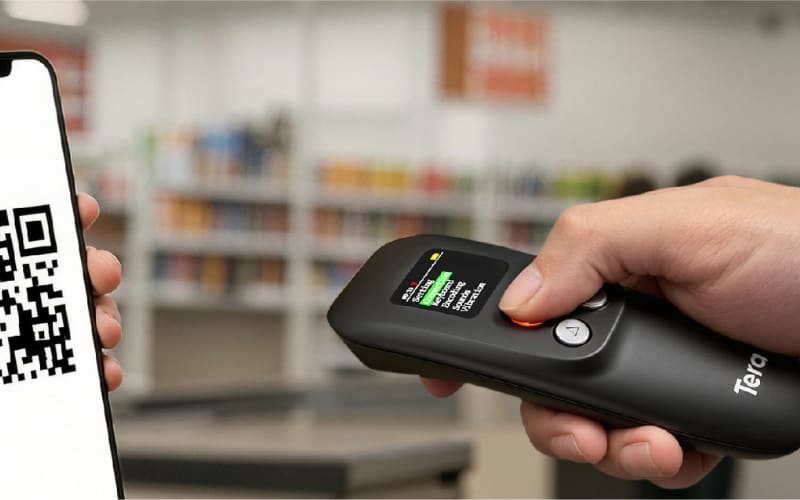
What Advantages Do Android-Based Delivery Scanners (Mobile Computers) Offer?
Android has become the foundation for most modern delivery scanners, combining powerful barcode reading with the flexibility of a smart device. These scanners work as both data terminals and communication tools, helping delivery teams capture, send, and manage information all in one system.
1. Open Android Ecosystem
The open Android platform allows companies to install their own delivery or warehouse apps, connect directly with WMS or ERP systems, and sync data instantly. This freedom lets teams customize workflows, reduce training time, and keep all devices — scanners, phones, or tablets — working in the same environment.
2. Seamless Connectivity and Long Battery Life
Modern Android scanners now support Wi-Fi 6, keeping connections stable even inside busy warehouses or moving vehicles. Their high-capacity batteries run for a full day of deliveries without recharging, ensuring workers stay online and productive wherever they go.
3. Rugged Design for Real Work
Delivery work can be tough, but these devices are built to match it. Corning Gorilla Glass protects screens from scratches and drops, while ergonomic pistol grips make long scanning shifts more comfortable. The result is reliability under pressure — from warehouse docks to cold outdoor routes.
4. Smarter Scanning Performance
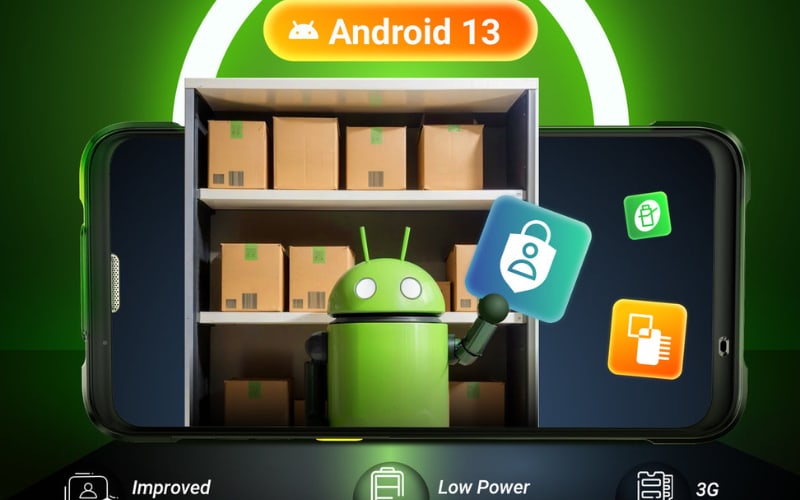
Some Android 13 scanners — such as Tera P166GC or other models using the Zebra SE4710 engine — decode faint or damaged barcodes instantly, even in low light. That means faster processing for night routes or dim storage areas where speed still matters.
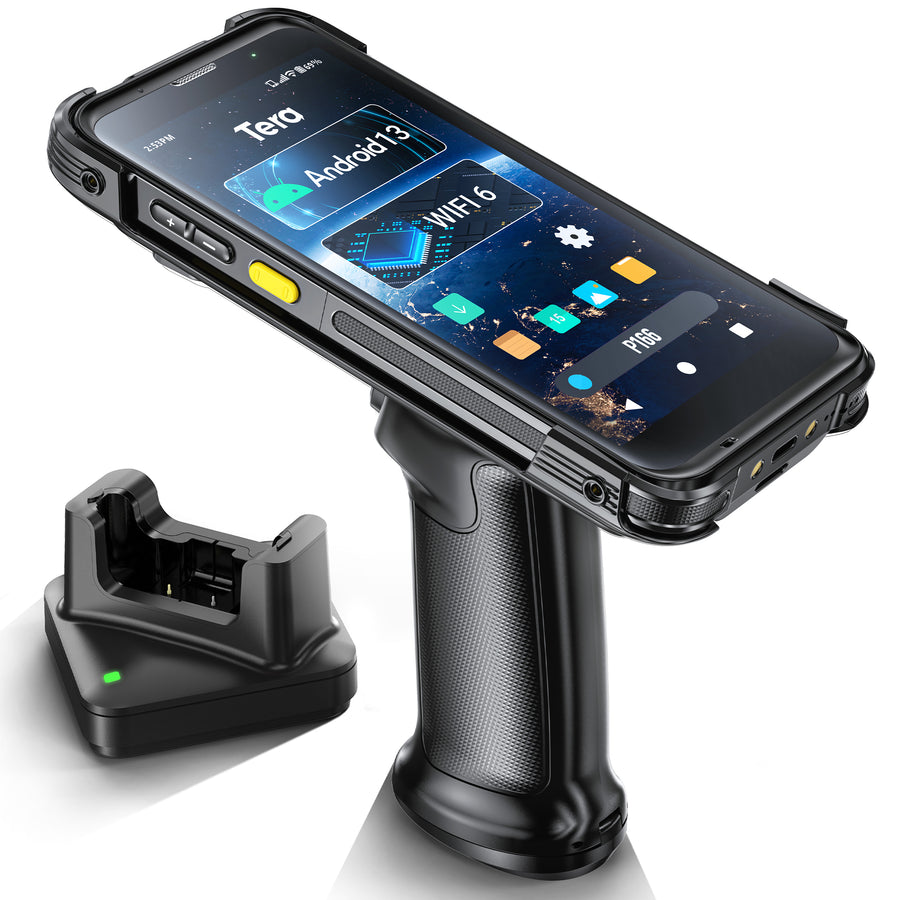
Together, these upgrades show why Android-based delivery scanners stand out: they’re not just smart devices, but durable, connected tools designed for real-world delivery operations.
How Do Delivery Scanners Stay Reliable in Harsh or Offline Conditions?
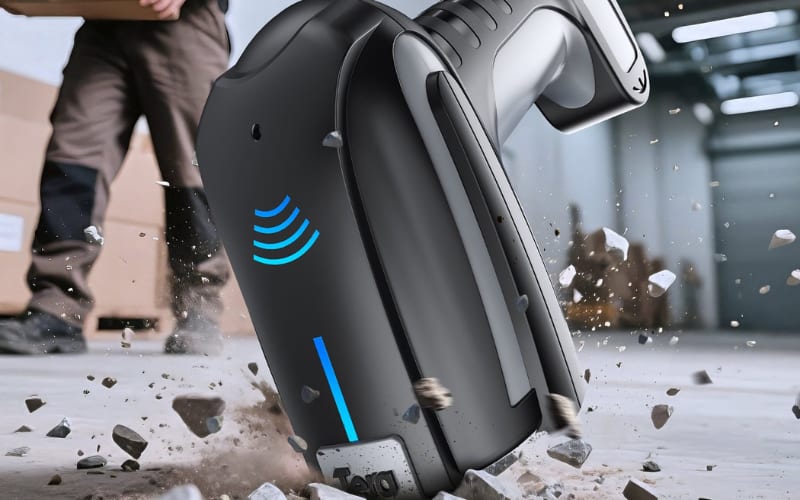
In delivery work, reliability isn’t optional — it’s survival. Couriers face heat, rain, vibration, and weak signals every day. A scanner that fails mid-shift can stop an entire route. That’s why modern delivery scanners are built to perform anywhere, anytime, with both durable hardware and smart software.
Rugged construction keeps scanners working even in the toughest environments. Rugged devices like the 8300Pro meet IP66 standards, surviving drops and dust exposure typical in warehouse and outdoor delivery routes. They’re drop-tested from 1.5 to 3 meters, so a fall from a truck or conveyor belt won’t end a shift. They also operate reliably across extreme temperatures — from freezing winter streets to hot warehouse docks — while keeping scans accurate and fast.
Offline reliability matters just as much as physical strength. When Wi-Fi or mobile data is weak, scanners continue capturing and storing barcode data locally. Once a connection returns, all information auto-syncs with the main system, so no scans are lost or duplicated. This feature is vital for rural routes, underground hubs, or cross-border deliveries where signals come and go.
Battery endurance keeps the operation running. Many delivery scanners now offer 12 hours or more of runtime on a single charge, covering full shifts without interruption. Some models add hot-swappable batteries, letting drivers replace power packs in seconds and keep scanning without downtime.
Together, these features make delivery scanners dependable even when the environment — or the network — doesn’t cooperate.
How Can You Tell If a Delivery Scanner Is Worth the Investment?
You can tell if a delivery scanner is worth the investment by how it performs where it matters most — speed, power, connection, and cost. The right device scans faster, lasts longer, integrates easily, and saves money over time. In short, a good scanner doesn’t just work — it pays for itself.
Buying a delivery scanner isn’t just about specs — it’s about proof of value. The best devices deliver measurable returns within months, not years. To know whether a model is truly worth the investment, focus on how it performs in a few critical areas that directly affect daily operations.
Scan speed and accuracy: A quality scanner should read a standard barcode in under 0.2 seconds, even when the label is wrinkled or faded. Test it by scanning 100 mixed barcodes — top-tier models miss fewer than two. Faster scanning means fewer rescans, smoother checkouts, and better driver flow.
Battery endurance: Look for devices that last 12+ hours or at least 2,500 scans per charge. For longer shifts, hot-swappable batteries are more practical than extra capacity because they prevent mid-route downtime. Ideally, the battery should still hold 80% of its charge after 500 cycles.
Integration with existing systems: Ask vendors for a demo with your WMS or ERP. If the scanner can sync data via API or export reports directly, integration costs and IT overhead drop sharply.
Maintenance and support: Value depends on uptime. Confirm that firmware can be updated remotely and spare parts are available locally. A cheaper model that needs overseas service can cost twice as much in downtime.
Total Cost of Ownership (TCO): Count the full three-year cost — hardware, accessories, licenses, and downtime. Devices with a <2% failure rate often cost less long-term than budget scanners that need frequent replacement.
In measurable terms, a reliable delivery scanner should cut delivery confirmation time by 40–50%, saving roughly five seconds per parcel. Across hundreds of scans a day, that adds up to hours saved and thousands of dollars returned each month.
The real test of value isn’t written in the specs — it’s proven in your workflow. If a device runs a full shift without errors, syncs data instantly, and lasts through harsh conditions, it’s not an expense. It’s an investment that earns its keep with every successful delivery.
Can Delivery Scanners Really Improve Speed and Accuracy?
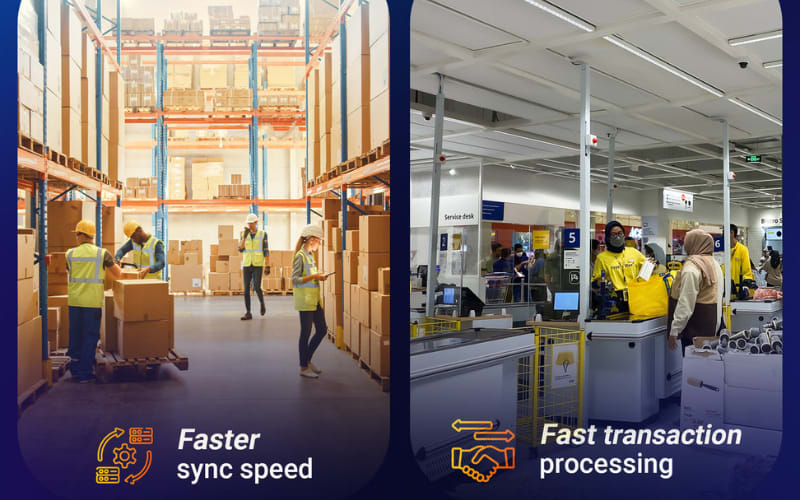
Yes — delivery scanners measurably improve both speed and accuracy. Field data from logistics operations show that barcode-based workflows can double output compared with manual entry. These improvements come not from complex tech, but from removing seconds at every step — seconds that add up across thousands of deliveries.
Speed is the most visible gain. Drivers using scanners process 25–40% more packages per hour than those recording data by hand. Each barcode read takes less than 0.2 seconds, replacing manual entry that can take several seconds per item. Over a full shift, the saved time equals one to two extra delivery stops without increasing workload.
Accuracy rises just as sharply. Modern scanners reach a 99.7% successful scan rate, capturing even damaged or curved barcodes. Because each scan records time and GPS location automatically, delivery disputes can fall by 60% or more. Real-time syncing also reduces paperwork errors and missing proof-of-delivery reports.
Results differ by route and workload, but the trend is clear: automated scanning reduces errors and boosts throughput. In logistics, that balance of speed and precision defines real-world efficiency.
How to Choose the Right Delivery Scanner for Your Business in 2025
To choose the right delivery scanner in 2025, match the device to your workflow, environment, and team size — not just the specs. The best model depends on how, where, and by whom it’s used.
Start with your workflow. If scanning happens mostly on the move, consider Android mobile computers with Wi-Fi 6 and fast syncing. For warehouse or dispatch-based work, durable handheld scanners with long-range capability may be more efficient.
Think about the environment. Harsh or outdoor routes call for IP-rated, drop-resistant devices that survive dust, rain, and heat. Indoor teams may value smaller, lighter models that reduce fatigue during long shifts.
Match the tool to your team size. Large fleets need devices that can be centrally managed and updated remotely. Smaller operations can focus on simple, plug-and-play scanners that keep costs predictable.
Test before scaling. Run a short pilot with a few units, track scan speed, uptime, and user feedback. The results will show which model truly supports your daily workload.
Manufacturers such as Tera, Honeywell, and Zebra now offer a wide range of Android-based delivery scanners designed for different delivery environments, giving every business a clear path to choose confidently and work efficiently.
Ready to Rethink Your Delivery Workflow? Start with the Right Scanner
Every delivery counts. The right scanner keeps every step fast, accurate, and visible — from the warehouse floor to the customer’s door.
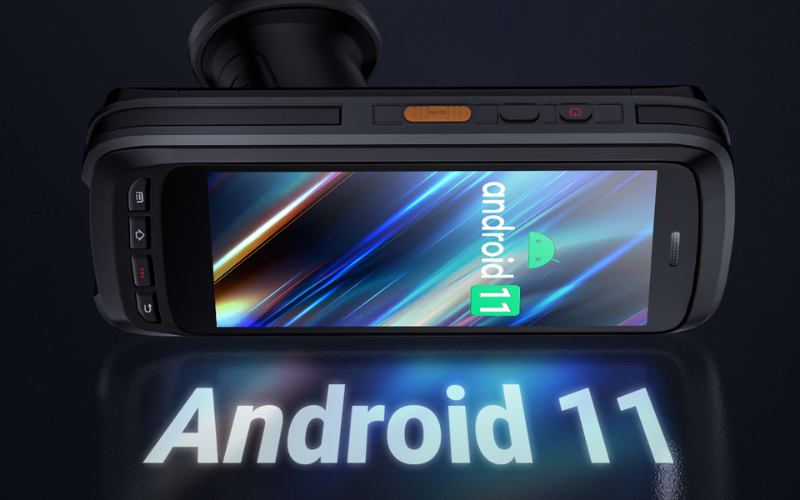
Tera’s Android delivery scanners, including the 8300Pro, 1600, and P166GC, are built for real-world logistics: rugged, precise, and ready for long shifts.
The future of delivery is connected. Choose a scanner that moves as fast as your business — choose Tera.



