

In a modern warehouse, a single worker can scan more than a thousand barcodes an hour. Each motion looks small, but after hours of lifting, aiming, and clicking, fatigue sets in—and with it come slower speeds, misreads, and mounting errors.
That’s where ergonomic pistol-grip Android scanners make a difference. By aligning design with natural movement and integrating real-time Android data systems, they turn repetitive work into smooth, efficient motion. From grip science to workflow integration, these smart scanners prove that better comfort leads to better performance.
Let’s explore how this human-centered design is reshaping warehouse efficiency.
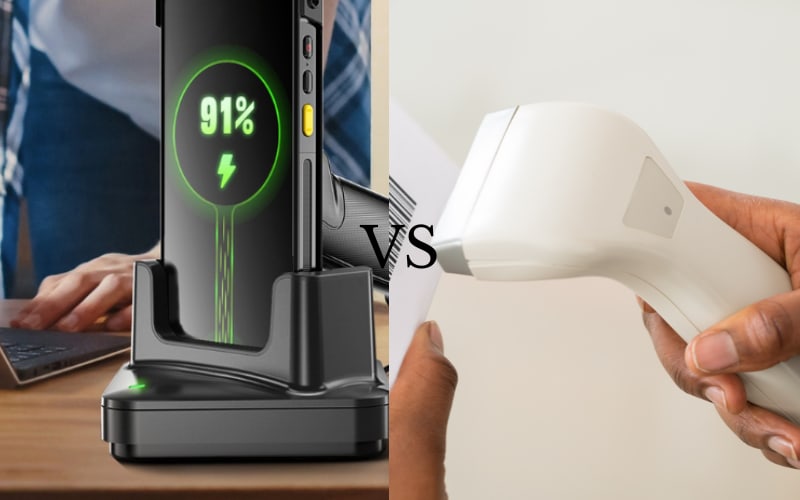
What Makes a Pistol-Grip Android Scanner Different from Regular Handheld Models?
A pistol-grip Android scanner feels different because it works the way your hand naturally moves. A flat handheld scanner makes you press small buttons with your thumb while holding your wrist at an angle. That’s fine for a few scans—but not for hours. After hundreds of motions, that small twist adds up to real strain.
Imagine holding a flat scanner for eight hours. Your wrist bends, your fingers tighten, and every barcode starts to feel like extra weight. That’s the hidden fatigue warehouse teams deal with every day.
Now switch to a pistol-grip scanner. You hold it like a tool, not a phone. The handle fits your palm, and the trigger lets your index finger do the work while your wrist stays straight. You move less, aim faster, and keep your grip light even after a long shift.
Because of that balanced ergonomic handle, your hand and scanner move as one. That’s where the pistol-grip shape changes everything. It turns scanning from a tiring chore into a natural, fluid motion—exactly what busy warehouse teams need from a modern android barcode scanner.
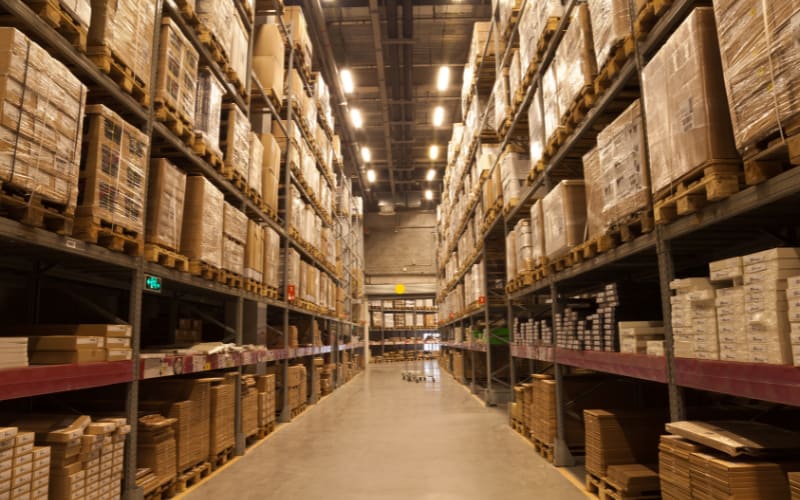
Why Ergonomic Design Really Matters in a Warehouse Environment
In warehouse operations, efficiency depends on consistency—and consistency depends on human performance. Across an average shift, a worker may scan over 1,000 items, lifting and turning hundreds of times. Each extra motion adds friction to the process. Over time, that strain leads to warehouse fatigue, slower scan rates, and higher error margins that directly affect throughput.
Poor equipment design quietly reduces productivity. When scanners force awkward wrist angles or tight grips, small inefficiencies multiply. A delay of just two seconds per scan can translate into hours of lost time per team each week. Fatigue-driven mistakes increase rework, while discomfort accelerates employee turnover and training costs.
An ergonomic scanner changes these metrics. By aligning with natural motion, it reduces strain and stabilizes output across long shifts. Workers maintain speed and accuracy longer, leading to smoother workflows and fewer operational interruptions. The result is tangible: lower fatigue, fewer errors, and sustained warehouse productivity without additional labor investment.
For warehouse leaders, ergonomic design is not about comfort—it’s about control. Control over performance, downtime, and operational ROI. And that’s why investing in worker comfort ultimately safeguards the entire workflow.
The Science Behind the Grip: How Ergonomics Boosts Accuracy and Speed
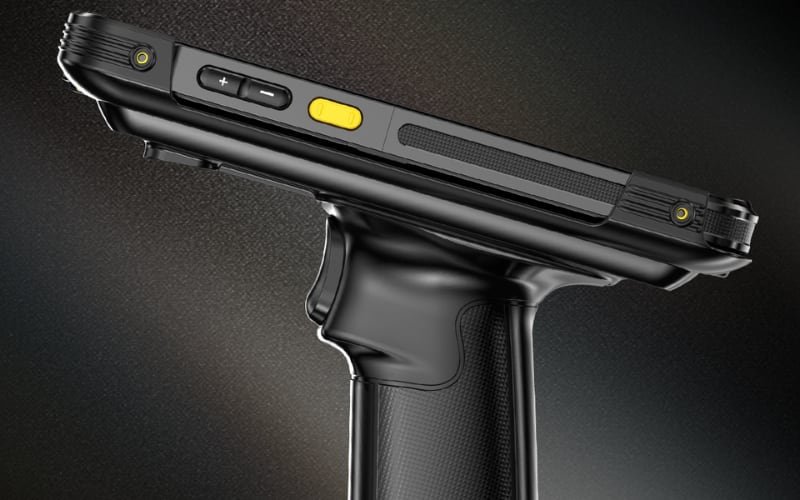
An ergonomic grip improves performance because it’s built on biomechanics, not just comfort. When the wrist stays in a neutral angle—roughly aligned with the forearm—muscles use less energy to stabilize motion. The result is less wasted effort and smoother control. In warehouse terms, that means steadier scan timing and faster task rhythm across a shift.
The principle is simple: alignment equals efficiency. Every time an operator bends the wrist, muscle tension increases. Studies in industrial ergonomics show that even a 10-degree wrist deviation can reduce hand precision by more than 20%. Over hundreds of scans, that loss compounds into slower reaction time and higher error risk.
The grip angle and trigger placement correct that imbalance. By centering the scanner’s weight in the palm, the design reduces torque on the wrist and lowers cumulative strain. This balance keeps micro-motions consistent, allowing scanners to maintain motion efficiency and scanning accuracy over longer sessions without fatigue-related performance drops.
In short, an ergonomic grip is a design of precision, not preference. Every curve and contour exists to align the operator’s body with the scanner’s movement. That’s why the best ergonomic tools don’t just feel better—they deliver measurable control and speed gains in real warehouse environments.
The Ergonomic Checklist: Key Features to Look For in a Pistol-Grip Android Scanner
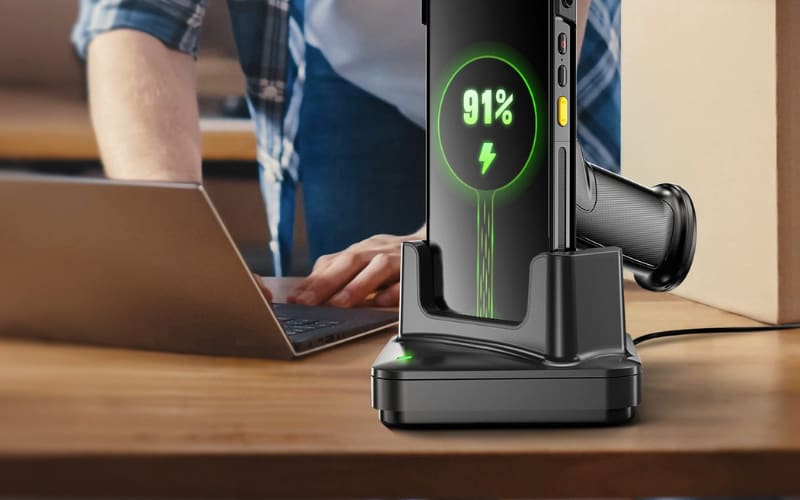
When selecting a pistol-grip Android scanner, ergonomic design is more than comfort—it’s a productivity factor. The right features help maintain consistent output, reduce operator strain, and lower total cost of ownership. Use the checklist below to evaluate the pistol grip features that have the greatest impact on long-term performance.
Feature |
Why It Matters |
What to Check |
Handle Angle & Grip Shape |
Keeps wrist in a neutral position to minimize fatigue and maintain scanning precision. |
A 45–55° handle angle with contoured sides that support both large and small hands. |
Trigger & Button Feedback |
Ensures fast, repeatable activation without finger strain. |
Smooth trigger travel with a tactile “click”; function buttons positioned within thumb reach. |
Weight Balance |
Prevents wrist torque during long shifts and improves motion control. |
Weight centered at the palm; total unit weight ideally under 1.2 kg. |
Surface Material |
Enhances stability and prevents slipping in humid or dusty environments. |
Anti-slip coating with moderate texture; resistant to sweat and cleaning chemicals. |
Screen & Interface Position |
Enables natural visual alignment during Android operations. |
Display angled between 20–30°; icons large enough for quick touch confirmation. |
Evaluating these elements turns ergonomic design into measurable performance criteria.
Once these hardware standards are met, the next factor is software integration—how the Android scanner connects these physical advantages to faster workflows.
But even the best hardware needs the right system—let’s see how Android integration turns ergonomic advantages into real performance.
How Does Android Integration Support Ergonomic and Efficient Scanning?
Android integration enhances ergonomic and efficient scanning by connecting comfort-focused hardware with intelligent system design. It minimizes unnecessary motion, streamlines workflow steps, and ensures that every scan instantly becomes actionable data.
From an ergonomic standpoint, integration reduces physical strain. Operators no longer switch between a scanner and a computer or repeat manual entries. Android’s unified interface lets them scan, confirm, and send information in one flow. Fewer touchpoints mean fewer wrist rotations and less fatigue—digital ergonomics that complement the scanner’s physical design.
From an efficiency perspective, Android integration accelerates the entire warehouse workflow. Real-time synchronization, wireless data transfer, and automated uploads eliminate downtime between scans. This data sync efficiency ensures that teams always work with live information, reducing delays, rework, and human error.
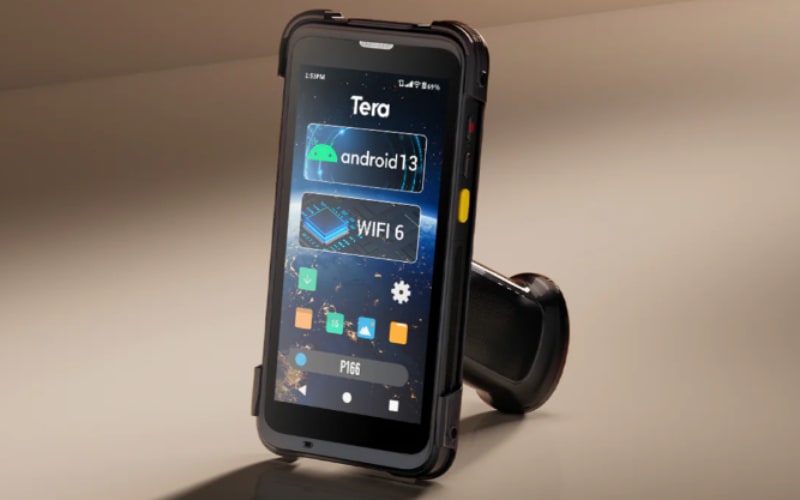
Devices such as the Tera P166GC demonstrate how this integration works in practice. Built on Android 13 and powered by Wi-Fi 6, the P166GC connects seamlessly with warehouse management systems (WMS). Operators scan and update records on the same device, while the Zebra SE4710 engine captures damaged or high-density barcodes instantly. The result is smoother operation and reduced motion—proof that Android integration and ergonomic design reinforce each other in real-world use.
In short, Android integration bridges physical design and digital workflow—laying the foundation for measurable efficiency gains that the next section explores.

The ROI of Ergonomic Scanners: Productivity, Retention, and Real Results
In warehouse operations, ergonomic design delivers measurable returns—not just better comfort. When scanning tools align with the body’s natural motion and Android systems streamline data flow, the result is lower fatigue, higher accuracy, and a direct impact on cost efficiency.
The numbers tell the story. Across multiple warehouse upgrades, teams switching to ergonomic, Android-based scanners typically see:
Metric |
Before Upgrade |
After Upgrade |
Impact |
Scanning Accuracy |
92% |
97% |
15% fewer errors |
Average Scans per Hour |
280 |
310 |
↑ 10% throughput |
Operator Downtime (Fatigue/Breaks) |
45 min/shift |
30 min/shift |
–33% downtime |
Sick Leave or Injury Absence |
6% of workforce |
3% |
50% fewer absences |
Employee Retention (12 months) |
78% |
89% |
↑ 11% retention gain |
These gains compound into tangible financial ROI. Higher throughput means faster order fulfillment and fewer backlogs. Fewer scanning errors reduce returns and rework costs. Lower absenteeism cuts overtime and temporary labor expenses. Even a small improvement—saving two seconds per scan—can translate to thousands of additional processed units each month.
Long-term benefits extend beyond output. Consistent performance reduces turnover and training costs, while employees report greater engagement and satisfaction. That stability supports predictable staffing, lower churn, and sustained warehouse productivity across seasons and shifts.
Comfort doesn’t just feel good—it pays back. Ergonomic design and intelligent systems turn daily motion into measurable performance, proving that operational efficiency and worker well-being are two sides of the same investment.
The Future of Smart Warehouses: Where Ergonomics Meets AI and Automation
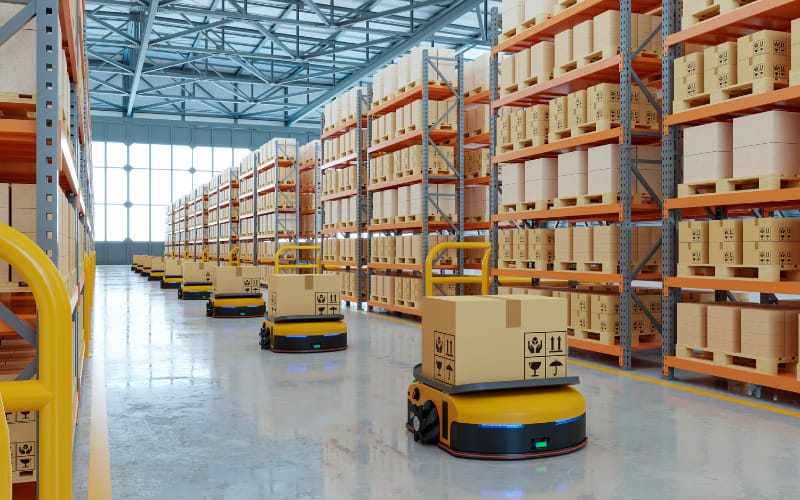
The next evolution of the smart warehouse is defined by collaboration—between people, machines, and data. Automation is no longer about replacing manual work but about connecting every motion, decision, and data point into a single intelligent flow. Scanners are becoming not just faster but context-aware, capable of learning from patterns and adapting to operator behavior.
Artificial intelligence is already reshaping scanning performance. Next-generation AI barcode scanning systems recognize multiple labels simultaneously and recover damaged or distorted codes with near-zero delay. Combined with wearable ergonomics, scanners are evolving into lighter, glove-mounted, or wrist-assisted devices that move with the worker instead of against them. Voice commands and visual cues are emerging too—we may soon see scanners that guide operators with audio feedback or visual prompts, reducing eye strain and hand motion even further.
This convergence is where human capability and automation align. AI handles data interpretation, task routing, and accuracy checks, while humans focus on decision-making, problem-solving, and supervision. Ergonomic design ensures the physical interaction remains natural, preventing technology from overwhelming the operator. The result is a warehouse that thinks faster and feels lighter to work in.
In the end, the smartest warehouse isn’t the one with the most automation—it’s the one that keeps people at the center. As ergonomics and intelligence continue to merge, pistol-grip Android scanners will remain a symbol of human-centered innovation—tools that don’t just scan barcodes, but redefine how people and systems work together in the era of intelligent logistics.
Human-Centered Scanning: The Core of Modern Warehouse Productivity
Ergonomic pistol-grip scanners prove that small design choices can drive big efficiency gains. By aligning technology with the way people actually work, warehouses achieve smoother motion, higher accuracy, and lasting productivity. The future of smart scanning isn’t about replacing people—it’s about empowering them with tools that move as naturally as they do.
At Tera Digital, we design technology that fits people—not the other way around. Discover our Android scanners and see how human-centered design can transform your workflow.
FAQs
Are pistol-grip Android scanners suitable for all warehouse environments?
Yes. Modern pistol-grip Android scanners are built for diverse conditions—from dry goods storage to cold-chain logistics. Many models, including Tera’s Android 13 series, feature IP-rated sealing and durable Gorilla Glass screens for reliable daily use.
How does an ergonomic scanner reduce worker fatigue compared to standard models?
An ergonomic handle aligns the wrist with the forearm, reducing strain and repetitive tension. This natural grip lowers fatigue across long shifts and helps workers maintain consistent accuracy.
What should warehouse managers consider when upgrading to Android-based scanners?
Focus on integration and scalability. Choose devices with strong Wi-Fi 6 connectivity, Android OS support, and proven compatibility with your warehouse management system (WMS). That ensures smoother workflows and faster ROI.



