

Ever wondered why your barcode scanner slows down your workflow instead of speeding it up? Many businesses lose hours each week retyping data, fixing sync errors, or managing outdated systems that don’t “talk” to each other. According to industry research, poor data integration can cost companies thousands in lost time and errors every month.
In this guide, you’ll learn what scanner integration really means, which systems it connects to (like POS, WMS, ERP, and CRM), and how to integrate step by step using SDKs, REST APIs, or Bluetooth. We’ll also cover common problems and fixes, real use cases across industries, and why dedicated hardware like Tera Android PDA scanners delivers faster, safer, and smarter results. Whether you run retail, logistics, or healthcare operations, this article shows how seamless scanner integration turns every scan into real business efficiency.
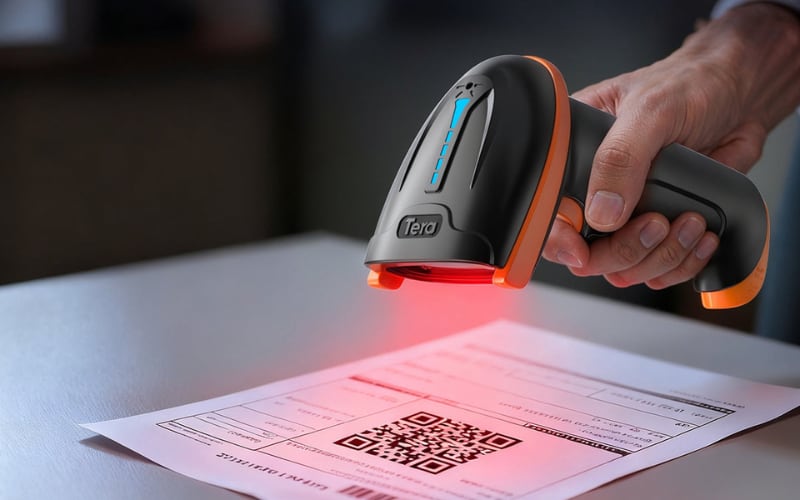
What Is Scanner Integration and Why Does It Matter for Your Business
Scanner integration means connecting your barcode scanner directly to the software you already use, such as a POS, warehouse, or ERP system. It lets scanned data flow into your system automatically through an API or SDK, so you don’t have to type or copy anything by hand.
Here’s how it works. When you scan an item, the scanner reads the code and sends it straight to your business software, which updates records in seconds. The process acts as a bridge—turning every scan into instant, accurate data your system can use right away.
Think about a cashier in a store. One quick scan sends the price to the POS, updates the stock count, and records the sale at the same time. The same logic applies in warehouses, hospitals, or delivery hubs, where each scan keeps data moving smoothly.
This matters because it saves time, reduces typing errors, and gives you real-time visibility of sales or inventory. According to Gartner, poor data quality costs companies around 12.9 million dollars per year. Scanner integration helps cut that loss by keeping information clean from the start.
Now that you know what it is and how it works, let’s see where all that data goes next.

What Systems Can You Connect a Barcode Scanner To
Barcode scanners can connect directly to the core systems that run your business—like POS, WMS, ERP, and CRM. These links make every scan count by sending data where it’s needed in real time.
POS system – for faster checkout
In retail, scanners connect to the POS system so that prices, products, and taxes update automatically. This keeps checkouts fast and sales data clean.
WMS – for live warehouse tracking
In warehouses, each scan updates the WMS as goods move in or out. Teams can see exact stock locations and reduce errors or delays in shipping.
ERP system – for complete business visibility
In larger operations, scanners connect to ERP systems through SDK or REST APIs. A single scan can update purchase orders, stock counts, or deliveries across departments.
CRM system – for instant customer updates
In service and sales, scanners feed data into the CRM. Scanning a product or ID updates records right away, helping teams follow up faster and keep customer info accurate.
Each of these connections turns barcode scans into instant, usable business data. Once you know where your scanner links, the next step is learning how to build those integrations.
What Are the Common Methods to Integrate a Scanner
There are four main ways to connect barcode scanners to your business systems: native SDK integration, REST or cloud API, Bluetooth or USB direct connection, and middleware bridge integration. Each method fits different workloads and technical setups.
1. Native SDK Integration — Fast and Reliable
This method uses an SDK installed on the scanner or Android PDA. It offers the fastest response, works offline, and gives deep control—but it needs some coding and vendor setup.
2. REST or Cloud API — Flexible and Scalable
Scan data travels through REST APIs or cloud services to your ERP, WMS, or CRM. It’s easy to scale across many devices, but a stable network is required for syncing.
3. Bluetooth or USB Connection — Simple Plug and Play
The scanner connects directly to a POS or computer by cable or Bluetooth. It’s the easiest setup, but lacks advanced automation or data logic.
4. Middleware Bridge — For Complex Environments
Middleware converts scan data into the right format for older or mixed systems. It’s powerful for large operations, but setup and maintenance take more time.
Quick Comparison
Type |
Strengths |
Considerations |
Native SDK |
Fast, reliable, works offline |
Needs coding and vendor SDK |
REST / Cloud API |
Easy to scale and manage |
Requires stable internet |
Bluetooth / USB |
Plug-and-play, low setup |
Limited features |
Middleware Bridge |
Works across mixed systems |
More setup and maintenance |
Choosing the right integration method depends on your systems and how your team handles data each day. Next, let’s see how to put one into action step by step.
How to Integrate a Barcode Scanner Step by Step
To integrate a barcode scanner, follow five simple steps: choose your device, install the API, test, map your data, and go live. These steps make your scanner and business software work together smoothly from day one.
1. Choose your device and platform
Pick the barcode scanner and system that fit your daily work—Android, Windows, or iOS. The right choice avoids setup problems and ensures your apps can talk to the scanner correctly.
2. Install and configure the scanner API or driver
Set up the SDK or REST API for your hardware, check that the license or API key is active, and turn on only the barcode types you need, like UPC, EAN, or QR. A clean configuration keeps scans fast and reliable.
3. Test the connection
Scan a few products and confirm that data appears instantly in your POS, ERP, or WMS system. If it doesn’t show within seconds, check your API endpoint, cable, or Bluetooth link to fix the connection.
4. Map your data fields
Connect each barcode value to the right place in your software—SKU, product name, price, or quantity. Verify that data lands in the correct field and displays properly in reports.
5. Validate, train, and go live
Run a small pilot before a full rollout. Train your team, record scan time and error rates, and confirm everything stays stable through a full shift.
Once your setup runs smoothly, the next step is learning how to handle common problems and keep performance strong.
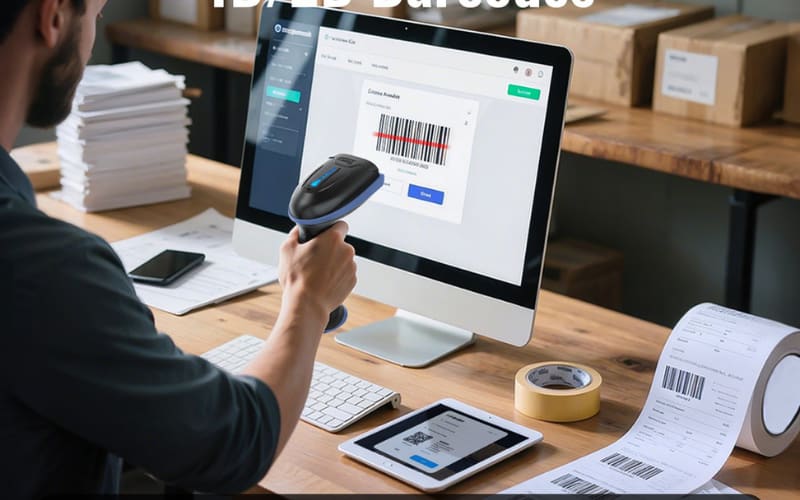
What Problems Can Happen During Scanner Integration and How to Fix Them
Even with a good setup, barcode scanner integration can face a few simple issues. The two most common are scanners not reading codes and data not syncing. Both are easy to fix once you know where to look.
Why Is My Barcode Scanner Not Reading or Responding?
The scanner may not recognize codes if the driver or SDK isn’t installed correctly, or if the barcode types you need—like UPC, EAN, or Code 128—aren’t enabled. Sometimes the API link between your scanner and business app is missing or outdated.
Fix it: Reinstall or update the driver, check your SDK or API setup, and enable all needed barcode types. On Android PDA scanners, make sure the firmware matches the integration package. Try scanning a few sample items—if they appear instantly, the issue is resolved.
Why Is My Scan Data Not Syncing or Showing Delays?
This usually happens when the REST API can’t send data because of an unstable network. Scans might stay local instead of uploading to your POS or ERP system.
Fix it: Turn on offline mode or a local queue so scans are saved safely and upload automatically once the connection returns. Check your API logs to confirm the data went through. If sync time stays under a few seconds, the connection is working properly.
Solving these two issues keeps your barcode scanner integration reliable every day. Once your system runs smoothly, it’s time to see how scanner integration supports real-world operations across key industries.
How Does Scanner Integration Help in Different Industries
Scanner integration supports every major industry by turning barcode scans into instant, accurate data. From retail to field service, it connects people, products, and systems in real time.
Retail — Faster Checkout, Smarter Inventory
In retail, scanners connect directly to POS systems so prices, taxes, and stock levels update automatically. This keeps checkouts fast and inventory data precise. Tera Android PDA scanners stay reliable during long shifts and handle high-traffic environments smoothly.
Logistics — Real-Time Tracking from Dock to Door
In logistics, each scan updates the WMS immediately as goods move in or out. This real-time visibility reduces shipping errors and shortens delivery times. With REST API syncing and offline mode, Tera PDA scanners maintain stable data flow even on weak networks.
Healthcare — Safer Medication and Patient Tracking
In healthcare, scanners link wristbands and medication barcodes to patient records. One scan confirms the right medicine for the right patient, lowering the risk of treatment errors. Handheld scanners from Tera deliver steady performance in clinical settings.
Manufacturing — Traceability Across the Line
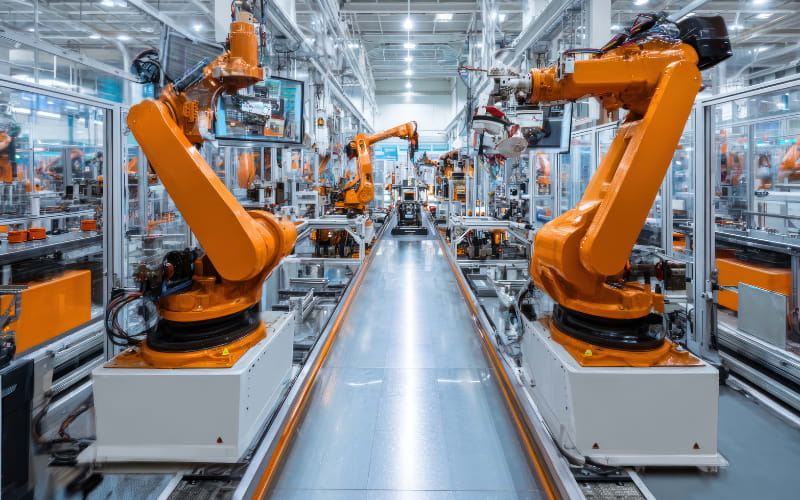
In manufacturing, scanner integration tracks every part across the production line. Each scan updates the ERP or MES system, giving full visibility for quality control. Rugged Tera Android PDAs stay dependable under dust, heat, or vibration.
Field Service — Mobile Scanning Anywhere
In field service, technicians use portable scanners to log assets and work orders right on-site. Data uploads automatically to the main system through REST or cloud sync. Tera Android devices make scanning and reporting possible even in remote areas.
Scanner integration strengthens operations across all industries by keeping data accurate and connected. Next, let’s look at the future trends shaping barcode scanning and system integration.
What Makes a Good Scanner Integration Solution
A good scanner integration solution does more than connect hardware and software—it keeps data fast, secure, and scalable. The best systems balance four key elements: performance, security, ease of use, and flexibility to grow.
Performance — Fast and Reliable Data Flow
Strong performance means quick scanning, smooth data transfer, and steady operation even with poor lighting or weak networks. Devices such as Tera P166GC Android PDA scanners combine high-speed scan engines with stable SDK integration for consistent results during long shifts.
Security — Protecting Every Scan
A secure system encrypts data in transit and limits access by user role. With REST API encryption and MDM control on Tera Android PDA devices, sensitive information—whether from a warehouse, clinic, or retail floor—stays protected from end to end.
Ease of Use — Simple Setup, Smooth Operation
Integration should be easy for anyone to handle. Plug-and-play setup and clear interfaces reduce training time, while barcode data flows directly into POS or ERP systems. The Tera P400 Android PDA includes built-in SDK tools for quick configuration and one-touch scanning.
Scalability — Ready to Grow with Your Business
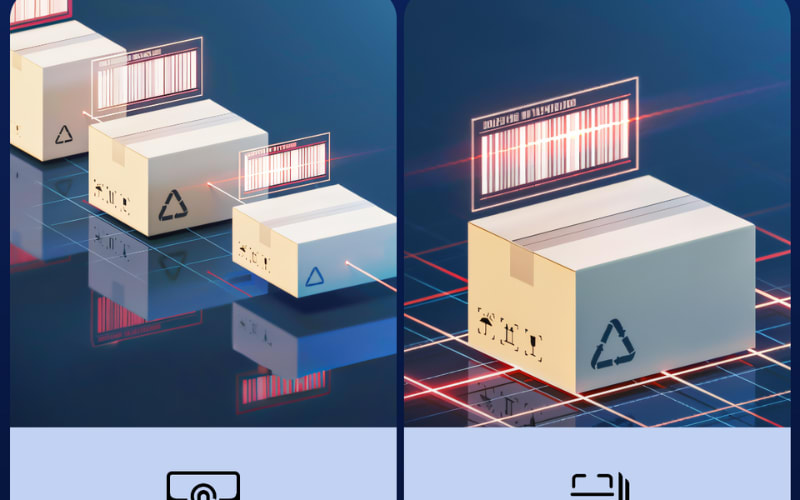
A scalable solution connects seamlessly with cloud, REST, or local systems. From pilot use to large-scale rollouts, the Tera P166GC Android PDA supports both SDK and REST integration for flexible system development, while the Tera 8100 series handheld scanners connect via HID or serial interfaces for plug-and-play operation—making expansion simple, stable, and reliable.
The best scanner integration combines speed, safety, and simplicity in one system. With Tera P166GC, P400, and 8100 series, your team gets a dependable foundation ready for whatever comes next.
Why Choose Dedicated Hardware for Scanner Integration Instead of a Phone
Phones can scan barcodes in simple cases, but they fall short when speed, accuracy, and durability matter. Dedicated scanning devices are built for nonstop use, longer shifts, and full system integration—essential for retail, logistics, or healthcare environments.
Phones rely on cameras meant for casual use. They drain batteries quickly, slow down in poor lighting, and struggle with damaged codes. In contrast, Android PDAs and handheld scanners are purpose-built for industrial tasks, combining strong decoding engines, durable designs, and deeper software integration.
Comparison Overview
Feature |
Phone |
Android PDA (e.g., Tera P166GC / P400) |
Handheld Scanner (e.g., Tera 8100 Series) |
Performance |
Slower, camera-based |
Fast decode, built-in engine |
Highest speed, laser precision |
Durability |
Fragile, not drop-proof |
Rugged, IP-rated |
Industrial-grade, shock-resistant |
Battery Life |
Short, drains fast |
Long, hot-swappable |
Extended use, replaceable packs |
Integration |
Limited SDK support |
Full SDK + REST API |
Works with POS, ERP, WMS |
Ease of Use |
Small screen |
Large display + keypad |
Ergonomic grip, trigger scan |
Best Fit |
Light retail or testing |
Retail, logistics, healthcare |
Warehouse, manufacturing, field service |
Dedicated Android PDAs, such as the Tera P166GC and P400, run Android OS with SDK and REST API support. They offer fast decoding, strong wireless performance, and full integration with POS or ERP systems—all in one handheld unit.
Handheld scanners, like the Tera 8100 series, focus on pure speed and endurance. With industrial-grade scan engines and IP65-rated housings, they deliver consistent performance in warehouses and other demanding settings.
What Are the Future Trends in Scanner Integration
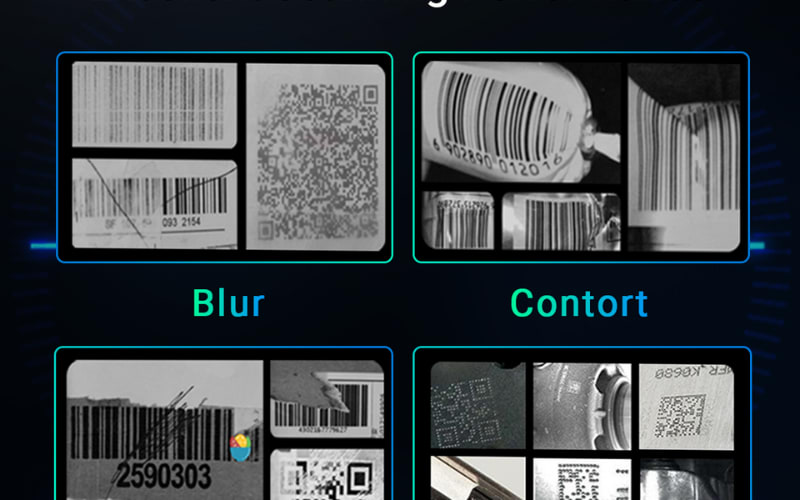
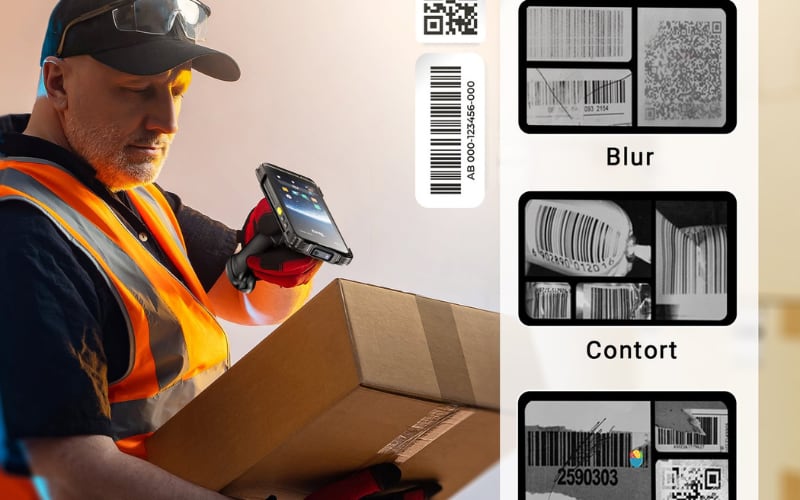
Scanner integration is becoming faster, smarter, and easier to connect. AI now helps scanners read damaged or multiple barcodes at once, cutting scan time and errors. Cloud connections let devices sync data in real time through SaaS systems, keeping every team updated. Edge computing brings local processing to scanners, reducing network delays and allowing work to continue offline. No-code tools also make setup simpler, letting users link scanners to apps without writing code. Together, these changes point to a future where scanning is quicker, more intelligent, and seamlessly connected across every industry.
How to Start Your Scanner Integration Project Today
Starting your scanner integration project doesn’t have to be difficult. With a clear plan and the right tools, you can connect your scanners and systems step by step, starting today.
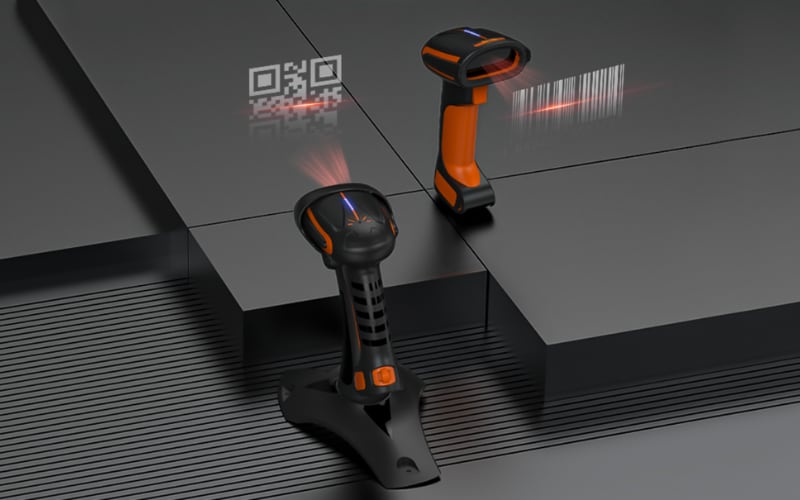
Begin by choosing the right device for your daily workload. Phones work for small jobs, but Android PDAs or handheld scanners handle full integration and heavy scanning. Next, test your setup with a small pilot to make sure data flows smoothly and scans stay accurate. Then, connect your system using SDK or REST API tools that match your software. Finally, go live once your team feels confident with speed and stability.
Always start small. A short pilot helps you measure scan time, data accuracy, and user feedback before expanding across all sites. This approach keeps the process simple, low-risk, and easy to scale.
Ready to take the next step? Explore how Tera Android PDA scanners can simplify your integration process and keep your data flow steady from day one.



