

Still typing long item codes by hand every day?
Manual data capture is slow, boring and easy to mess up, especially in busy warehouses, stores and delivery hubs. Automatic identification and data capture (AIDC) changes this by letting devices read labels and send clean data into your systems in seconds.
In this guide, you’ll see what AIDC is, how a full system works, the main tools such as barcode scanners, Android barcode scanner devices and mobile computers, where AIDC helps most, how to start a project step by step, what risks to watch, and how to think about ROI — with practical examples from Tera’s hardware for real-world operations.
What Is Automatic Identification and Data Capture (AIDC) in Simple Words?
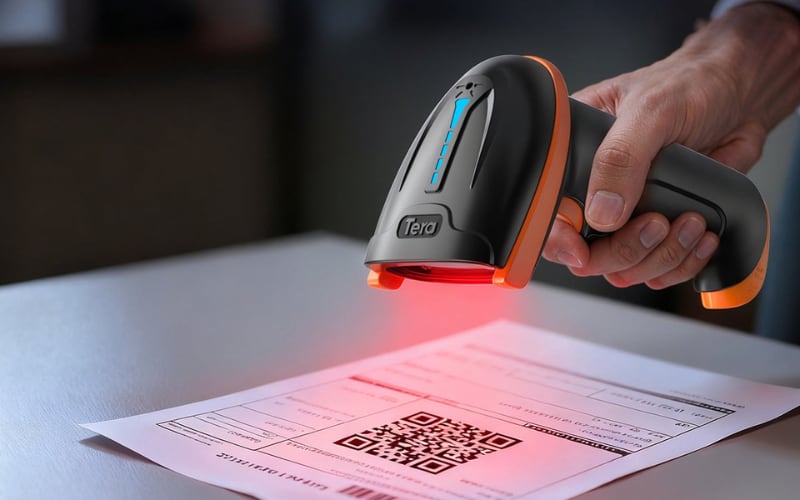
Automatic identification and data capture (AIDC) is the use of tools like barcodes and RFID to identify items and send their data into a computer automatically, without typing.
In simple words, AIDC lets a device “see” an item, read its code and write the data into your system by itself.
- The “automatic identification” part means the item has a machine-readable label, such as a barcode, QR code or RFID tag.
- The “data capture” part means the scanner or reader sends this information straight into software like your POS, WMS or ERP.
You already use AIDC in daily life:
- A cashier scans a product and the price appears on the screen
- A driver scans a parcel and the tracking page updates in real time
AIDC matters because it reduces manual typing, cuts errors and speeds up work when you handle many items in a warehouse, store or delivery operation.
Now that you know what AIDC is in simple words, the next step is to see how a full AIDC system works step by step in real operations.
How Does an AIDC System Work Step by Step?
An AIDC system works by putting a machine-readable label on each item, reading that label with a device and sending the data into your software automatically. You can think of it as a simple loop that runs many times each day.
Step 1: Add a label to the item. Each product, box or pallet gets a barcode, QR code or RFID tag. This label holds the key data, such as item ID, lot number or location.
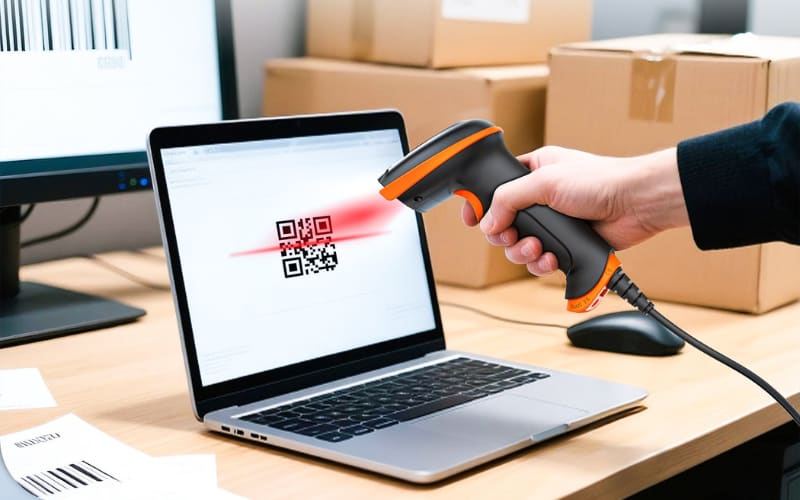
Step 2: Use a device to read the label. A worker uses a barcode scanner, Android barcode scanner or mobile computer to scan the label. The device captures the data in a second.
Step 3: Send the data to your system. The captured data goes into your WMS, ERP or other business system over Wi-Fi, cellular or a dock connection. There is no manual typing.
Step 4: The system updates records and triggers actions. Inventory counts, order status or shipping steps update right away. The system can also start checks, alerts or reports based on the new data.
In a normal workday, this cycle repeats many times. A worker scans a box, the system updates inventory, and your team sees the new stock level at once. This is how an AIDC system turns real-world moves into clear, trusted digital data.
Now you have seen how a simple AIDC loop runs from label to system update. But which technologies actually do this work in the real world?
Next, let’s look at the main AIDC technologies, such as barcodes, RFID, OCR and biometrics, so you can see which ones fit your own use cases.
What Are the Main AIDC Technologies Used Today?
AIDC uses several technologies that help a device identify an item and collect its data quickly and accurately. Each one works in a different way, and each one fits a different type of job.
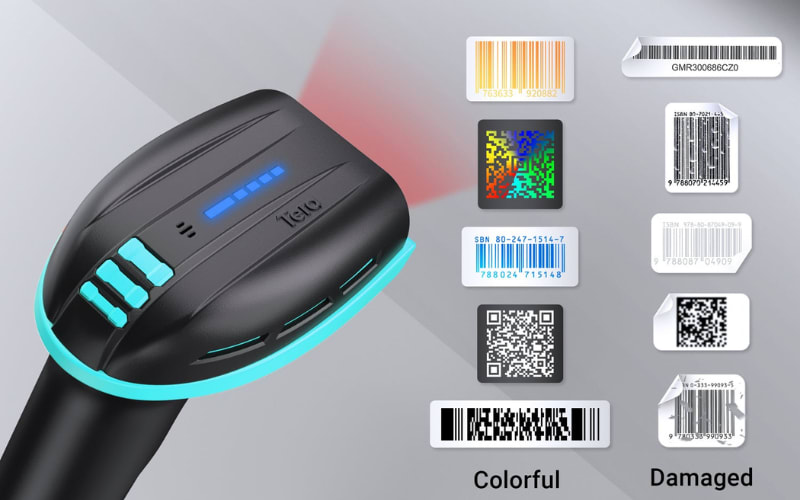
Barcode and 2D barcode. A barcode or QR code stores simple data in printed lines or shapes. A worker scans it with a barcode scanner, an Android barcode scanner or a mobile computer, and the system reads the item in a second. Barcodes are common in retail, warehousing and shipping.
RFID. RFID uses radio signals to identify items without touching them. The reader picks up the tag even when the item is inside a box or on a moving pallet. It is useful when you need speed or long-distance reads. In many setups, RFID is used together with barcodes, and some modern handhelds combine both technologies in a single device so workers can switch between labels and tags with one trigger.
OCR and ICR. OCR reads printed text, and ICR reads handwritten text. These tools help turn labels, forms or receipts into digital data that your system can use right away.
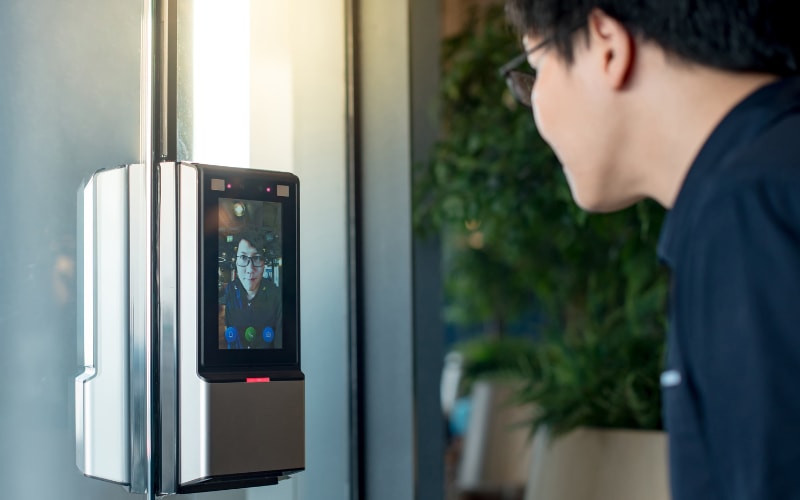
Biometrics. Biometric tools use fingerprints, face scans or other physical features to confirm a person’s identity. They are common in secure access control and time-tracking systems.
Smart cards and magnetic stripe cards. These cards store data that a reader can pick up with a simple swipe or tap. Many ID systems, payment tools and building access points use them.
Together, these technologies make AIDC fast and reliable. They also show a clear gap between manual data entry and automated data capture, which we will look at next.
How Is AIDC Different From Manual Data Capture?
AIDC is different from manual data capture because devices read the data automatically, instead of people typing it by hand. This simple change affects speed, accuracy and the daily workload for your team.
Aspect |
Manual Data Capture |
AIDC (Automated Data Capture) |
Speed |
People type or write each value one by one. |
Devices scan labels and send data in seconds. |
Accuracy |
Typing errors and skipped items are common over time. |
Scans are consistent and mistakes are much less frequent. |
Workload & Focus |
Staff spend time on data entry and checks. |
Staff can focus more on checking goods and solving issues. |
With manual data capture, a worker often needs to read a label, type a long code and then check if it is correct. This takes time and becomes harder when many items move each hour. Fatigue can also increase errors.
With AIDC, the device reads the barcode, RFID tag or other label in one simple action. The data goes straight into your system, and the worker can move to the next task. This does not remove all mistakes, but it can keep the data more stable and easier to trust.
Think of a worker in a warehouse. Typing every product code into a spreadsheet is slow and stressful. Scanning the code with a mobile computer or Android barcode scanner is faster and easier to repeat all day.

Because of these gaps between typing and automatic reading, many teams start to compare different AIDC technologies, such as barcodes and RFID, to see which one fits their work best. That is what we will look at next.
RFID vs Barcode for AIDC: Which Is Better for Your Data Capture Needs?
RFID and barcodes are both key AIDC technologies, but they work in different ways and fit different types of jobs. Barcodes are simple and low cost, while RFID can read many items fast without a direct line of sight.
Aspect |
Barcode |
RFID |
Reading Method |
Scanner must see the code on the label. |
Reader can pick up tags without direct sight. |
Speed and Range |
Reads items one by one at close range. |
Can read many tags at once from a longer distance. |
Cost and Use Cases |
Low cost labels, good for most daily tasks. |
Higher tag cost, better for high-value or fast flow. |
With barcodes, you print a low cost label and scan it with a barcode scanner or mobile computer. The device needs to see the code clearly, so workers often bring the item close. This is a good fit for retail, basic warehousing and shipping where you handle items one by one.
With RFID, each item or pallet has a tag that talks to the reader using radio waves. The reader can pick up many tags at once, even if they are in a box or on a moving conveyor. This helps when you need fast counts, high visibility or tracking of higher value assets.
In many real-world operations, teams use both technologies together. Barcodes remain ideal for everyday product labeling, while UHF RFID is added where very fast, non line-of-sight reads create extra value—for example on pallets, roll cages or high-value assets. In these mixed workflows, it is often easier for workers to carry one hybrid device instead of separate barcode scanners and RFID readers.
For instance, in a warehouse that uses barcode labels on cartons and UHF RFID tags on pallets, staff can walk the aisles with a single handheld and move between both tasks. A device such as the Tera HW0016 Wireless UHF RFID Barcode Scanner with Cradle combines a global-shutter 1D/2D barcode engine with an integrated UHF RFID reader, so workers can scan printed labels at arm’s length and capture nearby RFID tags with the same trigger. This keeps the workflow simple for frontline staff while still giving your operation the extra speed and visibility that RFID provides where it matters most.

Because barcodes are still the most common AIDC tool in many industries, the next step is to see how AIDC is used in real operations, from warehouses to retail stores and logistics hubs.
How Is AIDC Used Across Different Industries?
AIDC is used in many industries to track items, cut mistakes and speed up daily work. The tools change, but the idea is the same: let devices collect the data so people can focus on the job.
Automatic identification and data capture (AIDC) helps businesses reduce errors, speed up operations and gain real-time visibility. Below are some common ways different industries use AIDC in their daily work.
Warehousing and logistics. In warehouses, workers use barcode scanners, Android barcode scanners and mobile computers to scan pallets, boxes and shelves. AIDC helps with receiving, put-away, picking and shipping, so stock counts stay up to date and orders leave on time.
Retail. In stores, cashiers scan barcodes at checkout, and staff scan items during stock counts or price checks. AIDC keeps prices, promotions and inventory more accurate, so you are less likely to sell out or sell at the wrong price.
Manufacturing. On the line, AIDC tracks parts, work-in-progress and finished goods. Workers scan labels as items move through each step. This makes it easier to trace quality problems and know exactly where each batch is in the process.
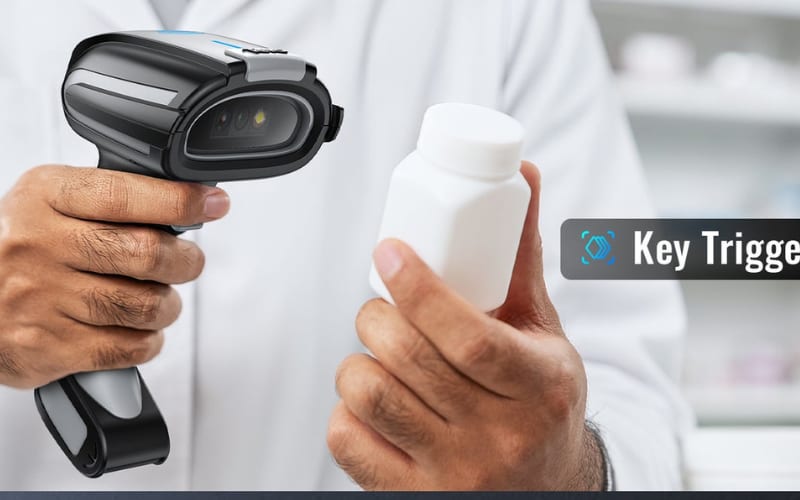
Healthcare. Hospitals use AIDC to scan patient wristbands, medicine barcodes and lab samples. This helps match the right patient, drug and dose, and lowers the risk of mix-ups.
Field service and delivery. Drivers and technicians scan packages, spare parts and assets on the road. Mobile computers let them capture proof of delivery and update job status in real time.
What Devices Do You Need for AIDC?
After looking at typical AIDC use cases, the next question is which devices you actually need to make these processes work.
Most AIDC systems rely on a few core devices: barcode scanners, mobile computers, label printers and RFID readers. Each one helps you mark items, read them and send clean data into your systems.
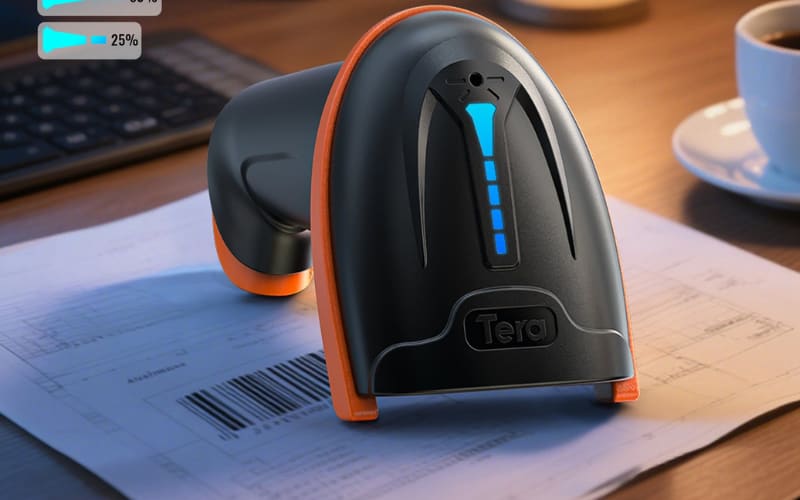
A barcode scanner reads 1D and 2D codes on labels or products. It is a simple handheld tool that sends item data to a PC, tablet or POS. Scanners work well at checkout, packing stations or receiving docks. For tougher jobs, such as tiny codes or direct-part-marked metal surfaces, a high-performance model like the Tera 8100DPM Pro can help workers read difficult labels with more stability.
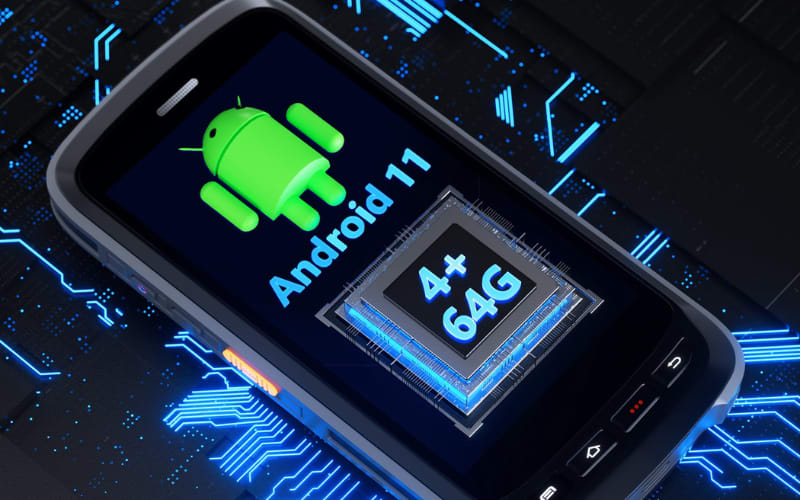
A mobile computer is a small computer with a built-in scanner. Many modern units run on Android, which makes them easy to learn and able to run WMS or ERP apps. Workers can scan, follow tasks on the screen and stay connected to Wi-Fi or cellular while they walk around the warehouse or store. For example, Android mobile computers such as the Tera P166GC or P172 combine long battery life, rugged design and fast scanning to support all-day mobile AIDC work.
Label printers.
A label printer creates the barcodes, QR codes or RFID labels you place on items, shelves or pallets. Without clear, consistent labels, even the best scanner cannot capture clean data.
RFID readers.
An RFID reader communicates with RFID tags using radio waves. It can read many tagged items at once and does not need line of sight. This makes it useful for high-speed gates, asset tracking or areas where labels are hard to see.
Knowing these device types is only the first step. Next, you need to learn how to choose and roll out an AIDC solution that truly fits your own workflows.
How Do You Implement an AIDC Solution in Your Business?
You implement AIDC by starting from your process, choosing one clear use case, then picking the right labels, devices and software, and rolling it out in small steps. It is a project, not just buying scanners.
1. Map your current process and pain points. Look at how work happens today. Where do people write things by hand or type the same data again and again? Where do you see delays, lost items or data errors? These are your best first targets for AIDC.
2. Pick one or two priority use cases. Do not try to change everything at once. Choose one small but important area, for example:
- Receiving and labeling goods in the warehouse
- Picking orders for shipping
- Store inventory counts
- Tracking work in progress on the line
A clear, focused use case makes AIDC easier to design and measure.
3. Choose the data carrier and technology. Decide how you will mark items:
- In most cases, start with barcodes or QR codes because they are simple and low cost.
- Consider RFID only if you need very fast, non line of sight scanning for many items at once.
This choice affects your labels and your devices.
4. Select devices that fit the workflow. Think about where and how people will scan:
- Use handheld barcode scanners for fixed spots such as checkout or packing benches.
- Use mobile computers or Android barcode scanners when workers walk, drive or move between areas and need both scanning and on-screen tasks.
Check durability, battery life, wireless range and how easy the device is to hold and use.
5. Plan software and system integration. AIDC only helps if the data flows into your systems. Decide how scans will update your WMS, ERP, POS or other tools. This can be through an app, an API, or simple file uploads, depending on your IT setup.
6. Run a pilot, train people and adjust. Start with a small team or a single area. Train workers on how to scan, what to do if a label fails, and how to report problems. Watch the results, then adjust label design, device settings and workflow steps.
When the pilot runs smoothly and users are comfortable, you can extend the same AIDC approach to more sites, more products and more processes in your business.
What Challenges Do Companies Face When Using AIDC?
Even with a good plan, most companies still face some common challenges when they start using AIDC in real operations.
1. Poor label quality
Impact: Slow scans, missed reads, frustrated users
Fix:
- Standardize label size, contrast and placement
- Test labels with your scanners before rollout
- Use scanners with high error-tolerance for damaged or low-contrast codes
(e.g., Tera 8100DPM Pro reads curved, dirty or direct-part-marked codes with ease)
2. Weak Wi-Fi or unstable connections
Impact: Slow sync, lost scans, inconsistent real-time data
Fix:
- Perform a full site Wi-Fi survey
- Improve access point placement or capacity
- Choose devices with strong wireless performance and offline buffering
(e.g., Tera P166GC, supporting Wi-Fi 6 for high-density warehouses)
3. Wrong device for the workflow
Impact: Slow adoption, higher fatigue, more device damage
Fix:
- Let real users test sample devices
- Check weight, grip, battery life and scan distance
- Pick rugged devices proven in industrial environments
(e.g., Tera P172 with long battery life and reinforced housing for all-day mobile scanning)
4. Difficult integration with existing systems
Impact: Data islands, double entry, delayed updates
Fix:
- Define required fields and workflows before integration
- Use standard APIs or middleware
- Select devices that support flexible development and common system interfaces
(Tera Android mobile computers support mainstream APIs for WMS/ERP/POS integration)
5. Low user adoption
Impact: Workers skip scanning → data becomes unreliable
Fix:
- Explain the benefits (less typing, fewer errors, faster work)
- Train for real tasks, not technical features
- Use devices with a familiar smartphone-like experience
(e.g., Tera Android mobile computers, easier for new staff to learn)
6. RFID performance issues
Impact: Short read range, interference near metal or liquids
Fix:
- Run small on-site pilots with real products
- Adjust antenna position, power and tag placement
- Use hybrid barcode + RFID where needed
When you prepare for these challenges in advance—and choose devices tested for real-world use like those from Tera—your AIDC project is far more likely to deliver the accuracy, speed and visibility you expect.
How Do You Measure the ROI of AIDC?
Once AIDC is running, leaders usually want to know one thing: is this investment really paying off in time and money saved?
AIDC ROI is easy to estimate when you focus on three things: time saved, fewer errors and better inventory accuracy.

1. Where ROI Comes From
- Faster scans: Typing takes 5–10 seconds; scanning takes about 1 second. Fast engines in devices like Tera Android mobile computers increase this gain.
- Fewer errors: Manual entry mistakes cause rework and returns. High-accuracy scanners like the Tera 8100DPM Pro reduce bad reads.
- Real-time visibility: Better data reduces stockouts and excess inventory. Stable wireless devices (e.g., Tera P166GC with Wi-Fi 6) help keep updates consistent.
2. A Simple ROI Example
Daily scans: 2,000
Manual entry: 6s → Scan: 1s
Time saved: 5s × 2,000 = 10,000s = 2.8 hours/day
If labor cost is $20/hour:
2.8 × 20 = $56/day → $14,000/year
Error reduction:
100 errors/year → $50 each → $5,000
If AIDC cuts errors by 50% → $2,500 saved
Total yearly benefit ≈ $16,500
3. Quick ROI Checklist
- Count daily scans
- Measure manual vs scan time
- Calculate hourly labor cost
- Estimate error rate & cost per error
Reliable devices like Tera scanners and mobile computers help make these savings consistent.
What Is an Example of Automatic Identification and Data Capture?
A simple example of AIDC is scanning a product barcode at the checkout. The scanner reads the code, sends it to the system and the price appears on the screen without anyone typing.
Is Barcode Scanning Enough, or Do I Also Need RFID in My AIDC System?
For most businesses, barcode scanning is enough; RFID is only needed in special cases. RFID makes sense when you must read many items at once or cannot see the label, such as sealed boxes or fast conveyor lines.
Can I Use a Normal Android Phone as a Barcode Scanner for Data Capture?
Yes, you can use a normal Android phone for light barcode scanning, but it is not ideal for heavy daily use. Phone cameras scan more slowly and phones break more easily, so busy warehouses and factories usually choose rugged Android mobile computers instead.
What Is the Difference Between Auto-ID and AIDC?
Auto-ID is automatic identification only; AIDC is automatic identification plus data capture into your systems. Auto-ID focuses on “who or what is this,” while AIDC also makes sure the data is recorded in the right place automatically.
Do Small Businesses Really Need AIDC, or Is It Only for Big Companies?
Small businesses can also benefit from AIDC, especially when errors and manual work start to grow. You can begin with a simple barcode scanner and basic software, then add more devices and features as your business expands.
Final Thoughts on AIDC and Modern Data Capture
AIDC helps you capture data faster, with fewer errors and clearer real-time visibility. In most projects, the key front-end tools are barcode scanners and mobile computers, especially Android barcode scanner devices that feel like a phone but are built for work.
If you are thinking about AIDC, start simple: pick one workflow, choose barcode labels, and test a small set of devices. As you grow, you can look at rugged Tera barcode scanners and Android mobile computers that support all-day scanning, strong wireless and easy app use, and decide which mix fits your warehouse, store or factory best.



