

Is your barcode scanner truly safe? Many workers worry about eye strain, fake codes, or data risks every time they scan. In fact, surveys and industry guidance show workers commonly have questions about scanner safety and workflow risks, especially around lasers, QR code phishing, and device configuration.
This guide gives you clear answers. You will learn if barcode scanners are safe to use every day, whether lasers harm eyes, what happens with fake or dangerous barcodes, and how Android barcode scanners and mobile computers perform in hospitals and warehouses. We also compare laser vs. imaging scanners and share the best ways to keep scanning safe in 2025. Whether you run retail, logistics, or healthcare, this article shows how the right tools—like Tera’s rugged handheld scanners and Android devices—keep scanning both safe and efficient.
Can Barcode Scanners Damage Your Eyes With Laser Light?
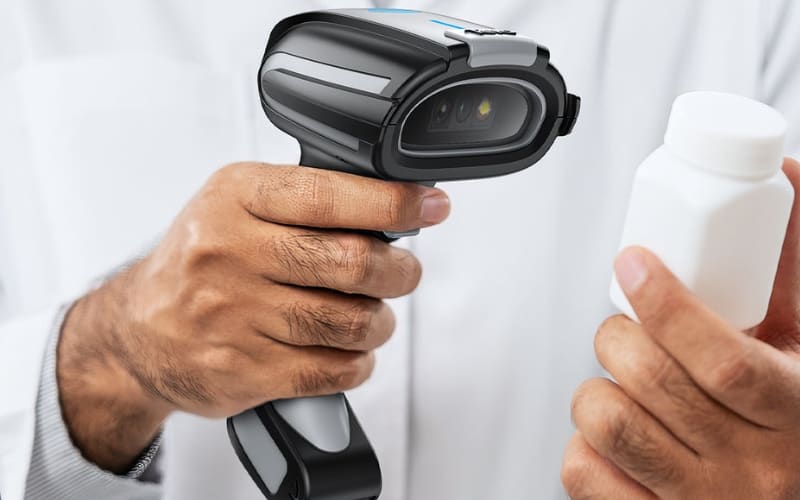
No, normal barcode scanners will not damage your eyes when used correctly. Many handheld laser scanners use Class 2 visible lasers (safe under normal use due to the blink reflex), and many others are imagers that use LED illumination with no laser at all.
Still, it is not recommended to stare directly into any laser beam for long periods. The same caution applies to flashlights and even the sun. The key point is that when barcode scanners are used for their normal purpose—scanning labels, barcodes, or QR codes—they are considered safe for both workers and customers.
Barcode scanners are safe for everyday use. However, many people still ask another question: can the red laser hurt your eyes?
What Happens If I Scan A Fake Or Dangerous Barcode?
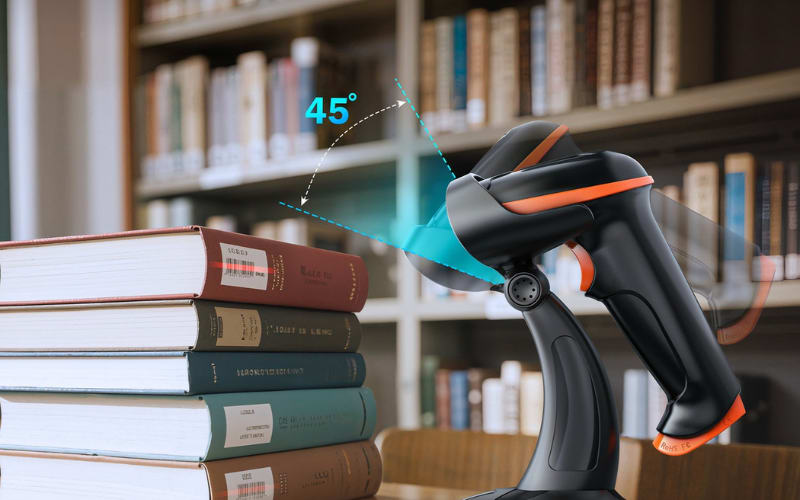
Scanning a fake barcode will not break the scanner, but it can expose you to other risks. The danger comes from what the code tells your device to do.
Some fake barcodes, especially QR codes, redirect you to phishing websites. These sites may look like a real payment page or login screen. If you enter personal details there, your data could be stolen. Others may push a link that tries to download unwanted apps onto your phone.
In business settings, the risk is different. Certain barcodes can be crafted to inject keystrokes when a scanner is in keyboard-wedge (USB HID) mode; mitigations include disabling wedge where not needed and sanitizing input on the host. This is less common, but it shows that the risk is not only for mobile users.
Modern devices, including Android barcode scanners and mobile computers used in warehouses or hospitals, often have extra controls. These include app whitelists, link previews, or network filters to block suspicious activity. Handheld models such as the Tera 8100 also support configuration that limits how data is entered, lowering the chance of unexpected input.
Simple ways to reduce risk
- Check the source of the barcode before you scan.
- Use scanners or apps with link preview or safety filters.
- In enterprise use, turn off keyboard wedge mode unless it is needed.
Fake barcodes can mislead users or trick devices. But beyond simple scams, could a scanner itself become a target of cyber attacks?
Can Barcode Scanners Be Hacked By Cyber Attacks?
Yes, barcode scanners can be part of a cyber attack, but the risks differ by device type.
Handheld scanners act much like a keyboard when they run in what is called keyboard wedge mode. In this setup, a barcode can be written to type out keystrokes on the host computer. A malicious code could then enter harmful commands. Devices such as the Tera 8100 or D5100 support this mode, and while it is useful for quick data entry, IT teams often disable it when security is a concern.
Android barcode scanners and mobile computers face a different set of risks. Models like the Tera P166GC and P400 connect to WiFi, run apps, and store data. This gives them powerful features for warehouses, retail, and healthcare. At the same time, it makes them closer to smartphones in terms of security. Malware, unsafe apps, or unencrypted transfers can become real threats if the devices are not managed properly.
In both cases, the scanner itself is not “broken” or unsafe. The real issue is how it is configured and managed. Regular updates, secure network settings, and device management tools help reduce these risks. For most users, following basic IT security practice is enough to keep barcode scanners safe from cyber attacks.
Managing device risks is part of keeping scanners safe. But what about the apps people use on their Android phones—are those barcode scanner apps safe to trust?
Is It Safe To Use A Barcode Scanner App On Android Phones?
Yes, many barcode scanner apps are safe, but not all of them. The real difference lies in where the app comes from and what it asks for on your phone.
Some free apps ask for too many permissions. A simple scanner should not need access to your contacts or your microphone. When an app collects more data than it needs, your privacy may be at risk. Many free versions also show heavy advertising. This can slow your phone and sometimes open links that you do not want.
Apps from trusted sources, like the Google Play Store, are generally safer. Well-known security brands add features such as link previews and fraud detection, which help block suspicious websites. Keeping the app updated also reduces problems, because fixes are released when issues are found.
In business use, the approach is different. Android barcode scanners and mobile computers, such as the Tera P166GC or P400, are often managed with device control systems. This means only approved apps are installed, networks are secured, and updates are pushed by the IT team. For a warehouse or hospital, this gives more control than a personal phone app.
The key point is balance. For personal use, choose a simple app from a trusted store and check its permissions. For business use, rely on managed Android scanners instead of random downloads. That way, scanning stays safe and efficient.
Apps on personal phones show why safety matters. In hospitals, the stakes are even higher when barcode scanners are used for medication administration.
How Safe Is Barcode Medication Administration In Hospitals?
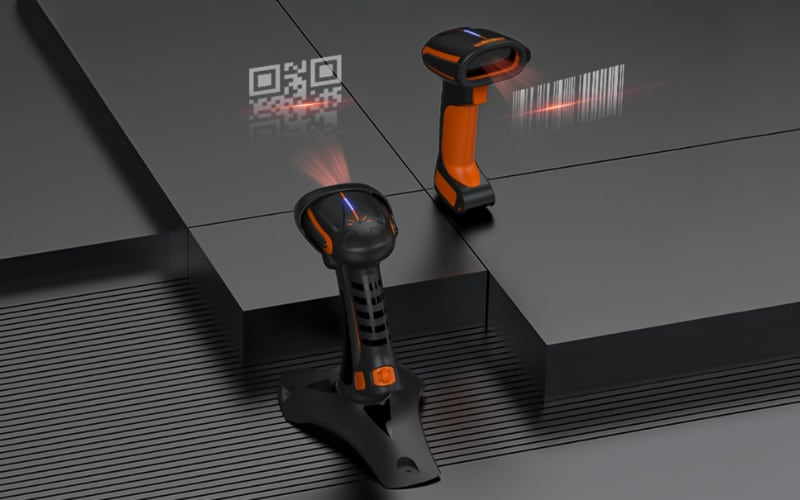
BCMA is safe when the workflow, devices, and training are done right. In most hospitals, the nurse scans three things at the bedside: the patient wristband, the medication barcode, and the nurse ID. The system checks the EHR for the right patient, drug, dose, route, and time. If something does not match, the screen warns the nurse before the dose is given.
Why does this help? The scan links the dose to the patient record in real time. It removes guesswork from look-alike, sound-alike drugs. Most bedside scanners use an imaging engine, so there is no laser beam. The camera reads labels on vials, syringes, IV bags, and even curved surfaces.
Safety still depends on details. A smudged label can fail. A slow network can delay the check. If staff bypass prompts or enter data later, the benefits drop. Good BCMA programs watch for these weak spots and fix them with coaching and system updates.
Hospitals also manage the hardware. Android barcode scanners and mobile computers are set up with only approved apps, secure Wi-Fi, and device encryption. For example, Wi-Fi 6 can improve capacity and latency in busy wards, which helps maintain reliable EHR checks when the network is properly designed and managed, while a rugged, easy-to-clean device helps with daily disinfection. Models like the Tera P166GC and P400 fit this use when managed by IT, but the key is policy, not brand.
Privacy matters. Staff should scan in the charting app, not in consumer apps, to meet rules such as HIPAA. Devices need locks, timeouts, and audit logs. After each shift, teams wipe down surfaces using hospital-approved methods so labels stay readable and equipment stays safe.
BCMA has been shown in multiple studies to reduce medication administration errors, though impact varies by implementation and workflow (workarounds can reduce benefits).
Medication safety shows how scanning protects patients in hospitals. In warehouses, the focus shifts to worker safety and the tools used on the floor.
Why Do Warehouses Need Barcode Scanner Safety Gear?
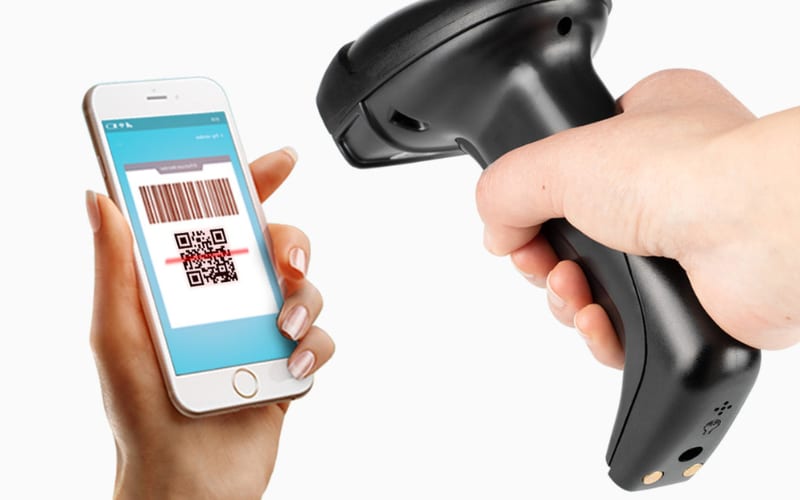
Warehouses need scanner safety gear because devices are heavy, used often, and can fall. A dropped scanner is not only a lost tool. It can hit a worker’s foot, damage the floor, or stop the work line.
Think about a picker on a ladder scanning boxes. The scanner hangs from a belt or rests in a hand. One slip, and the device may fall six feet or more. The cost is more than repair. It is the time lost and the risk of injury.
That is why many teams use tethers, holsters, and protective covers. A tether, such as the Ergodyne Squids line, clips the scanner to a belt. If it slips, it swings back safely. Silicone sleeves and shock-resistant cases absorb impact when the device is placed on hard surfaces. Simple grips reduce hand fatigue on long shifts.
Industrial scanners like the Tera 8100 or the lighter D5100 are built to handle drops and dust. The 8100 has an IP66 rating and keeps working after hard knocks. The D5100 adds a silicone shield for everyday bumps. Yet even with rugged models, gear is still part of a full safety plan. It protects workers and avoids small accidents that add up over time.
The lesson is clear. In warehouses, safety gear is not an extra. It is part of how companies protect people, devices, and productivity on the floor.
Safety gear helps in warehouses, but the type of scanner itself also matters. Many people still ask: is a laser scanner safer than an imaging model?
Which Barcode Scanner Is Safer: Laser Or Imaging?
Both laser and imaging scanners are safe when used as intended. The real difference is not in safety but in how each type works and where it fits best.
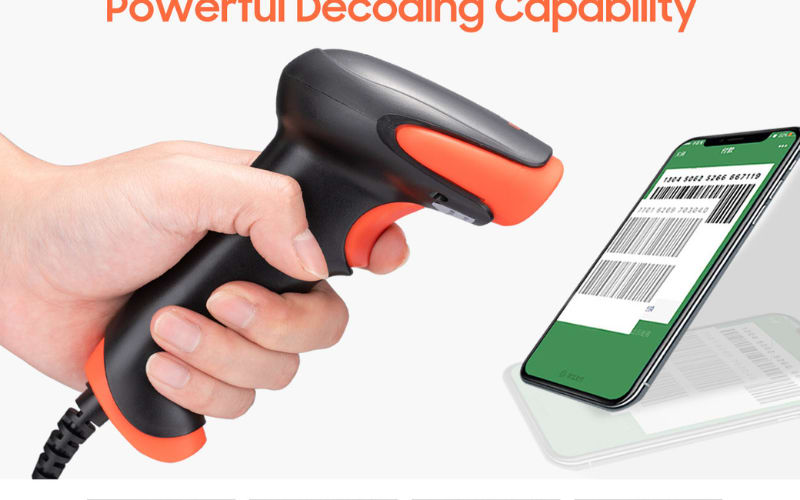
Laser scanners shine a beam of light across a code and detect the reflection. They are fast with 1D barcodes such as UPC or Code 39. In low light, the visible beam also makes aiming simple. Some users worry about the red light, but most handheld units, including industrial models like the Tera 8100, use Class 1 laser power. This class is regulated and considered safe in daily work. These scanners often show up at retail checkouts and warehouse lines where speed on simple barcodes matters.
Imaging scanners use a small camera with LEDs to capture the code. They can read 2D symbols, phone screens, or labels that are curved, scratched, or poorly printed. Since they do not use a laser beam, there is no light concern for the eyes. Android barcode scanners and mobile computers such as the Tera P166GC or P400 rely on this design to support diverse jobs in hospitals, logistics, and smart warehouses.
The choice is not about which is “safer,” but which is “better for the job.” Laser scanners excel at quick 1D tasks. Imaging scanners handle more code types and complex surfaces. In both cases, the safety standards are clear, and workers can trust these devices when they are used as directed.
Choosing between laser and imaging scanners is only part of the story. To keep scanning safe in 2025, the real focus is on how people use and manage these devices every day.
What Are The Best Ways To Keep Barcode Scanning Safe In 2025?
Keeping barcode scanning safe is about habits, not only hardware. A scanner may be built to meet standards, but safety depends on how it is chosen, set up, and used every day.
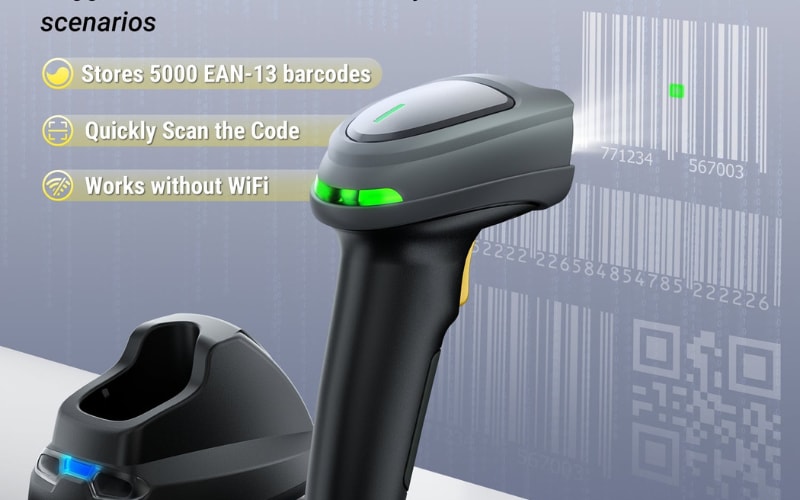
At the device level, look for models that are tested to current standards and built for the environment. In warehouses, scanners with drop resistance, dust seals, and long battery life reduce accidents and downtime. Industrial units such as the Tera 8100 or D5100 show how rugged design supports safe daily use. In hospitals or retail, Android mobile computers like the P166GC and P400 use imaging engines (no laser beam), eliminating laser-exposure considerations.
Safety also lives in the software and systems. Devices should run only approved apps, connect to secure Wi-Fi, and use encryption for data transfers. Firmware updates are essential, because they fix issues before they become risks. A scanner with Wi-Fi 6 support, when managed by IT, can keep real-time records stable in busy environments.
Finally, people and processes matter as much as machines. Workers need short, clear training on how to scan without bypassing alerts. Regular cleaning keeps labels readable and devices hygienic, which is vital in healthcare. Periodic safety checks by supervisors help catch small problems early, before they grow into hazards.
In practice, safe scanning in 2025 means three things: choose rugged and reliable devices, secure the software and networks, and train the people who use them. Done together, these steps keep scanning not only efficient but also safe for everyone.
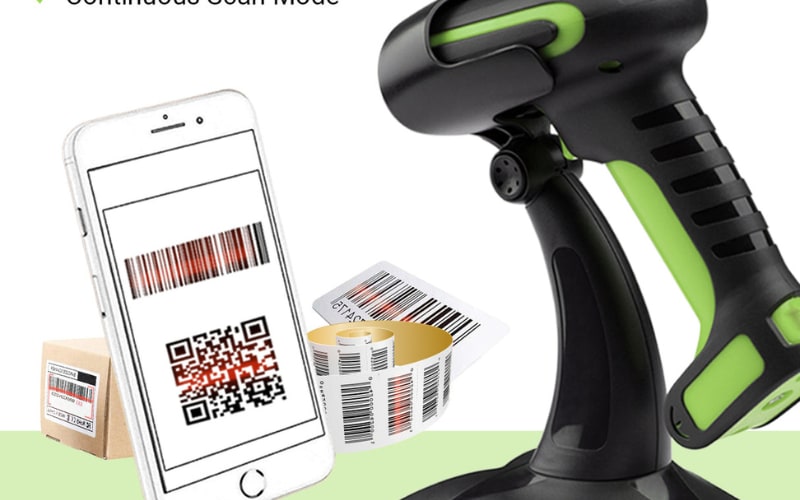
Keeping Barcode Scanning Safe With The Right Tools
Safety in barcode scanning is never just about the light or the code. It is about the devices you choose, the systems you set up, and the people who use them each day. This article showed how scanners are safe for eyes, how fake codes can be a risk, and how hospitals and warehouses depend on the right process.
Tera builds tools for these settings. Our range includes rugged handheld barcode scanners for industrial floors and Android mobile computers for healthcare, retail, and logistics. Each is designed with safety, durability, and compatibility in mind. That means drop resistance where it is needed, imaging engines for sensitive spaces, and secure system options for enterprise teams.
If barcode scanner safety matters to your business, now is the time to act. Explore how the right devices can reduce risks and improve daily work. Contact the Tera team to learn more, or start with a product guide that shows which scanner fits your environment best.



